Why speed matters
People leave slow pages quickly. Search engines like Google also prefer fast sites. You do not need to be an expert to make a difference.
The 12 tips
- Test your site first. Use a free speed testing tool such as GTmetrix or Google PageSpeed Insights. Write down your score so you can compare later.
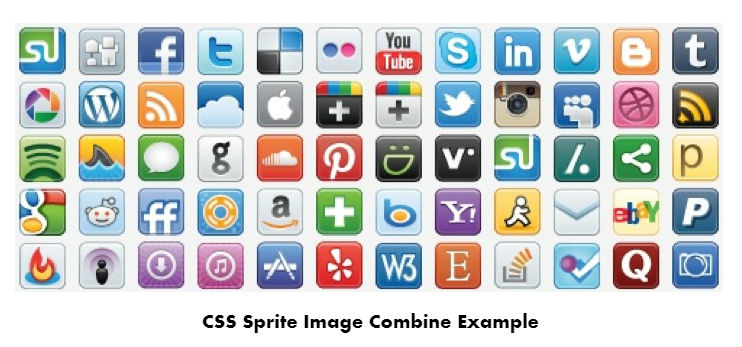
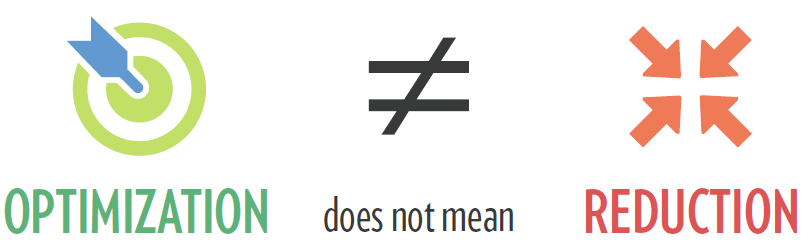
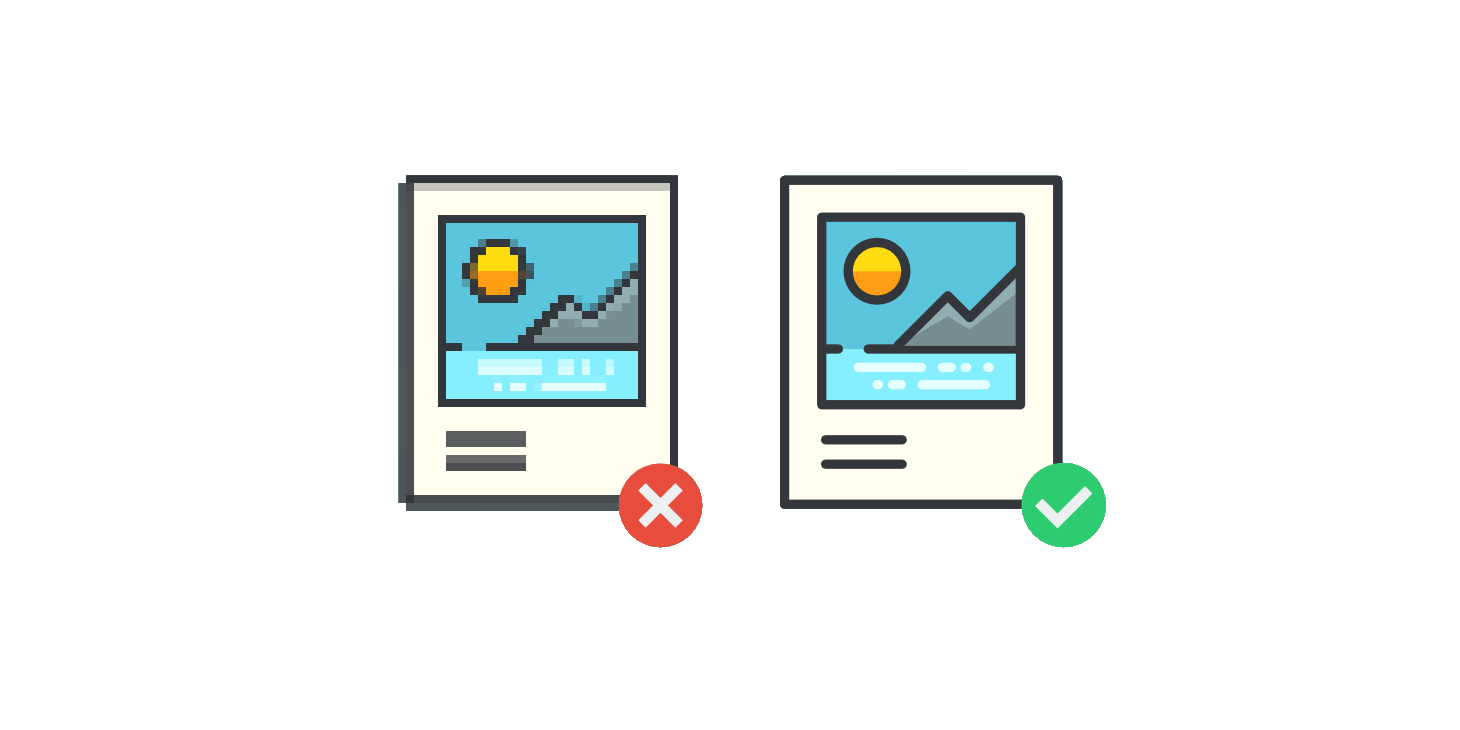
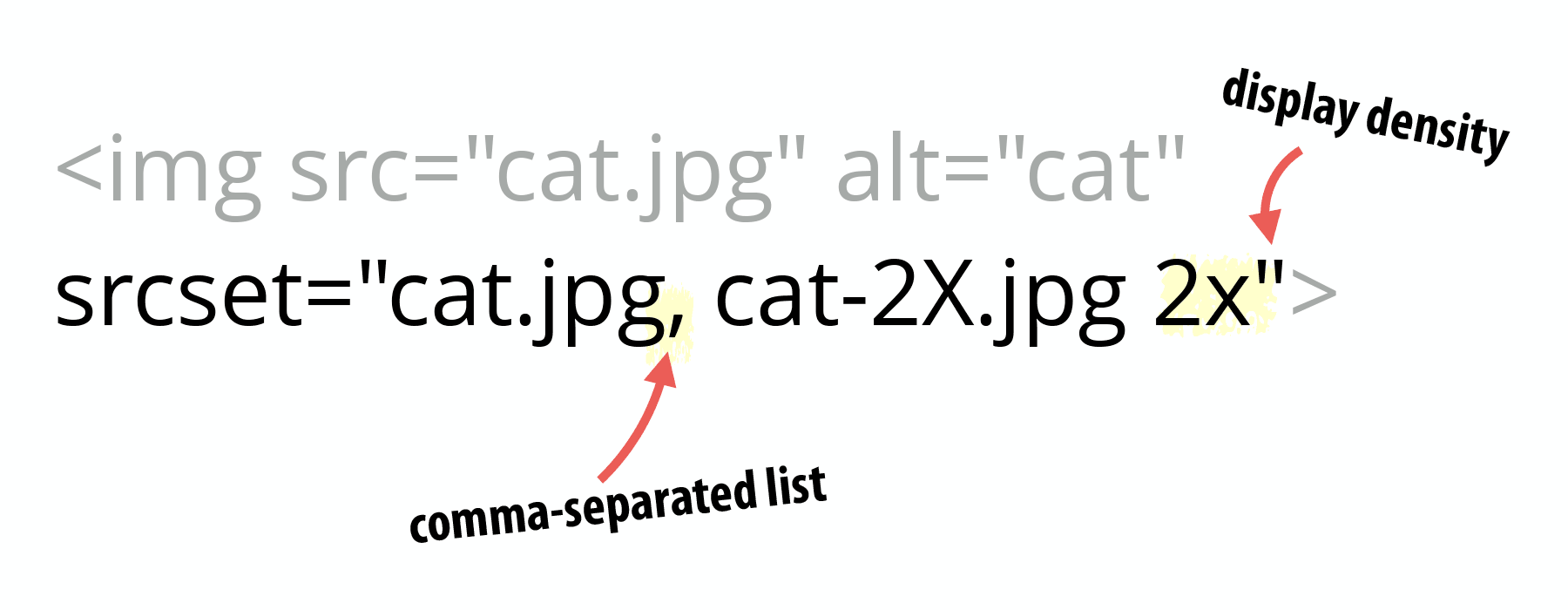
- Make images smaller. Big photos are the top reason for slow pages. Resize them to the size you really show. Use a free image compressor.
- Use modern image formats. A format like WebP makes files smaller than JPEG at similar quality.
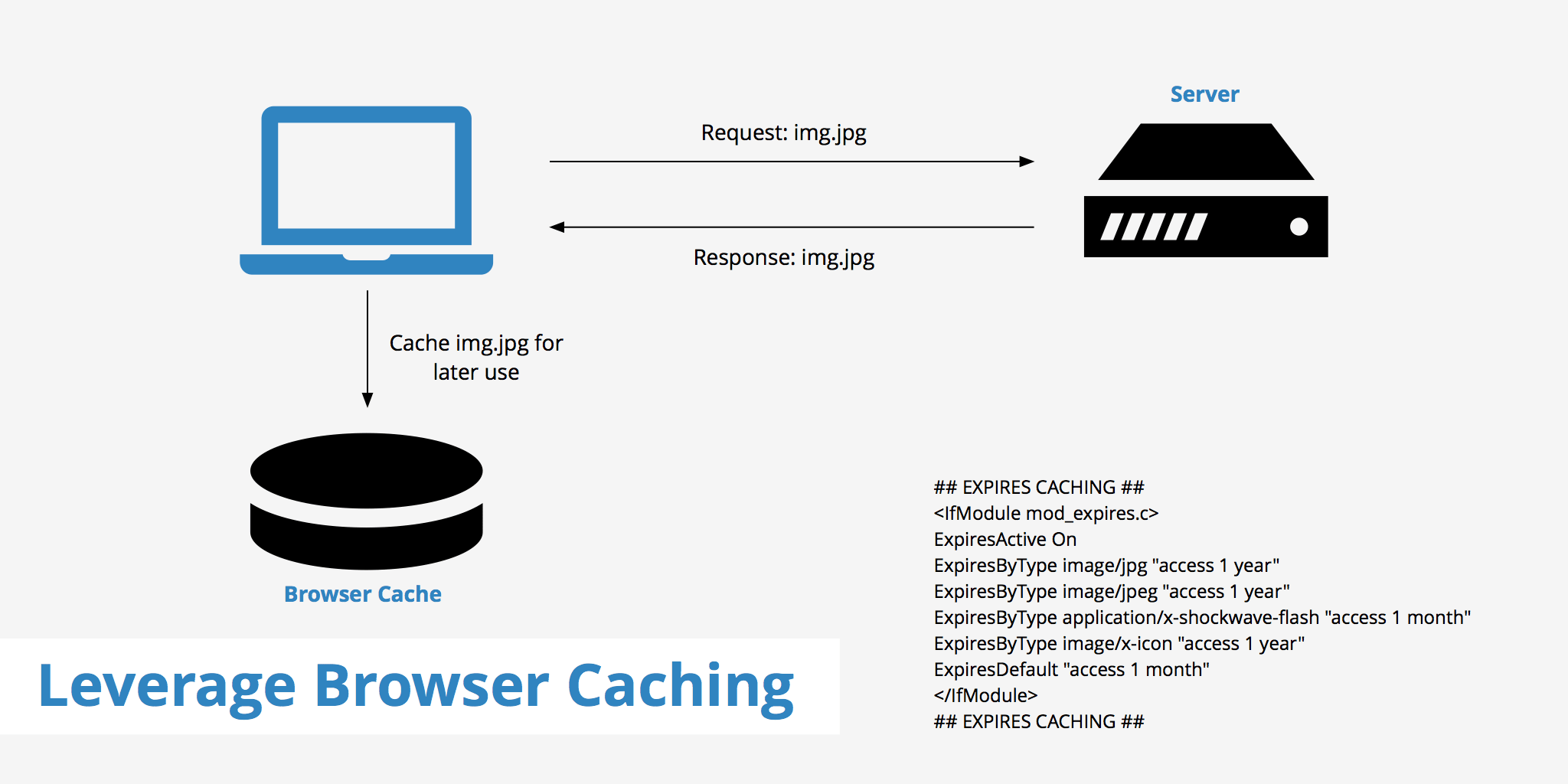
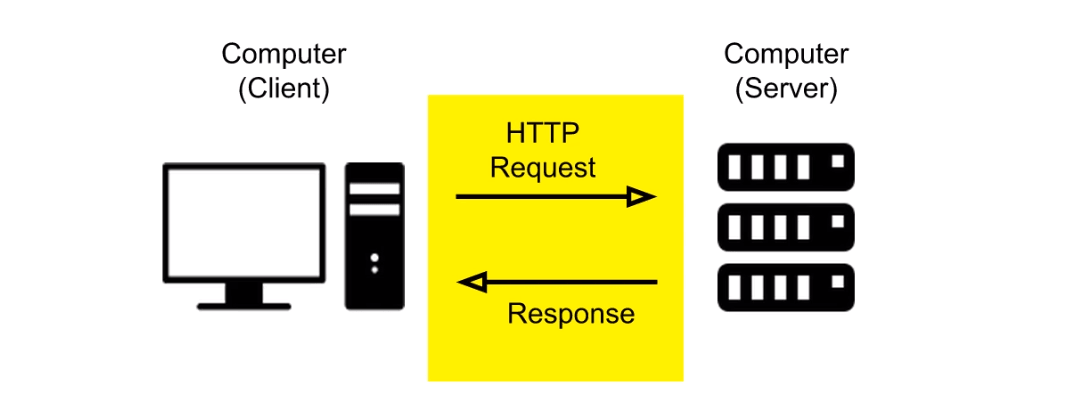
- Turn on caching. A cache is a saved copy of your page. The server does not need to rebuild it for each visitor. Many apps have a caching plugin.

- Turn on compression. Gzip squeezes files before sending them, like packing a suitcase tightly. Ask support if you are unsure how to enable it.
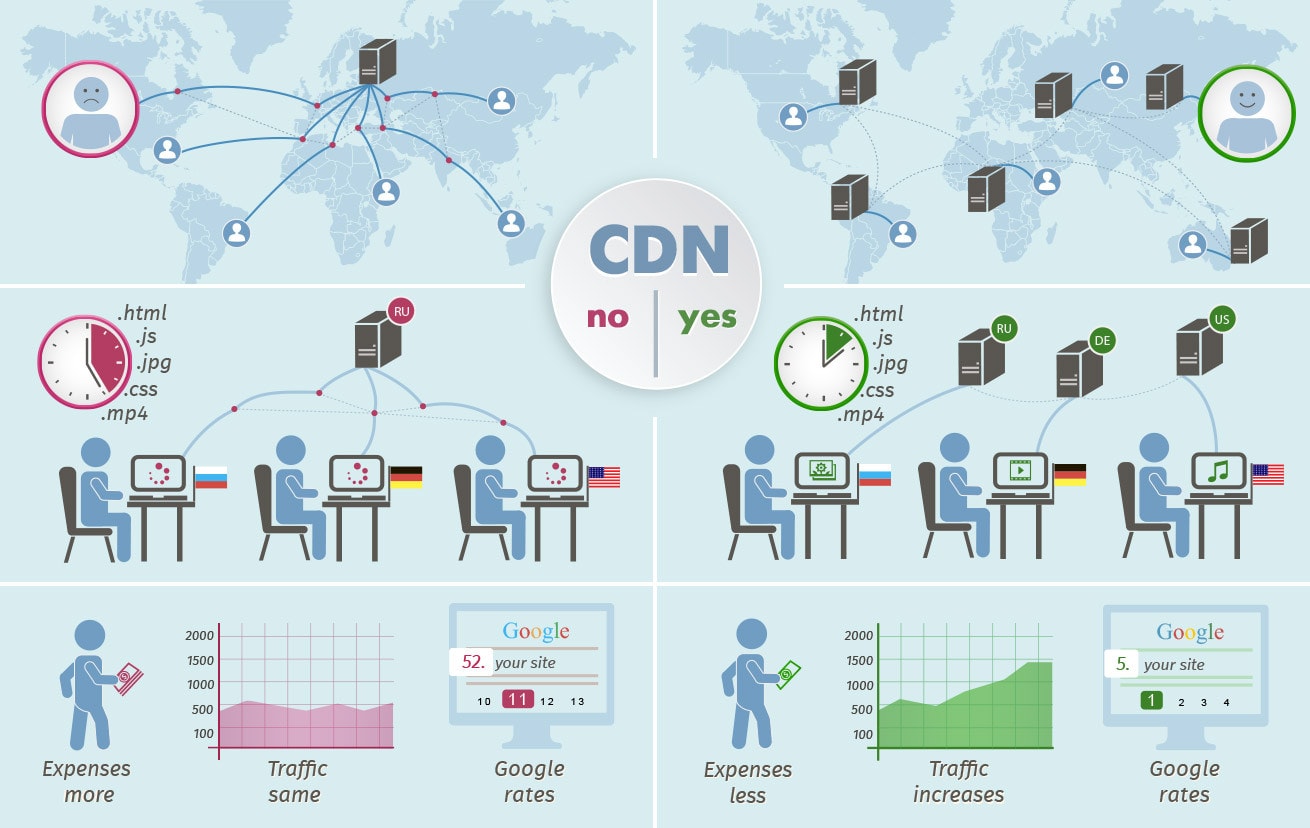
- Use a CDN. A CDN is a group of servers around the world. Visitors get files from the one nearest to them. Cloudflare is one popular choice. Ask Hostvento support whether it is available for your plan.
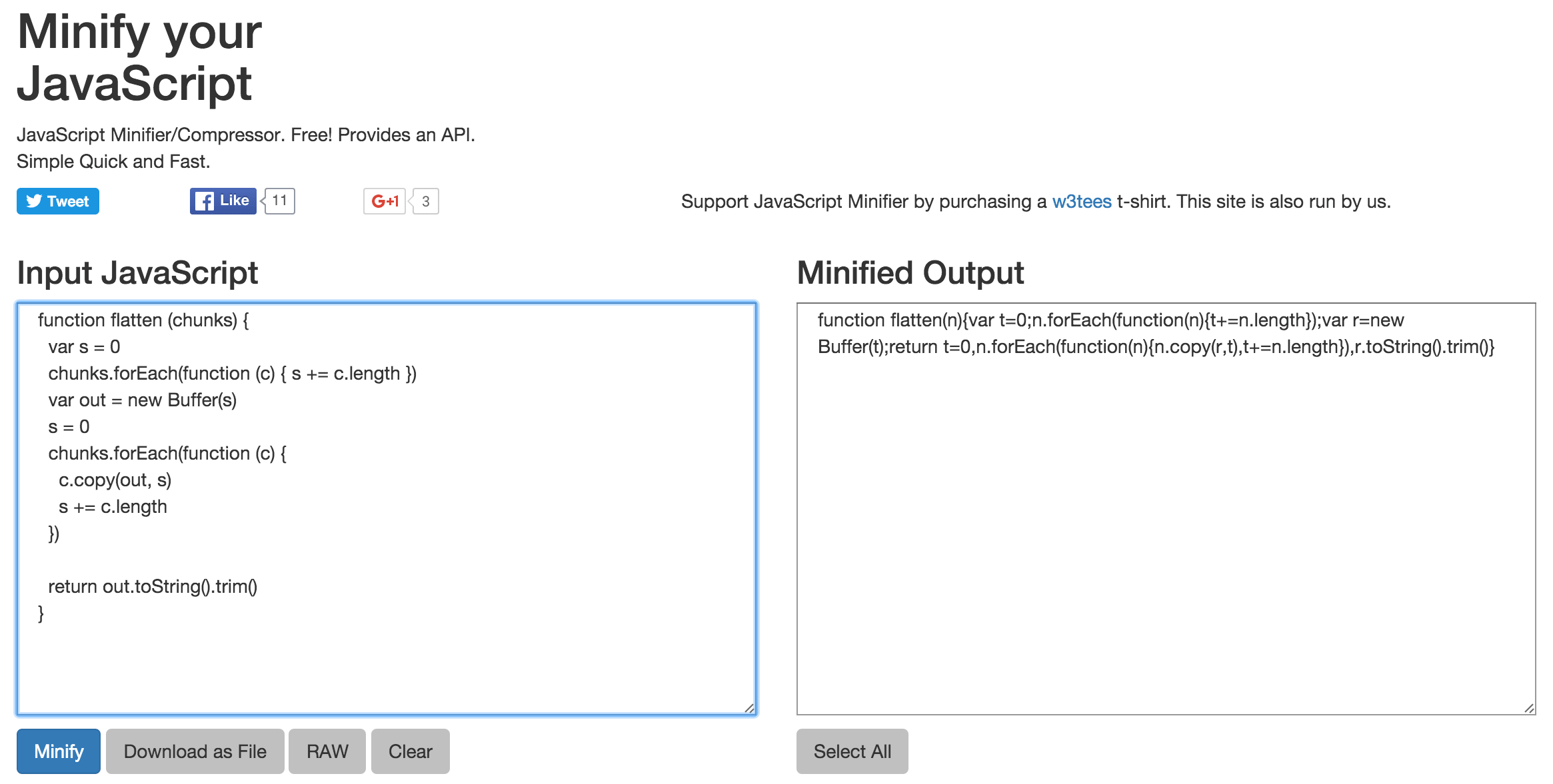
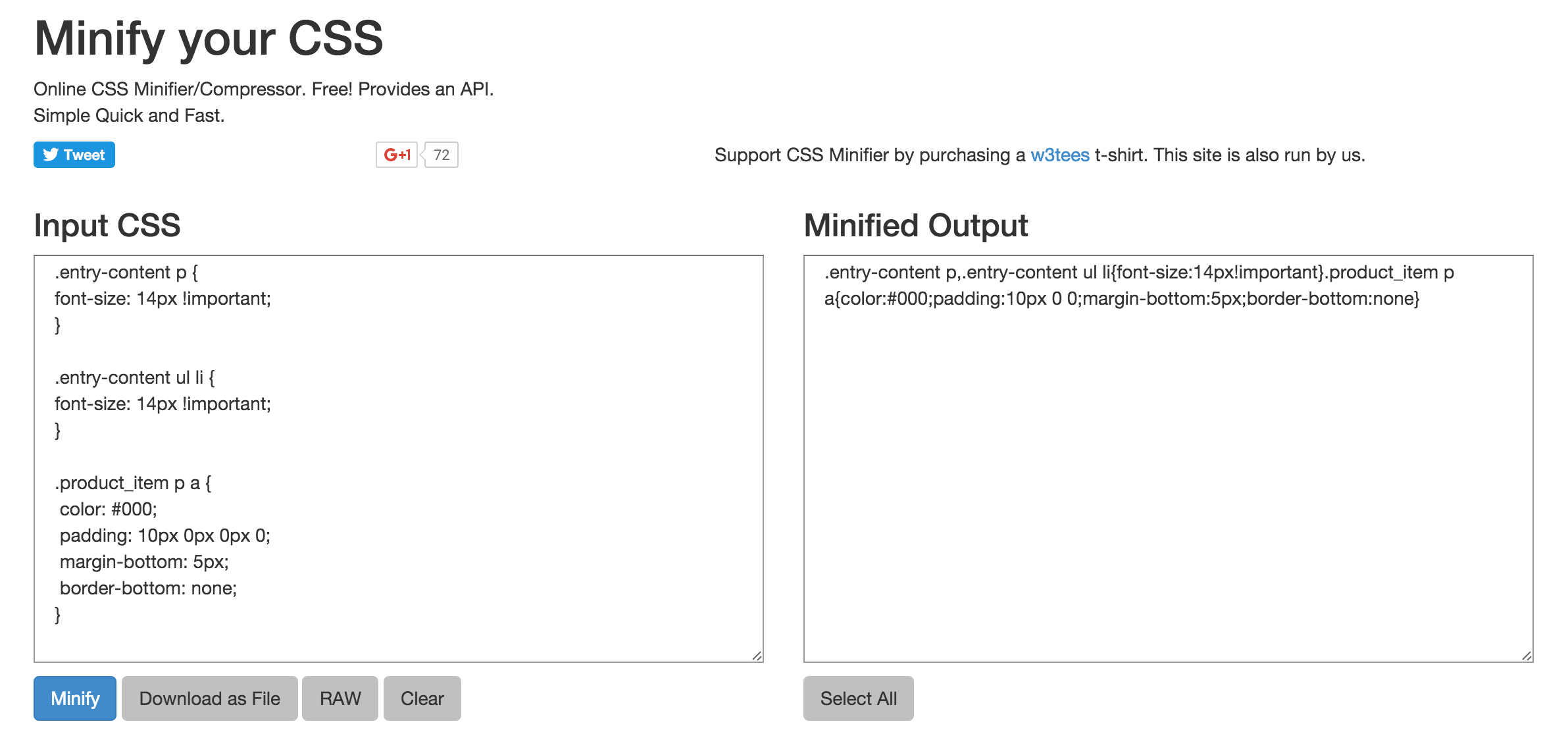
- Minify your code. Minifying removes spaces and comments from CSS and JavaScript files. The files get smaller but work the same.
- Use fewer plugins. Each plugin adds work. Delete the ones you do not use.
- Keep software updated. Update your CMS (the tool you use to manage your site), themes and plugins. Updates often fix speed problems. Take a backup first.
- Pick a light theme. A simple theme loads faster than a heavy one full of effects.
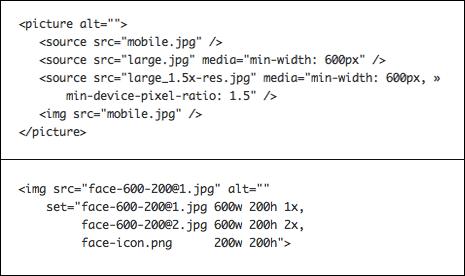
- Lazy load images. This loads pictures only when the visitor scrolls to them. Many themes and plugins offer this setting.
- Use a recent PHP version. PHP is the language many sites run on. Newer versions are faster. You can usually change it from your hosting control panel. Check that your site supports the new version first.
Tip: Change one thing at a time. Test again after each change. That way you know what helped and what broke.
Check your results
- Run the same speed test again.
- Compare the new score with the one you wrote down.
- Repeat the steps that gave the biggest gains.
If your site is still slow, your hosting plan may be too small for your traffic. You can open a support ticket and ask for advice.
Quick recap
- Test your speed before and after changes.
- Shrink images and use caching and compression.
- Remove unused plugins and keep software updated.
- Consider a CDN and a newer PHP version.
- Back up your site before big changes.