

What ps aux does
ps shows a snapshot of running processes. The letters mean:
- a shows processes of all users, not only yours.
- u shows detailed information, including the owner.
- x includes processes without a controlling terminal, such as services.
ps aux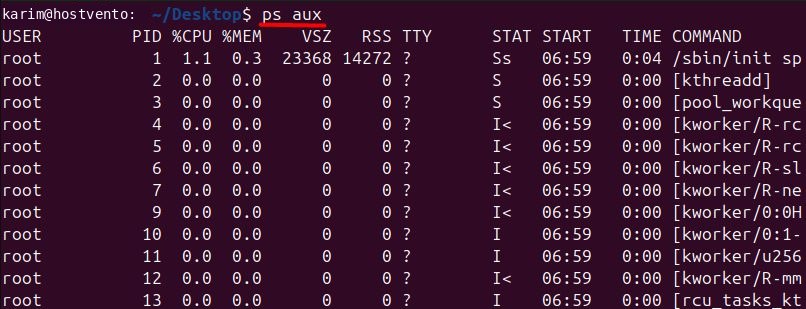
The columns
- USER is the owner of the process.
- PID is the process ID.
- %CPU is the share of CPU the process uses.
- %MEM is the share of RAM it uses.
- VSZ is the virtual memory size in KB.
- RSS is the physical memory it uses in KB.
- TTY is the terminal.
?means there is none. - STAT is the state:
Rrunning,Ssleeping,Dwaiting for disk,Zzombie (defunct),Tstopped. Extra letters likes(session leader),l(multi-threaded) or+(foreground) follow it. - START is when it started.
- TIME is the CPU time used.
- COMMAND is the command that started it.
Useful variations
Show a process tree:
ps auxf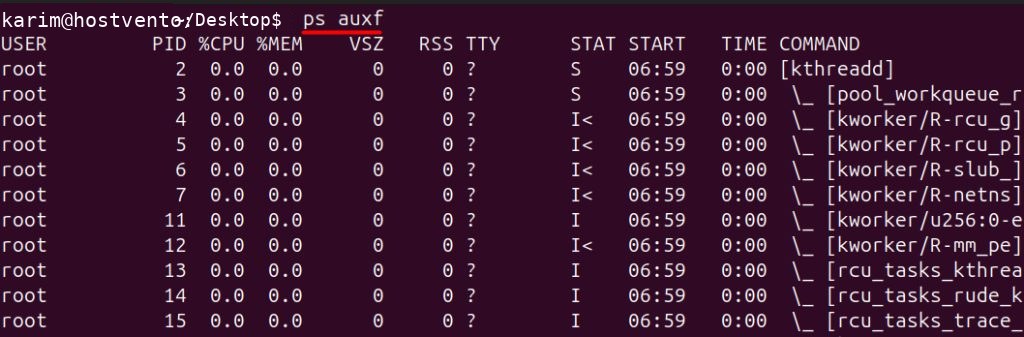
Show the processes of one user:
ps -u username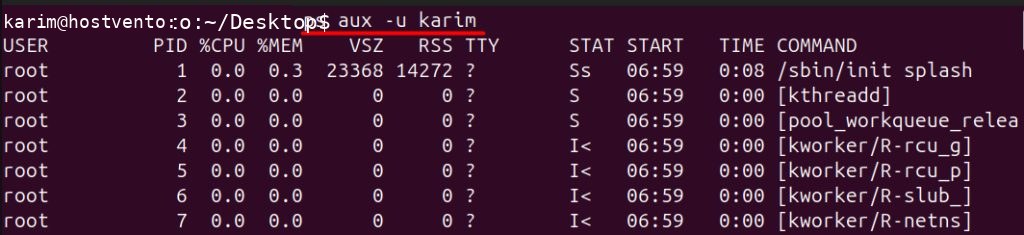
Show one process by ID:
ps -p 2600 -o pid,user,%cpu,%mem,cmd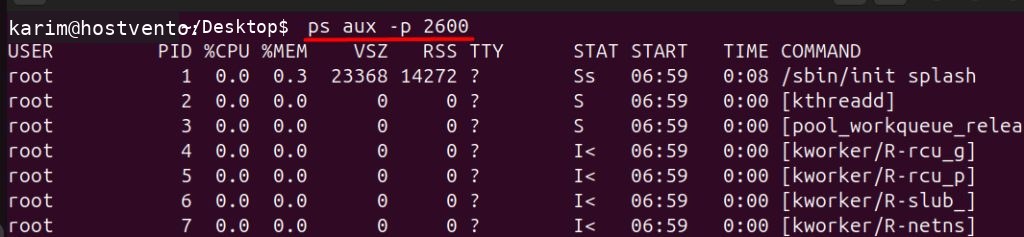
Sort by CPU use (lowest to highest, add a - for highest first):
ps aux --sort=-%cpu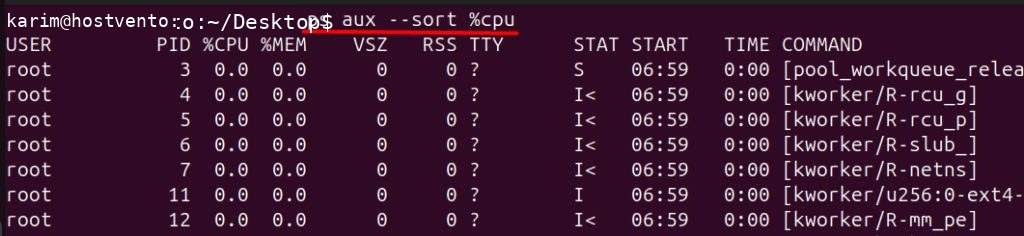
Choose your own columns:
ps -eo pid,user,%cpu,cmd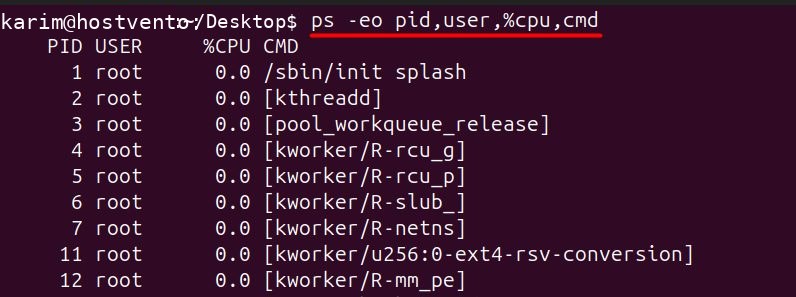
Show the top 5 CPU users:
ps aux --sort=-%cpu | head -n 6
(The first line is the header.)
Find zombie processes:
ps aux | grep defunct
Find a process by name or PID:
ps aux | grep 2600
Tips
- The command
grepalso finds itself. Usepgrep nameorps aux | grep [n]ginxto avoid that line. topandhtopshow the same data live.- To stop a process, use
kill PID.
Quick recap
ps auxlists all processes.- Use
--sort,-uand-pto narrow the list.