

What are Apache and a virtual host?
Apache is a program that shows websites to visitors. When someone types your address, Apache sends back the page.
A virtual host is a settings file. It lets one server host many websites. Each website gets its own folder and its own settings.
Steps
- Log in to your server with SSH. SSH lets you type commands on a remote computer.
- Update the package list.
apt update - Install Apache.
apt install -y apache2 - Check that Apache is running.
You should see the word "active".systemctl status apache2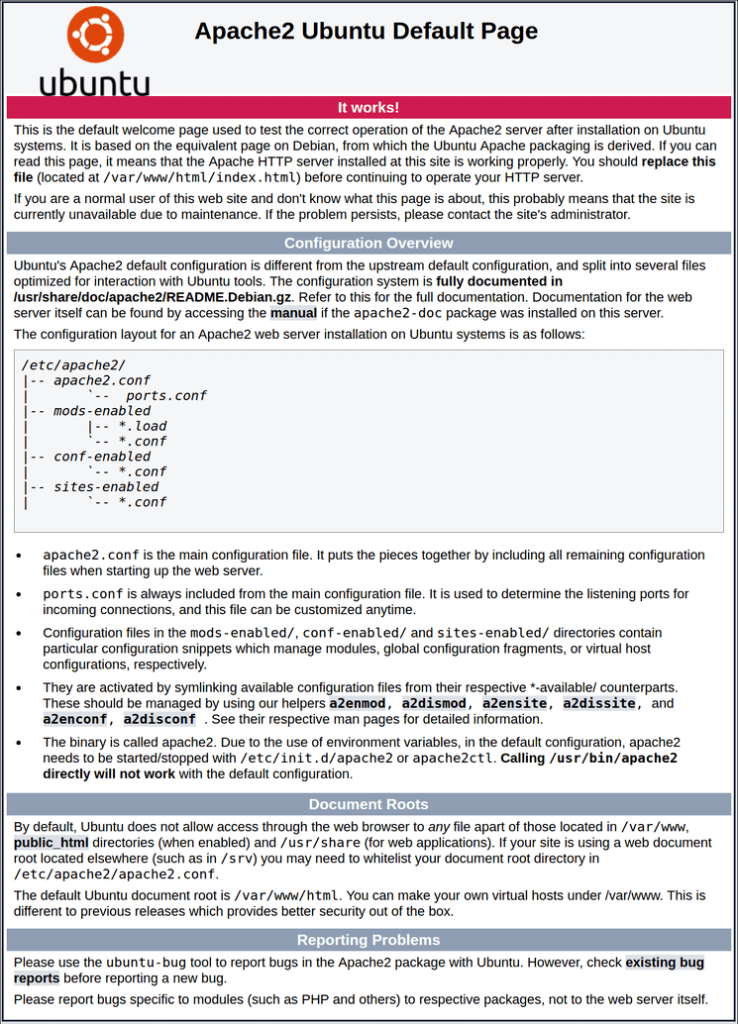
- Make a folder for your site. Replace
example.comwith your own domain name.mkdir -p /var/www/example.com/public_html - Create a test page.
This writes a small web page into the new folder.echo "<h1>It works!</h1>" > /var/www/example.com/public_html/index.html - Create the virtual host file.
nano /etc/apache2/sites-available/example.com.conf - Paste this text into the file. Then save and close.
The<VirtualHost *:80> ServerName example.com ServerAlias www.example.com DocumentRoot /var/www/example.com/public_html ErrorLog ${APACHE_LOG_DIR}/example.com-error.log CustomLog ${APACHE_LOG_DIR}/example.com-access.log combined </VirtualHost>DocumentRootline tells Apache where your site files live. - Turn the site on.
a2ensite example.com.conf - Optional: turn off the default welcome site.
a2dissite 000-default.conf - Test your settings for mistakes.
You want to see "Syntax OK".apache2ctl configtest - Reload Apache so it reads the new file.
systemctl reload apache2 - Open your domain in a browser. You should see "It works!".
Tip: Your domain must point to the server's IP address through DNS. DNS is like a phone book that turns a website name into a number. If the page does not load, check your DNS records first. If a firewall is on, allow port 80.
Quick recap
- Install Apache with
apt install apache2. - Make a folder for each website.
- Write one virtual host file per site in
/etc/apache2/sites-available/. - Turn it on with
a2ensite, test withapache2ctl configtest, then reload.