

What is CyberPanel?
CyberPanel is a control panel. A control panel is a web page where you manage your server with clicks instead of typing commands. CyberPanel can have different kinds of users. Each kind can do different things.
- Admin can do everything.
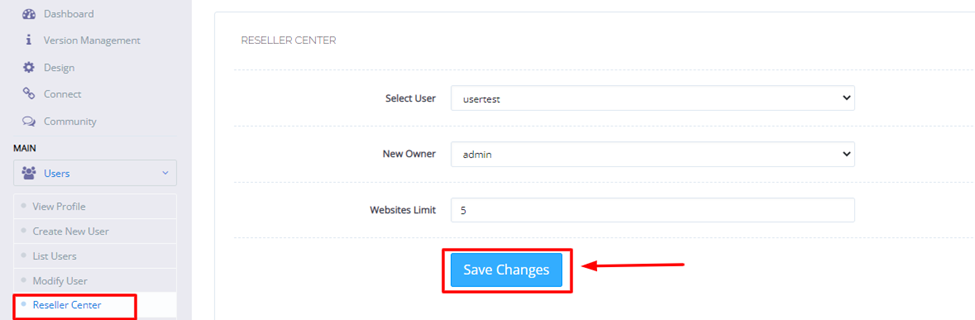
- Reseller can make and manage their own users.
- User can manage only their own websites.
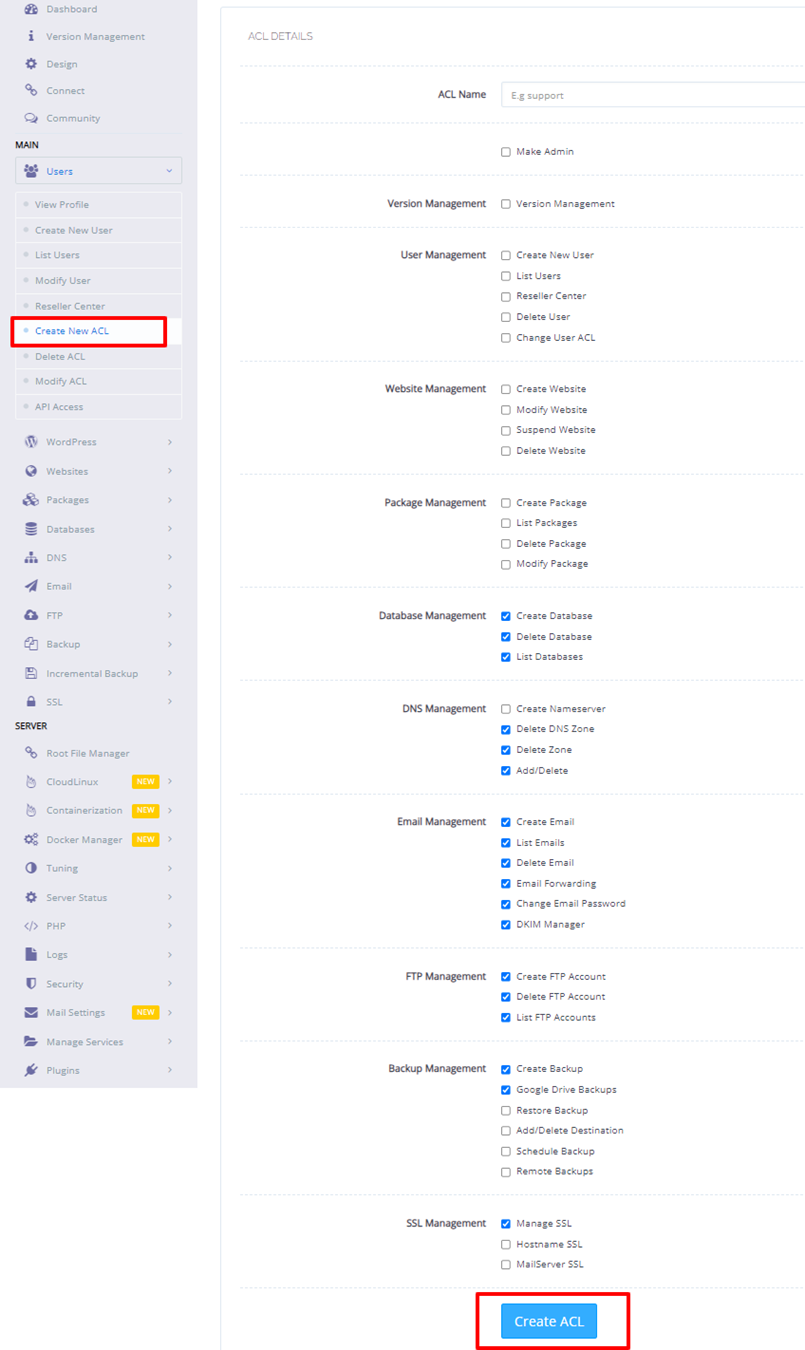
The kind of user is set by an ACL. ACL means access control list. It is a list that says what a person may do.
Log in
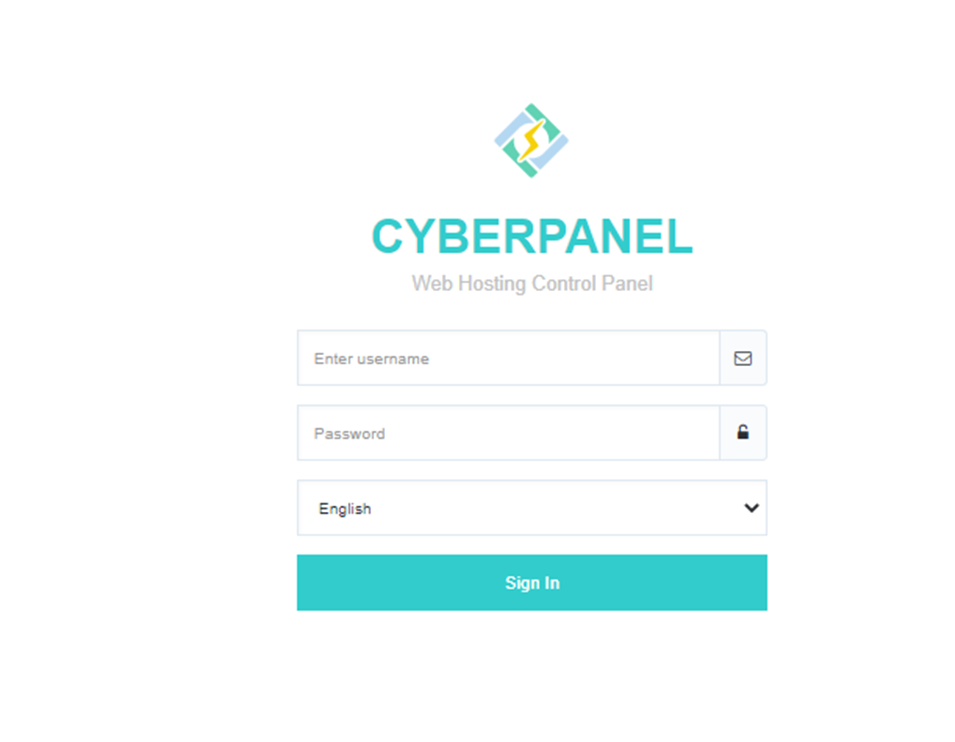
- Open your browser.
- Go to
https://YOUR-SERVER-IP:8090. Port 8090 is the usual CyberPanel address. - Your browser may warn about the certificate. This is common on a new server. Continue if you trust your own server.
- Enter your admin user name and password.
Create a user
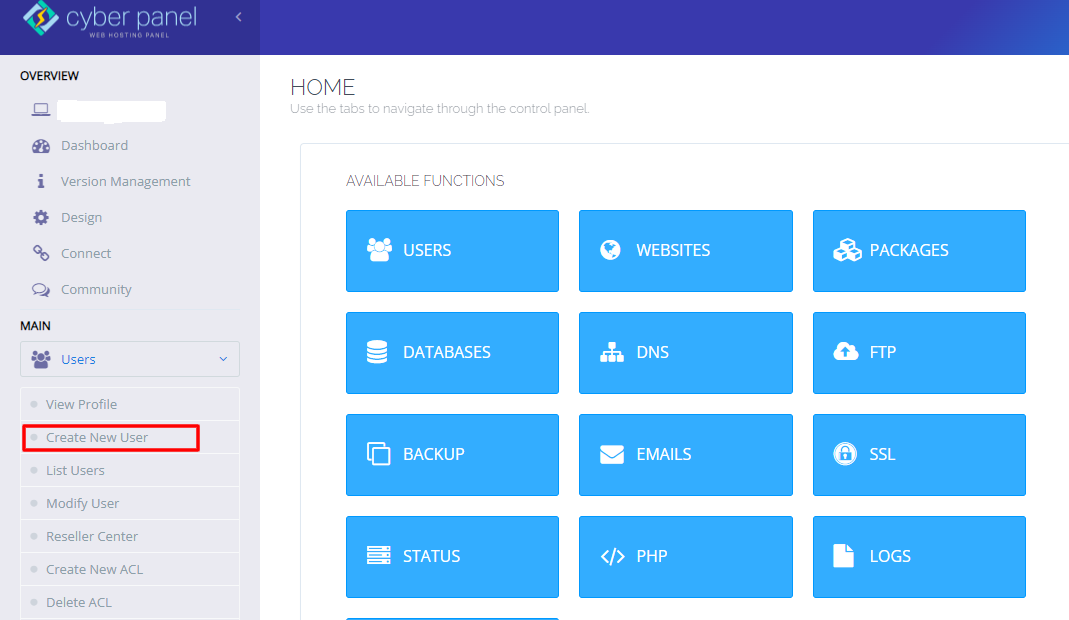
- In the left menu, click Users.
- Click Create New User.
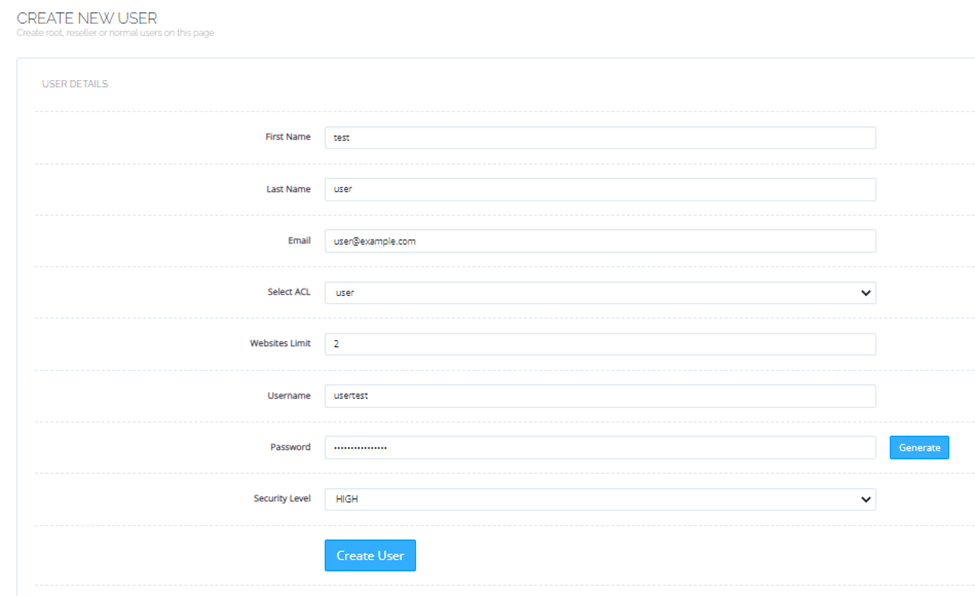
- Fill in the first name, last name, email, user name and password.
- Choose the account type or ACL, such as user or reseller.
- Click Create User.
See or change users
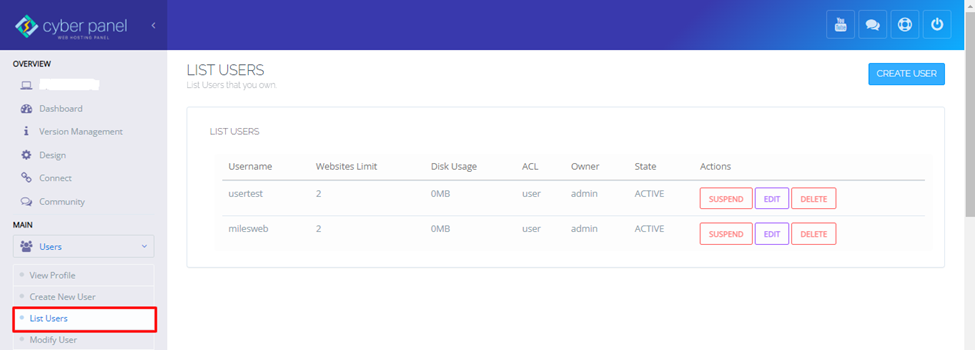
- Click Users in the left menu.
- Click List Users to see everyone.
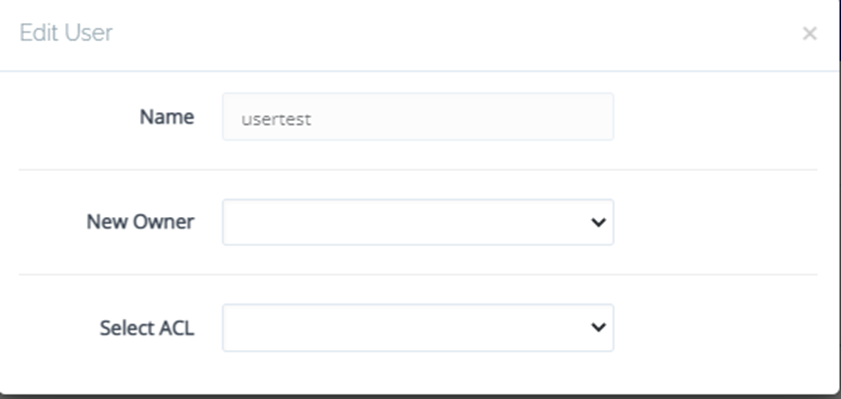
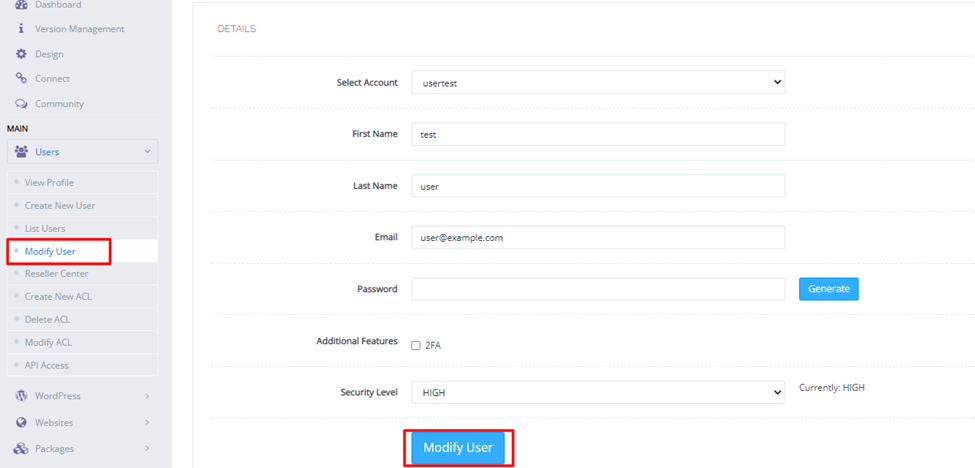
- Pick the user you want to change. Use the edit option to change details or the password.
Delete a user
Warning: deleting a user can remove their websites and files. Take a backup first.
- Open Users, then Delete User.
- Choose the user from the list.
- Confirm the delete.
Tip: Menu names can change a little between CyberPanel versions. If you cannot find an option, look inside the Users menu. Give each person only the access they need.
Quick recap
- Log in to CyberPanel on port 8090.
- Use the Users menu to create, list, edit and delete users.
- Admin, reseller and user are the main account types.
- Back up before you delete anything.