

What is phpMyAdmin?
A database is a place where a website keeps its data, like a big filing cabinet. phpMyAdmin is a web page that lets you work with a MySQL or MariaDB database by clicking, not typing commands.
You should already have Apache, PHP and MariaDB (or MySQL) running on the server.
Tip: CentOS 7 is old software. Newer systems use a similar process, but the commands may use
dnf instead of yum.Steps
- Log in to your server with SSH. SSH lets you type commands on a remote computer.
- Install the EPEL repository. A repository is an online store of software. phpMyAdmin lives in this one.
yum install -y epel-release - Install phpMyAdmin.
This also adds the PHP parts it needs.yum install -y phpmyadmin - Open the phpMyAdmin Apache settings file.
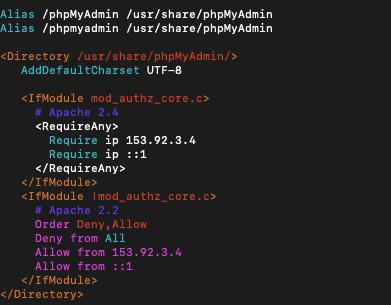
vi /etc/httpd/conf.d/phpMyAdmin.conf - By default, only the server itself may open phpMyAdmin. Find the lines that say
Require ip 127.0.0.1. Add one line below them with your own public IP address:
Do the same for the olderRequire ip YOUR.IP.ADDRESS.HEREAllow fromlines if your file has them. Save and close. - Restart Apache so it reads the change.
systemctl restart httpd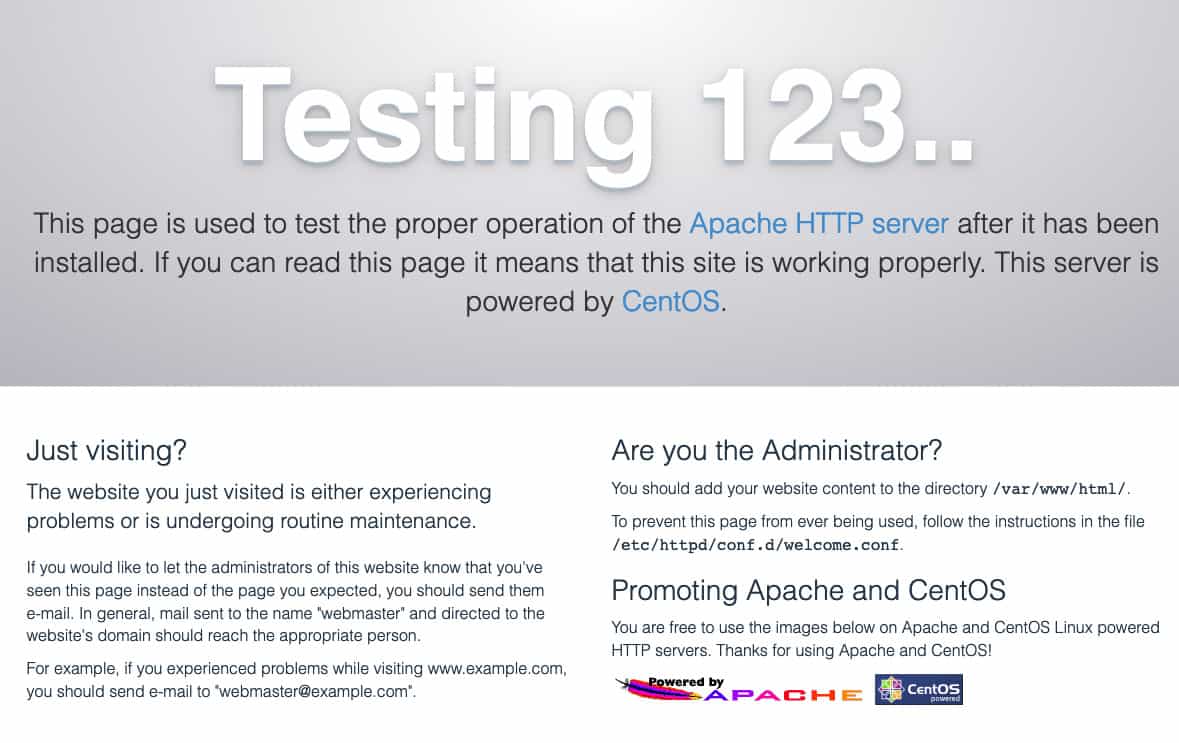
- If a firewall is on, allow web traffic.
firewall-cmd --permanent --add-service=http firewall-cmd --reload - Open a browser and go to
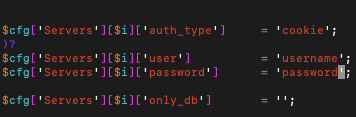
http://YOUR-SERVER-IP/phpmyadmin. - Log in with your database user name and password. The root database user works if you set a password for it.
Keep it safe
- Allow only your own IP address, as in step 5.
- Use strong database passwords.
- Use HTTPS if you can, so passwords are not sent in plain view.
If you see a 404 or access error
Check that the Require ip line holds your correct IP address. Then restart Apache again.
Quick recap
- phpMyAdmin is a web page for managing databases.
- Install EPEL, then phpMyAdmin with yum.
- Allow your IP in
/etc/httpd/conf.d/phpMyAdmin.conf. - Restart Apache and open
/phpmyadminin your browser.