

What is bandwidth?
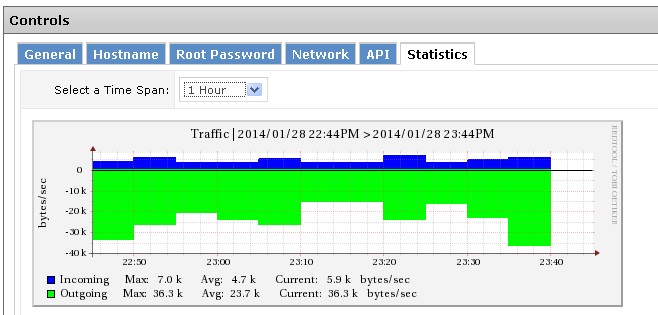
Bandwidth is the amount of data that moves in and out of your server. It is like water through a pipe. A VPS is a private slice of a big computer. It is yours alone, and you control it. Watching bandwidth helps you spot sudden jumps and stay within your plan.

Your plan may also show usage in the client area. Check your service details at https://secure.hostvento.com/clientarea.php. What it shows depends on your plan.
Method 1: vnStat
vnStat is a small free tool that logs network use over time. This example is for Ubuntu or Debian.
- Connect to your server with SSH.
- Install vnStat:
sudo apt update
sudo apt install vnstat -y
This installs the tool and starts it as a service.
- Find your network interface name:
ip -br linkThis lists your network cards. Common names are eth0 and ens3.
- Wait some minutes so data is collected, then view the numbers:

vnstat -i eth0Change eth0 to your interface name. It shows traffic by day and month.
- For other views, run
vnstat -dfor days,vnstat -mfor months, orvnstat -lfor live traffic.
Method 2: iftop for live use
iftop shows which addresses use the most data right now.
- Install it with
sudo apt install iftop -y. - Run it:
sudo iftop -i eth0Press q to quit.
Method 3: Quick check with ip
ip -s link show eth0This shows bytes sent and received since the last boot. It resets on restart.
What to do if usage is high
- Look for bots or attacks in your web logs.
- Check for big downloads or backups.
- Use caching or a CDN.
- Ask Hostvento support about the limits on your plan.
Quick recap
- Bandwidth is the data going in and out.

- Install vnStat to keep daily and monthly records.
- Use iftop to see live traffic.
- Look into sudden jumps early.