

What is a 503 error?
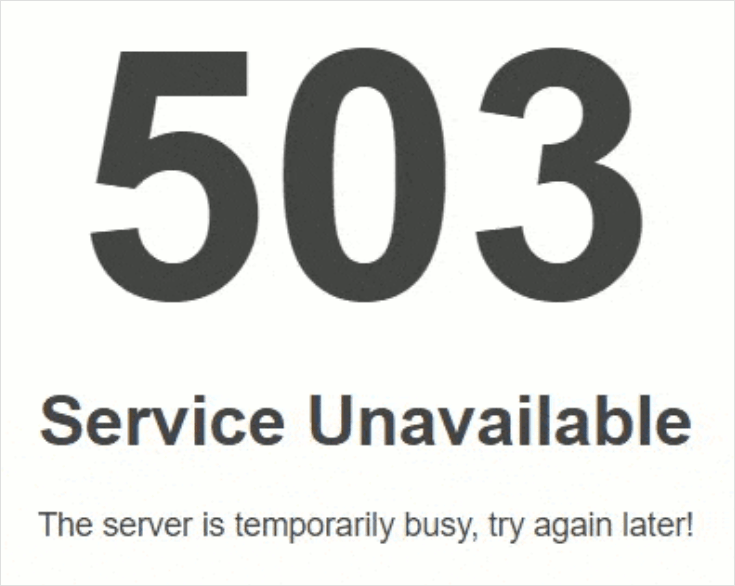
When you open a website, your browser asks a server for the page. A server is a computer that stores the website. Error 503 means the server is there, but it is too busy or blocked to answer. It is like a shop that is open, but the cashier is not able to serve you.
Common causes
- Too many visitors at the same moment.
- Your account used up its resource limits, such as CPU or memory.
- A broken plugin or theme.
- A bad rule in the
.htaccessfile. This is a small settings file that controls how your site behaves. - The server is under maintenance.
Steps to fix it
- Wait a few minutes and reload the page. Short spikes often pass by themselves.
- Try the site on another device or network. This shows if the problem is only on your side.
- Log in to your hosting control panel. Open the File Manager.
- Go to the
public_htmlfolder. This is the folder where your website files live. - Find the file
.htaccess. If you cannot see it, open Settings and turn on Show Hidden Files. - Right-click the file and choose Rename. Change the name to
.htaccess_old. - Reload your site. If it works, the old file had a bad rule.
Tip: Renaming a file is safe because you can name it back. Still, take a backup of your site first.
If you use WordPress
- Open the
wp-contentfolder. - Rename the folder
pluginstoplugins_off. - Reload your site. If it works, a plugin was the cause.
- Rename the folder back to
plugins. - Log in to WordPress and turn plugins on one by one. Stop when the error returns. That plugin is the problem.
Check your limits
In the control panel, look for a resource usage page. If your account hits its limit, the site shows 503. Remove heavy plugins, turn on caching, or think about a bigger plan.
When to ask for help
If the error stays, the problem may be on the server side. Open a support ticket and tell us the web address, the time you saw the error, and what you already tried.
Quick recap
- 503 means the server is busy or blocked.
- Wait and reload first.
- Rename
.htaccessto test it. - Switch off plugins to find a bad one.
- Check resource limits, then contact support if needed.