

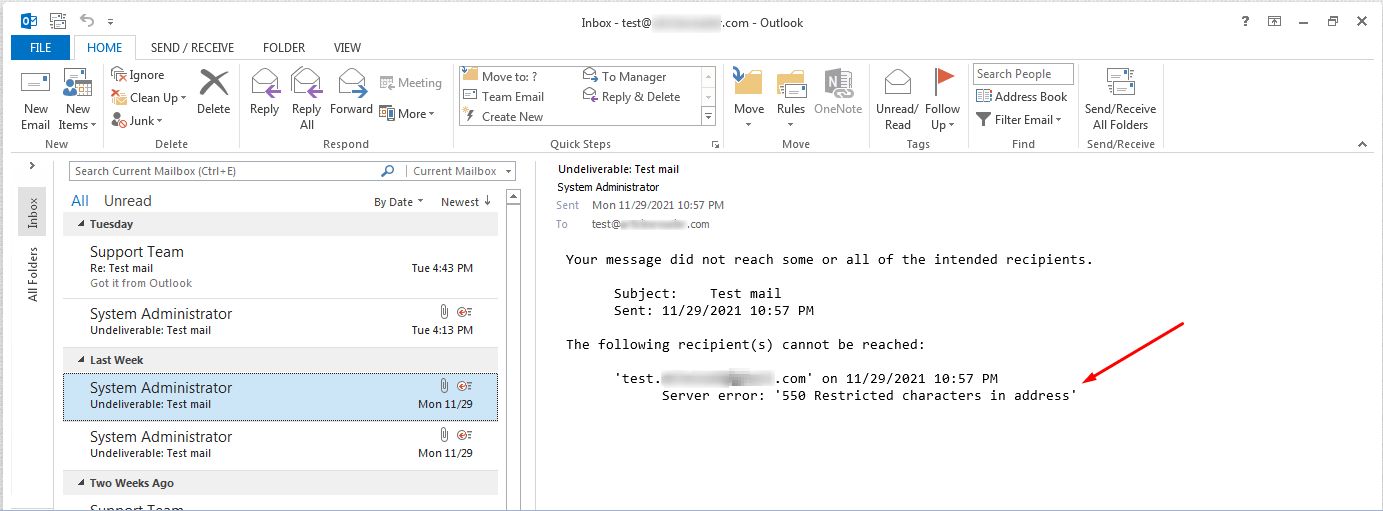
What does the error mean?
An email address has strict rules. It may use letters, numbers, dots, dashes and underscores. It must have one @ sign. If the mail server sees something else, it refuses the message and shows "550 Restricted characters in address". Think of it like a post office that will not deliver a letter with an unreadable address.
Common causes
- A space before, inside or after the address.
- A comma or semicolon in the wrong place.
- A strange symbol such as
<,>or a quote mark. - A saved contact with a mistake in it.
- The address was copied from a website with hidden characters.
Steps to fix it
- Open the email that failed. Look in the Outbox or Drafts folder.
- Look at each address in the To, Cc and Bcc boxes.
- Delete the address and type it again by hand. Do not copy and paste.
- Check for spaces at the start and end.
- If the address came from autocomplete, press the small X next to the suggestion to remove it. Then type the full address again.
- Click Send.
If the saved contact is wrong
- Open People (also called Contacts) in Outlook.
- Find the person and open their card.
- Fix the email address and save.
Check the sender address too
Sometimes the problem is your own account. Open your account settings in Outlook. Make sure your email address has no spaces or odd marks. If you are not sure what it should be, look in your welcome email from Hostvento or in the client area.
Tip: If you send to many people, send to one person first. This helps you find which address is bad.
Still not working?
If the error stays, open a support ticket. Tell us the exact error text, the address you tried and the time of the failure.
Quick recap
- The error means an email address has a bad character.
- Look for spaces, commas and strange symbols.
- Type the address again instead of pasting it.
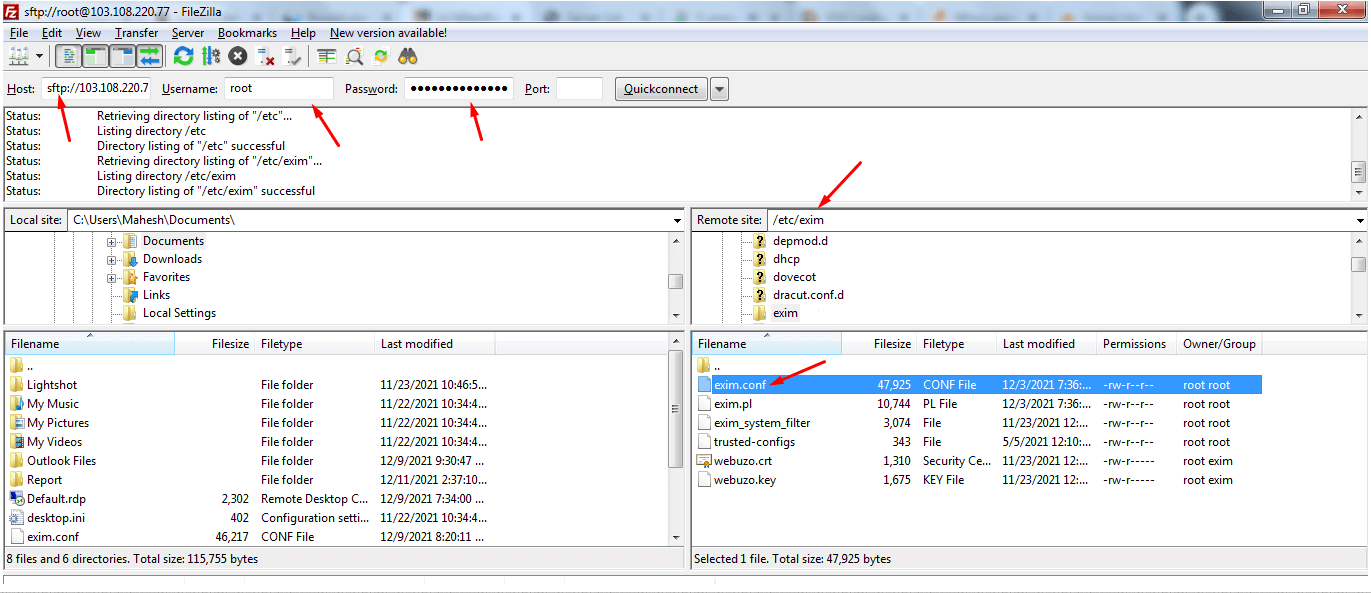
- Clean up saved contacts and autocomplete entries.
- Contact support if it still fails.