

What is Composer?
PHP is a language that many websites use. Many PHP projects depend on code written by other people. These add-ons are called packages. Composer downloads the right packages for your project and keeps them up to date. Think of it as a shopping assistant that fetches all the parts on your list.
On shared hosting you cannot install software for the whole server. But you can put Composer in your own home folder. You need SSH access. If it is not on, ask Hostvento support whether your plan includes it.
Steps
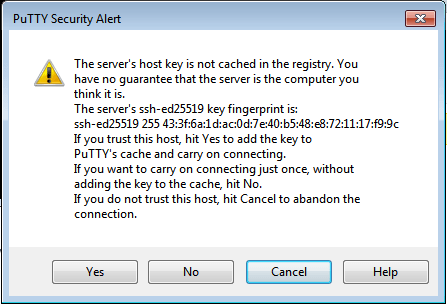
- Connect to your account with SSH. SSH lets you type commands on the server.
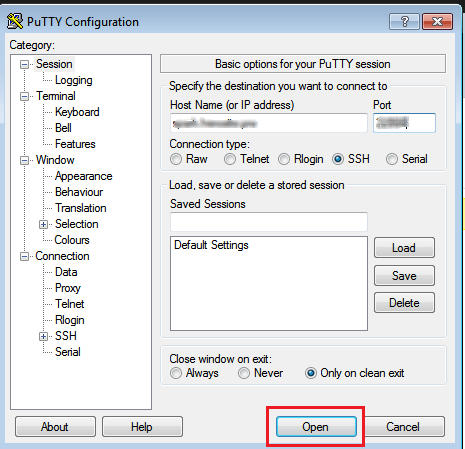
- Go to your home folder:
cd ~This moves you to your own home folder.
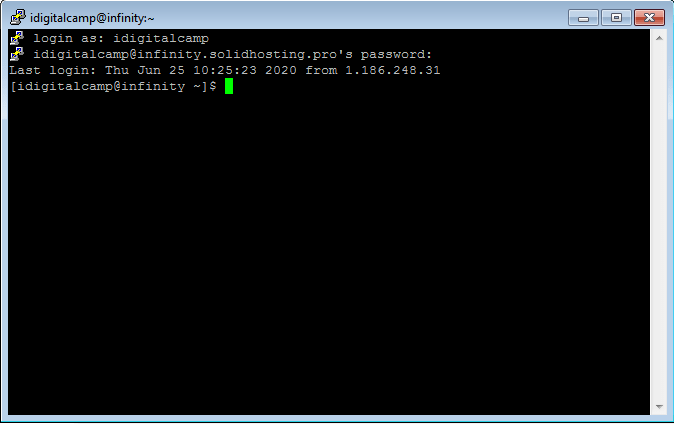
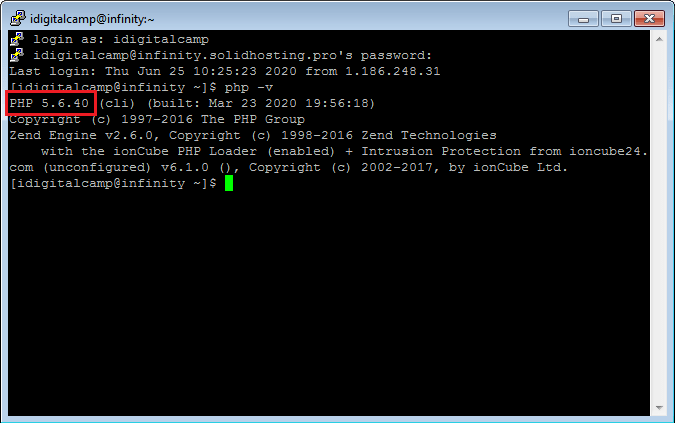
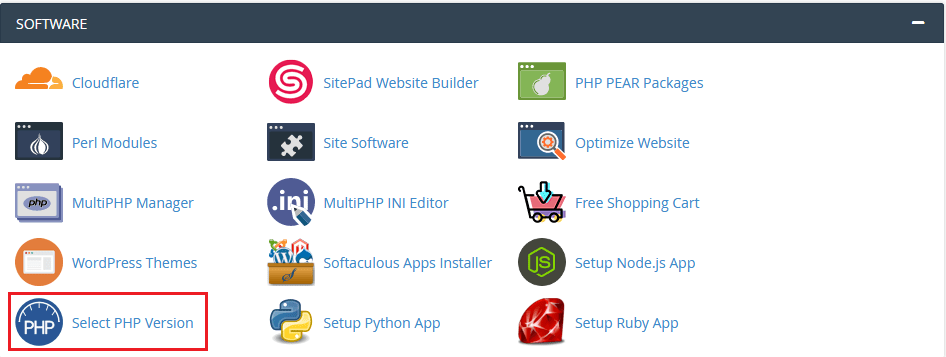
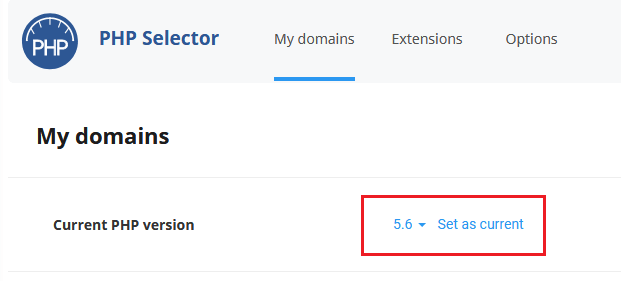
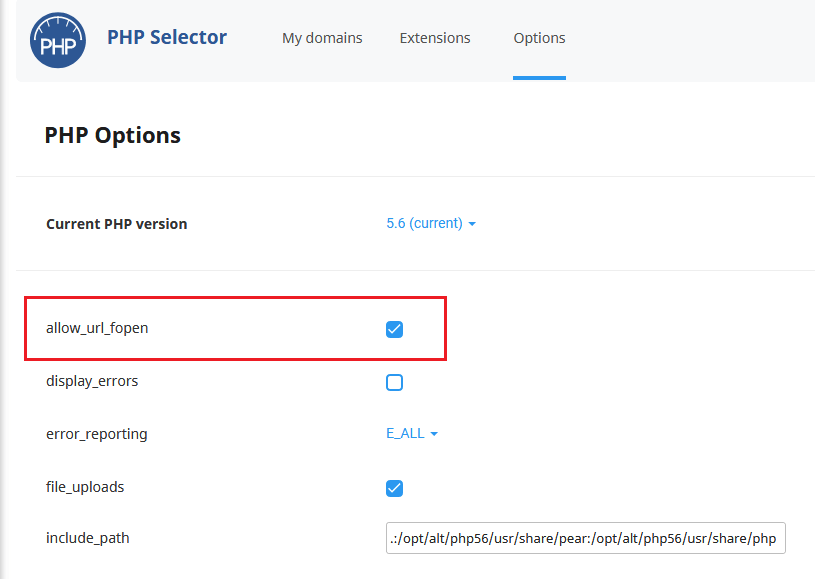
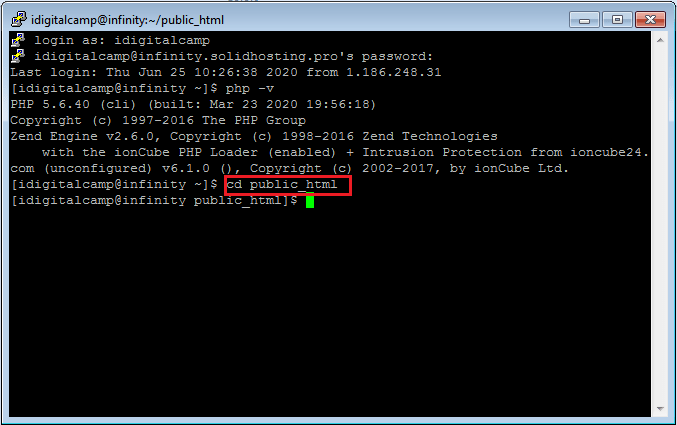
- Check that PHP works:
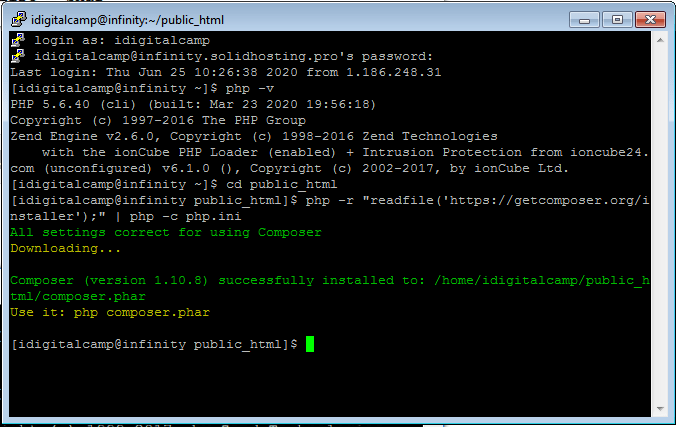
php -vThis prints the PHP version.
- Download the Composer installer:
php -r "copy('https://getcomposer.org/installer', 'composer-setup.php');"This saves the installer file in your folder.
- Run the installer:
php composer-setup.phpThis creates a file called composer.phar. A phar file is a PHP program packed into one file.
- Delete the installer:
php -r "unlink('composer-setup.php');"This removes the setup file you no longer need.
- Test Composer:
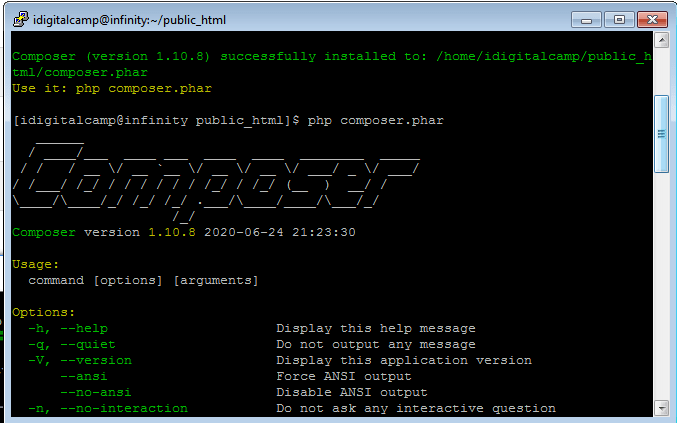
php composer.phar --versionThis prints the Composer version.
Make a short command
- Make a folder for your own programs:
mkdir -p ~/bin
mv composer.phar ~/bin/composer
This moves Composer into the bin folder with a shorter name.
- Make it runnable:
chmod +x ~/bin/composerThis lets the system run the file as a program.

- Add the folder to your path. The path is the list of places where the system looks for commands:
echo 'export PATH=$HOME/bin:$PATH' >> ~/.bashrc
source ~/.bashrc
This adds the folder and loads the change.
- Now type:
composer --versionUse it
Go to your project folder and run composer install to get the packages in composer.json.
php -d memory_limit=-1 ~/bin/composer install. Also check that your PHP version suits your project. If the commands are blocked, open a support ticket.Quick recap
- Composer manages PHP packages.
- Install it in your home folder, not server wide.
- Download, run and test the installer.
- Move it to
~/binfor a short command.