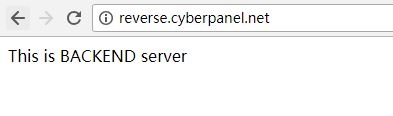
What is a reverse proxy?
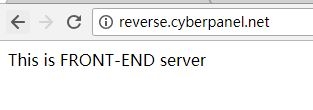
OpenLiteSpeed is a web server. A web server is the program that sends web pages to visitors. A reverse proxy is a middle person. Visitors talk to OpenLiteSpeed. OpenLiteSpeed then asks another app for the answer and passes it back. It is like a receptionist who takes your question to a colleague in another room.
This is useful for apps such as Node.js, Python or Java, which listen on their own port. A port is a numbered door on the server. For example, your app may listen on port 3000.
Before you start
- OpenLiteSpeed is installed and running.
- Your app is running and answers on a local port, such as
127.0.0.1:3000. - You can log in to the OpenLiteSpeed WebAdmin console. It usually runs on port 7080. Your login details came when you set up the server.
Menu names can vary a little between versions.
Steps
1. Add an external app
- Open
https://your-server-ip:7080in your browser and log in. - Click Virtual Hosts and choose your site.
- Click the External App tab.
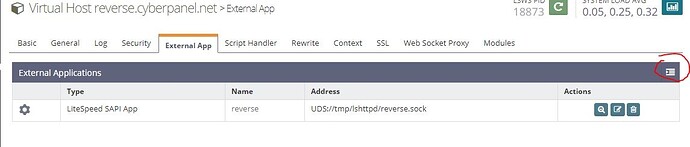
- Click the Add button.
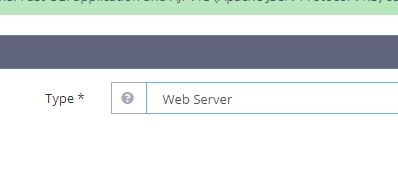
- Set Type to Web Server.
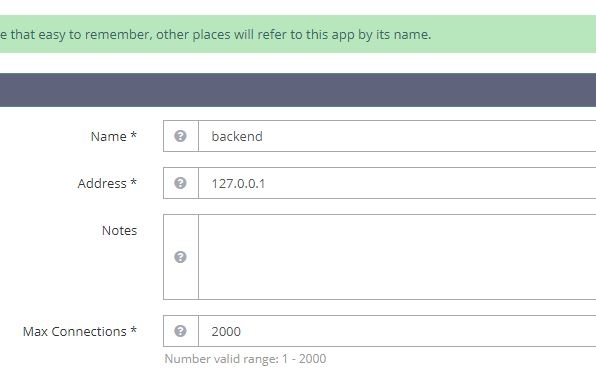
- Set Name to
myapp. - Set Address to
127.0.0.1:3000. - Click Save.
2. Add a context
A context is a rule that says what to do for a path.
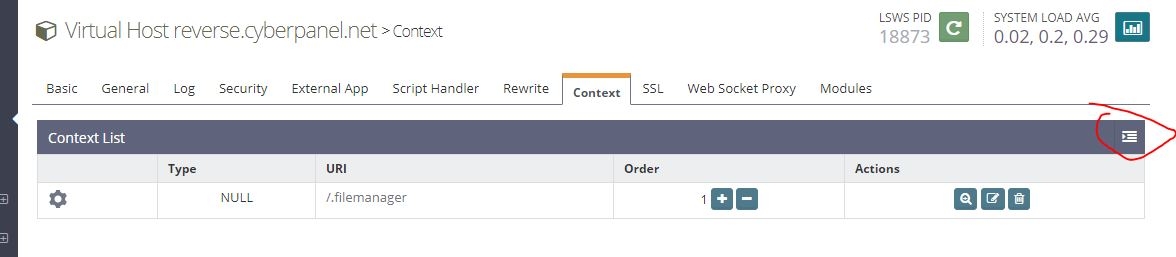
- Click the Context tab.
- Click Add.
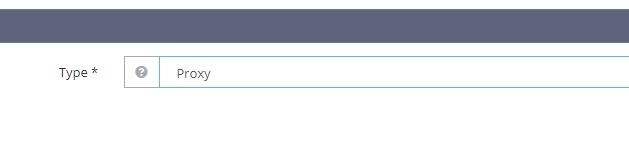
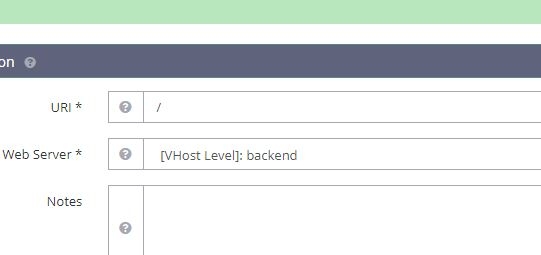
- Set Type to Proxy. Click Next.
- Set URI to
/. This sends the whole site to the app. - Set Web Server to the name you made,
myapp. - Click Save.
3. Apply the change
- Click the green Graceful Restart button at the top right.
- Visit your website in a browser. You should see your app.
Tip: Use a path such as
/api/ as the URI if you only want part of your site to go to the app.Troubleshooting
- 502 or 503 error: the app is not running, or the port number is wrong. Check that the app is up.
- Page not found: check the URI and that the right virtual host is in use.
- Blocked: make sure the firewall allows ports 80 and 443 for visitors. The app port can stay closed to the outside.
For more help, open a support ticket.
Quick recap
- A reverse proxy passes visitors to another app.
- Create an External App of type Web Server.
- Add a Proxy context that points to it.
- Do a Graceful Restart and test.