

What are hidden files?
On web servers, any file whose name starts with a dot is hidden. The dot tells programs to keep it out of sight. Important settings files, like .htaccess, are hidden so people do not change them by mistake.
FTP is a way to move files between your computer and your website. An FTP client is the program you use for it. If you cannot see .htaccess, you only need to switch one setting.
FileZilla
- Connect to your site.
- Click Server in the top menu.
- Choose Force showing hidden files.
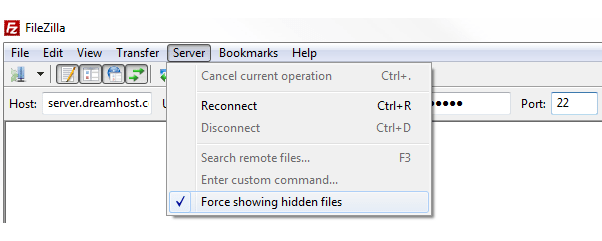
- Click Yes if you are asked.
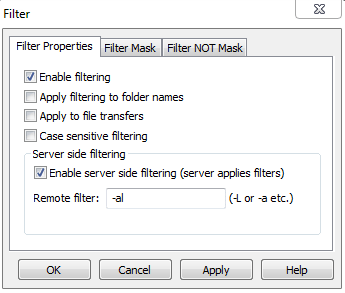
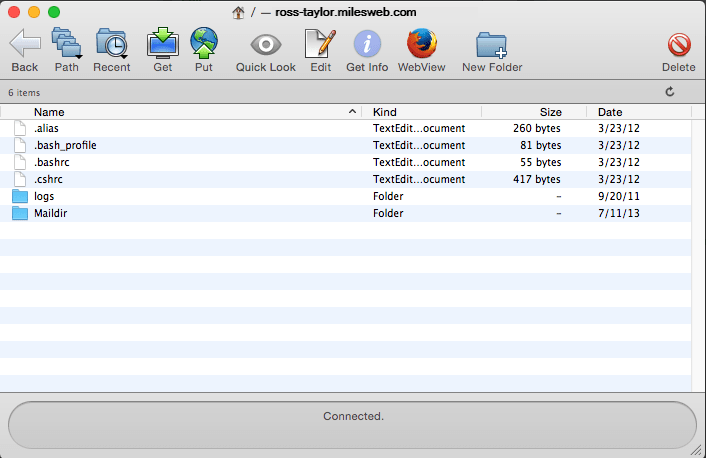
- The file list refreshes. Dot files now appear.
WinSCP
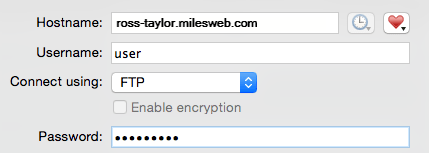
- Connect to your site.
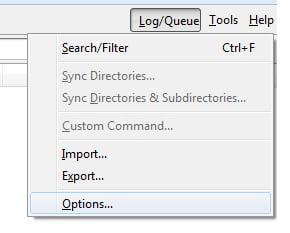
- Click Options, then Preferences.
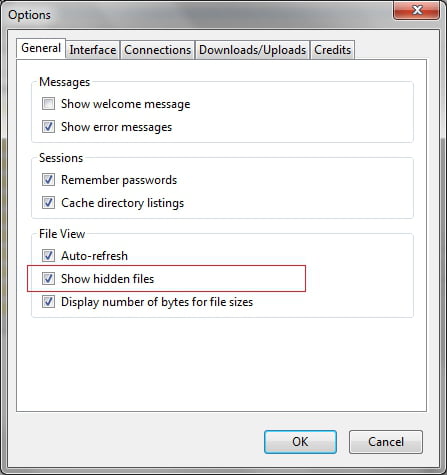
- Open the Panels page.
- Tick Show hidden files.
- Click OK. You can also press
Ctrl+Alt+Has a shortcut.
Cyberduck
- Connect to your site.
- Open the View menu.
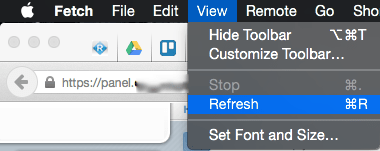
- Choose Show Hidden Files.
Other programs
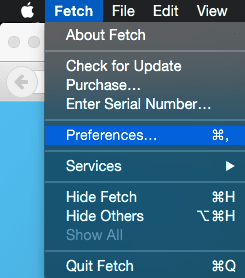
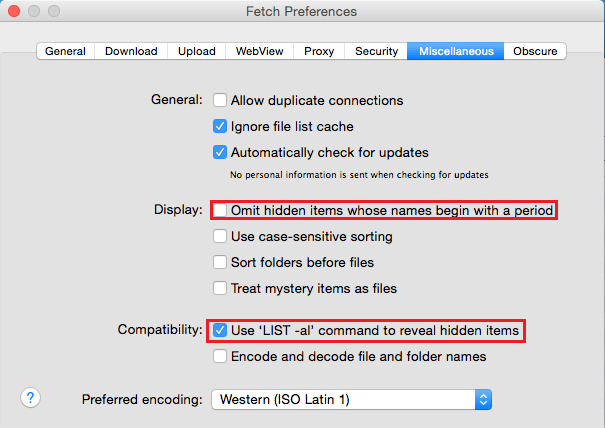
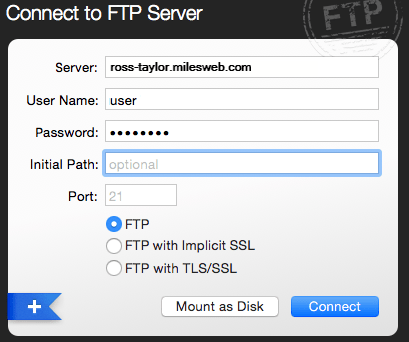
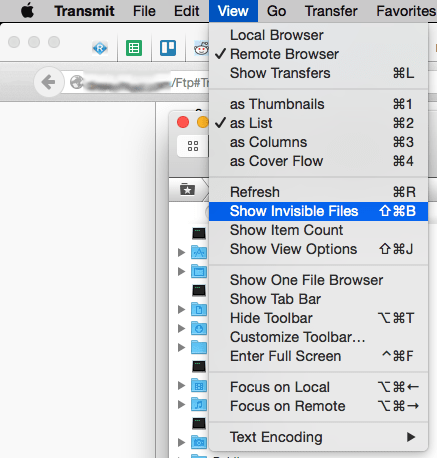
Look for an option with a name like "show hidden files" or "show dotfiles" in the View, Server or Preferences menu. The wording changes between programs.
If it still does not show
- Check that you are in the right folder, such as
public_html. - The file may simply not exist yet. Many sites have no
.htaccessuntil a plugin makes one. - In cPanel File Manager, click Settings and tick Show Hidden Files (dotfiles).
Tip: Hidden files control how your site works. Download a copy as a backup before you edit or delete one.
Need your FTP details? They are in your welcome email. You can also ask Hostvento support via https://secure.hostvento.com/submitticket.php.
Quick recap
- Files that start with a dot are hidden by default.
- FileZilla: Server then Force showing hidden files.
- WinSCP and Cyberduck have a similar option in their menus.
- Back up hidden files before changing them.