

Step 1: Update the system
sudo apt update && sudo apt upgrade -y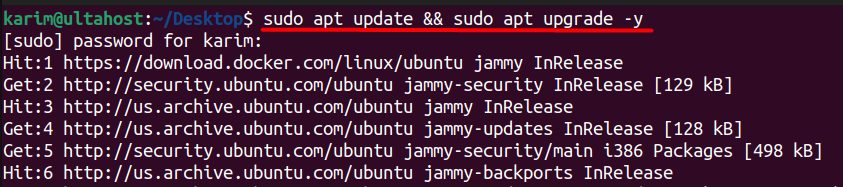
Step 2: Install MariaDB
sudo apt install mariadb-server -y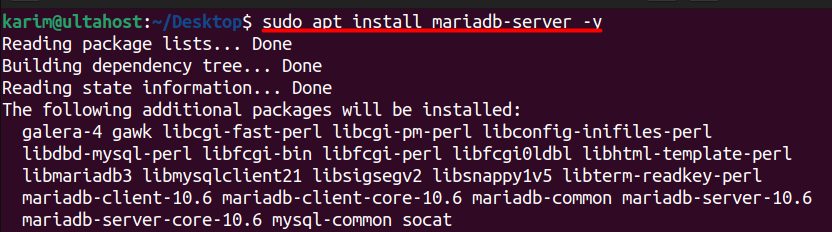
Step 3: Create the database for PowerDNS
sudo mysql -u root -p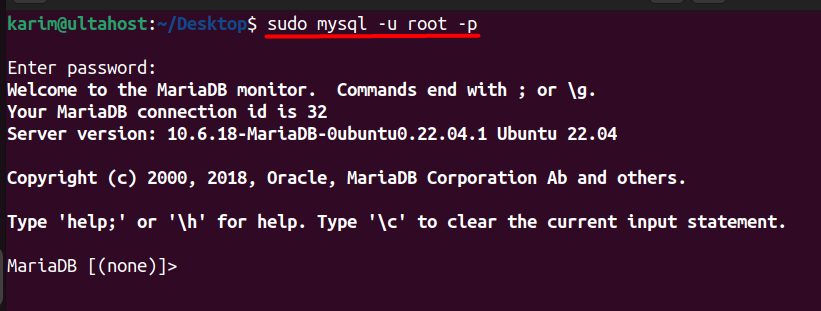
CREATE DATABASE powerdns;
CREATE USER 'pdns'@'localhost' IDENTIFIED BY 'your_password';
GRANT ALL PRIVILEGES ON powerdns.* TO 'pdns'@'localhost';
FLUSH PRIVILEGES;
EXIT;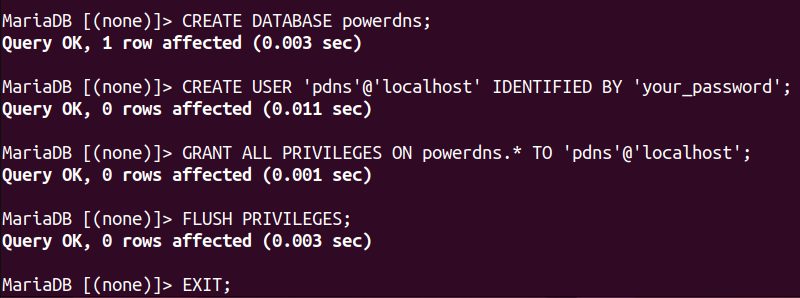
CREATE DATABASE powerdns;makes the database.CREATE USER 'pdns'@'localhost' ...makes a user with a password.GRANT ALL PRIVILEGES ...gives that user all rights on that database.FLUSH PRIVILEGES;makes the rights active.EXIT;leaves the shell.
Step 4: Install PowerDNS and the backend
sudo apt install pdns-server pdns-backend-mysql -y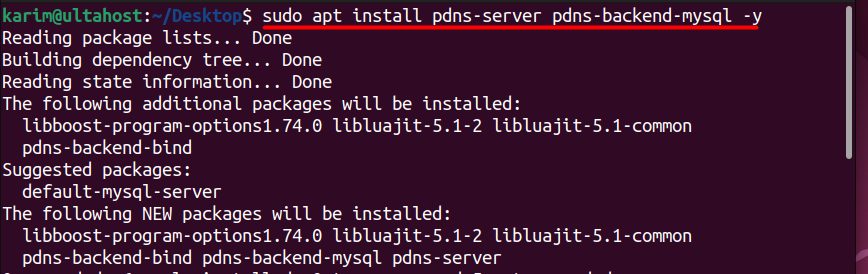
Note: On Ubuntu,
systemd-resolved listens on port 53 on localhost, which clashes with PowerDNS. If PowerDNS does not start, turn off the stub listener: set DNSStubListener=no in /etc/systemd/resolved.conf and restart systemd-resolved.Step 5: Configure PowerDNS
The backend package adds a config for the database. Check the files in /etc/powerdns/pdns.d/ and remove the default bind backend file if there is one. Then set:
sudo nano /etc/powerdns/pdns.conflaunch=gmysql
gmysql-host=127.0.0.1
gmysql-user=pdns
gmysql-password=your_password
gmysql-dbname=powerdns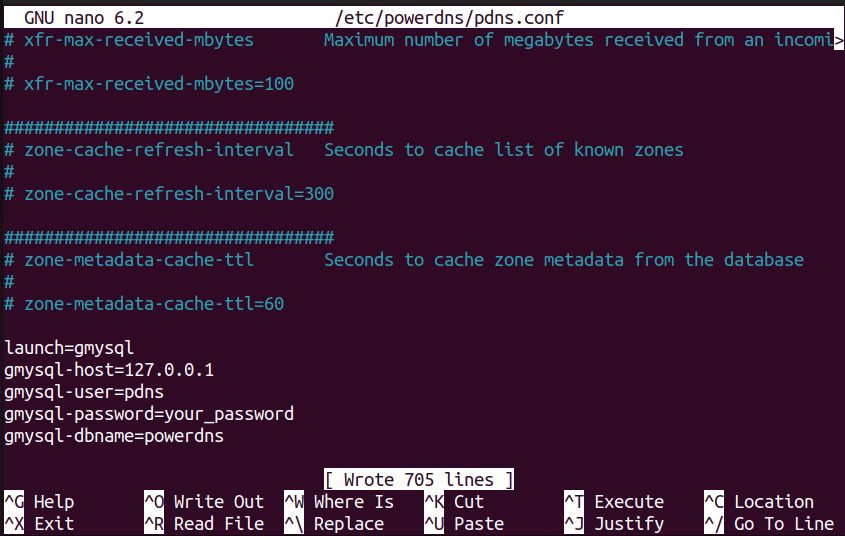
launch=gmysqltells PowerDNS to use the MySQL backend.gmysql-hostis the address of the database server.gmysql-userandgmysql-passwordare the login of the PowerDNS user.gmysql-dbnameis the database name.
Step 6: Create the tables
Import the schema:
sudo mysql -u root -p powerdns < /usr/share/doc/pdns-backend-mysql/schema.mysql.sql
(The path can differ. Look in /usr/share/doc/pdns-backend-mysql/. The file may be compressed as schema.mysql.sql.gz.)
Step 7: Start and enable PowerDNS
sudo systemctl start pdns
sudo systemctl enable pdns
Step 8: Check the status
sudo systemctl status pdns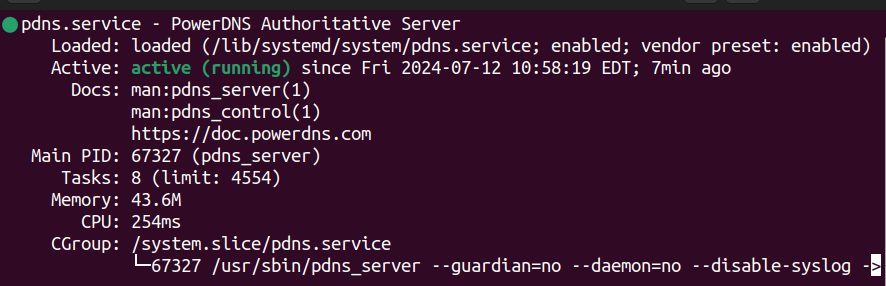
Test with a query to the server:
dig @127.0.0.1 example.com SOAAt first the answer is empty, because there are no zones yet. Add zones with pdnsutil create-zone example.com and records with pdnsutil add-record, or with a web tool such as PowerDNS-Admin.
Quick recap
- Create the MariaDB database and user.
- Install
pdns-serverandpdns-backend-mysql, setlaunch=gmysqland import the schema. - Start
pdnsand add zones.