

What is mod_expires?
A browser can save copies of files, like pictures, so it does not download them again. This saved copy is the cache. The server tells the browser how long it may keep a copy. That message is called an Expires header.
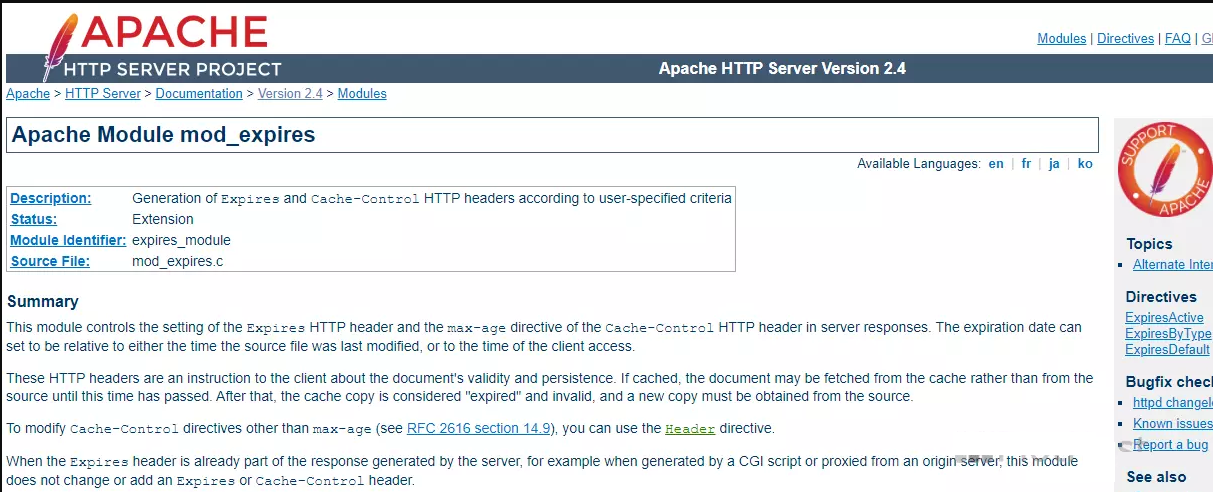
mod_expires is an Apache add-on that sets this time for you. You use it through a .htaccess file. A .htaccess file is a small settings file that controls a folder on an Apache server.
Warning: A mistake in .htaccess can cause a 500 error on your site. Download a copy of the file before you edit.
Steps
- Log in to your hosting control panel and open File Manager.
- Click Settings and tick Show Hidden Files (dotfiles).
- Open
public_html. - Find
.htaccess. Download a copy as a backup. - Right-click it and choose Edit.
- Go to the end of the file and add:
<IfModule mod_expires.c> ExpiresActive On ExpiresByType image/jpeg "access plus 1 year" ExpiresByType image/png "access plus 1 year" ExpiresByType image/webp "access plus 1 year" ExpiresByType text/css "access plus 1 month" ExpiresByType application/javascript "access plus 1 month" ExpiresByType text/html "access plus 0 seconds" </IfModule> - Click Save Changes.
What the lines mean
IfModulemakes the rules apply only if mod_expires exists. This avoids errors.ExpiresActive Onswitches the feature on.- Each
ExpiresByTypeline sets a time for one kind of file. - HTML is set to zero so pages stay fresh.
Test it
- Open your site and press F12 to open the browser tools.
- Click the Network tab and reload the page.
- Click an image and look in Response Headers for
ExpiresorCache-Control.
Good to know
- If you update a file that has a long time set, visitors may see the old one. Rename the file or add a version number, like
style.css?v=2. - If the rules do nothing, ask Hostvento support whether mod_expires is on for your plan.
Quick recap
- mod_expires tells browsers how long to keep files.
- Add the rules to .htaccess after taking a backup.
- Use long times for images and short times for HTML.
- Check the headers in the browser tools.