

Create a cron job
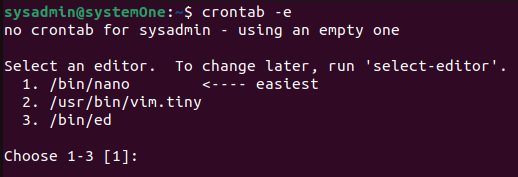
Step 1: Open the crontab editor
crontab -e
The first time, Ubuntu asks which editor to use. Choose nano (the easiest).
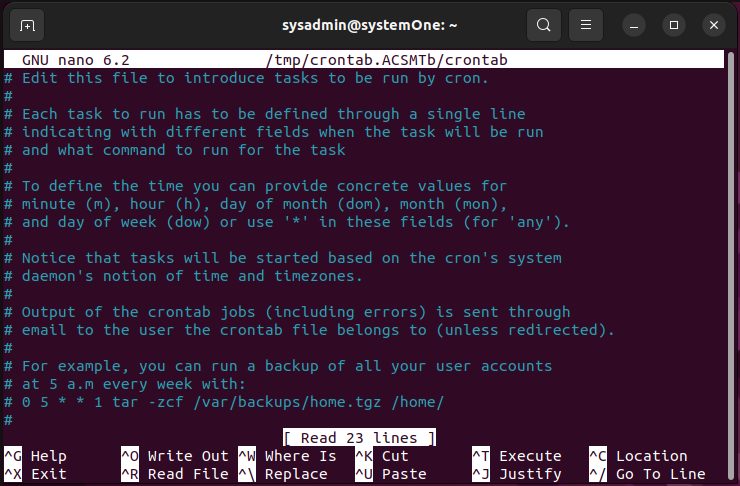
Step 2: Add a job
Use this format:
* * * * * command_to_executeThe five stars are minute, hour, day of month, month and day of week.
Example, run a backup script every day at 2:00:
0 2 * * * /home/user/scripts/backup.sh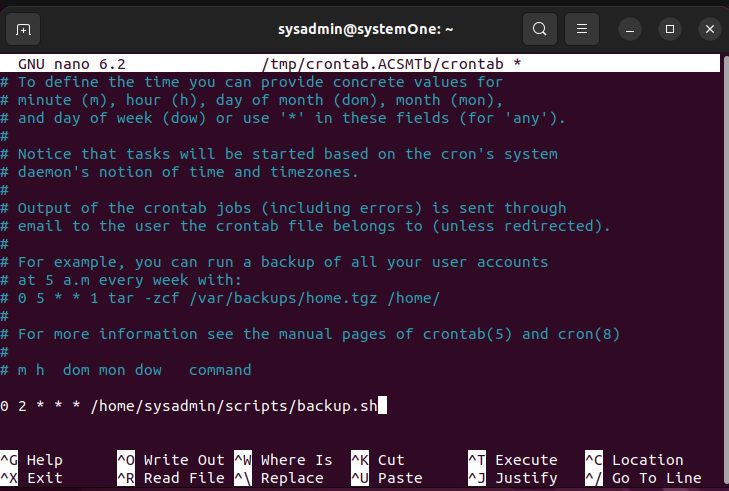
Step 3: Save and exit
In nano press Ctrl+O, Enter, then Ctrl+X. Cron reads the new file by itself.
Example: write a message every minute
* * * * * echo "This is a message written every minute" >> /home/user/message.txt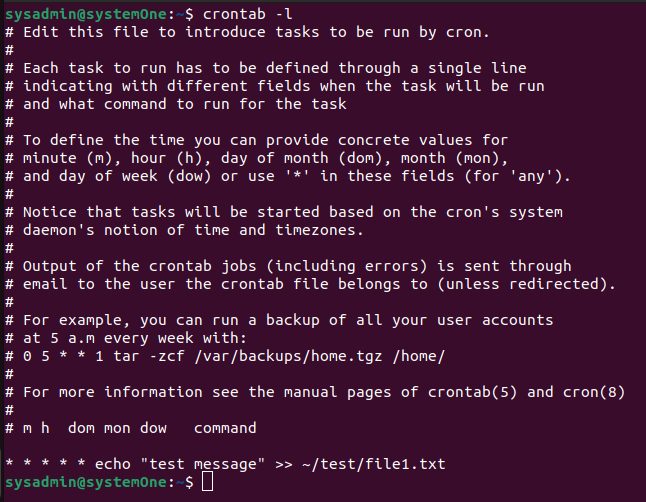
Wait a few minutes, then read the file:
cat /home/user/message.txt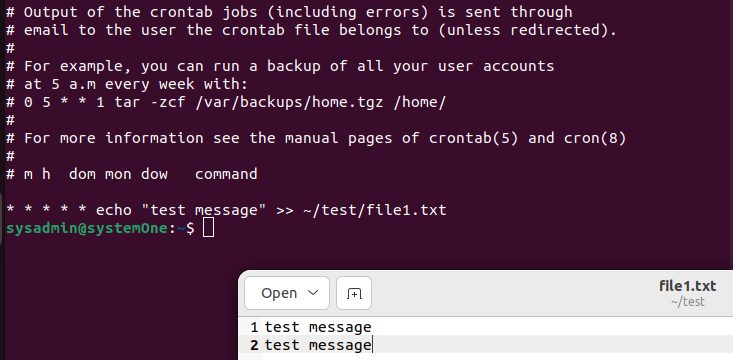
Remove the job when the test is done, or it will keep running.
Check your cron jobs
crontab -l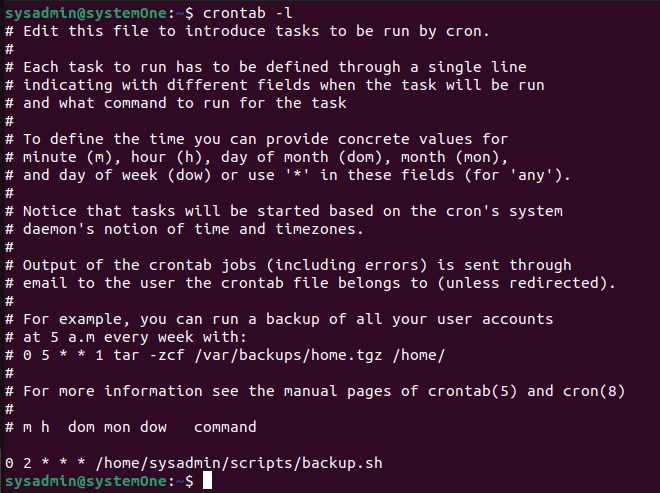
More tips
- Use full paths for commands and scripts.
- Make scripts executable:
chmod +x script.sh. - Send the output to a log to find errors:
... >> /var/log/myjob.log 2>&1. - Check that the service runs:
systemctl status cron. - See what ran:
grep CRON /var/log/syslog. - Use
sudo crontab -efor jobs that need root.
Quick recap
crontab -eto add jobs,crontab -lto list them.