

Two kinds of problems
A server is a computer that hosts your site. Either you cannot reach it at all (an accessibility problem), or it is reachable but slow (a resource problem). Resources are things like CPU (the brain of the computer), RAM (short-term memory) and disk (storage space).
Part 1: Can you reach it?
- Open your site in a browser. Try a different network, such as mobile data.
- Run ping from your computer:
ping your-server-ipIf you get replies, the server is on.
- Try to log in with SSH:
ssh username@your-server-ip- If the site fails but SSH works, the web server program may have stopped. Check it (on Apache):
systemctl status httpdOn Ubuntu the name is apache2. For Nginx use nginx.
- If nothing works, check your firewall and the Hostvento client area at the client area. If still stuck, open a ticket.
Part 2: Is it overloaded?
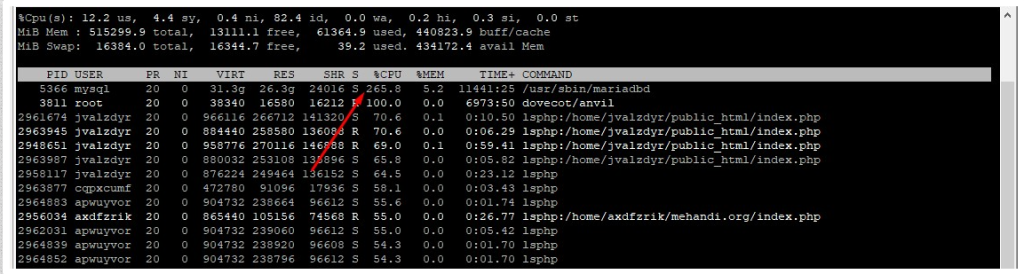
- See live use of CPU and memory:
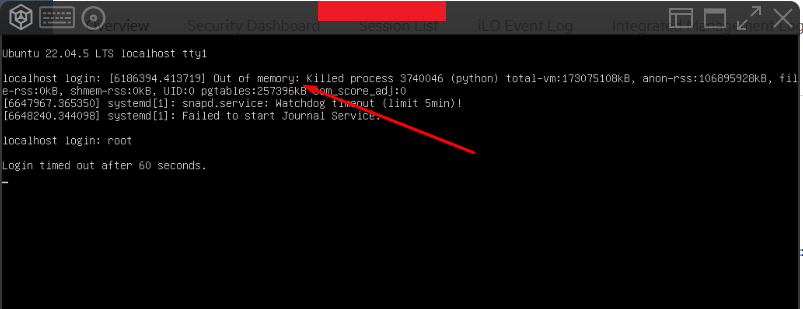
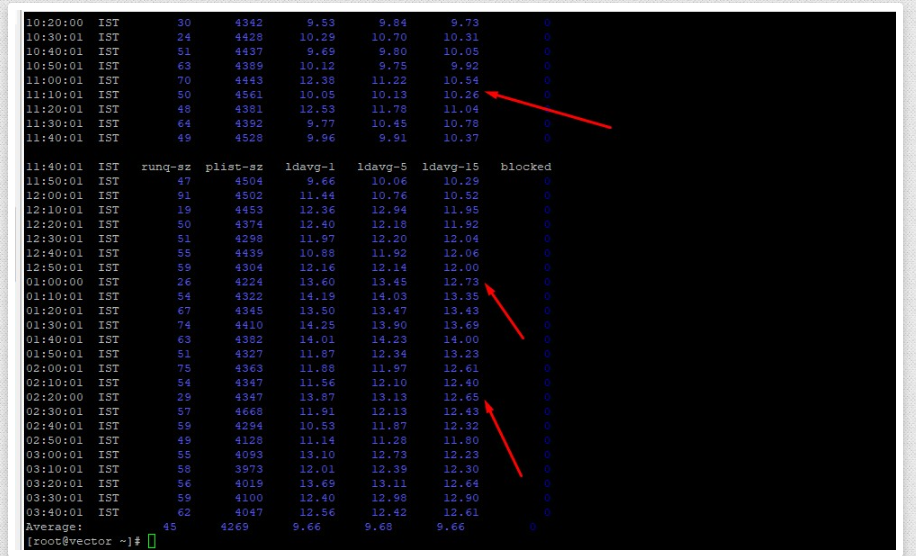
topThe top lines show the busiest programs. Press q to leave.
- Check memory:
free -mThis shows RAM in megabytes. If "available" is very low, you are running out.
- Check disk space:
df -hIf a disk shows 100% use, the server may stop working well.
- Find big folders:
du -sh /var/* | sort -h- Check the load average:
uptimeThree numbers show the busyness over 1, 5 and 15 minutes. If they stay higher than your number of CPU cores, the server is overloaded.
- Read the newest errors:
tail -n 50 /var/log/messagesOn Ubuntu use /var/log/syslog.
What to do next
- Stop or fix any program that uses too much.
- Clear old logs and backups to free disk space.
- Think about upgrading if the load is always high.
Tip: Write down what you see, then send it with a support ticket. It helps Hostvento support help you faster.
Quick recap
- First decide: unreachable or slow?
- Use ping, SSH and service status for access.
- Use top, free, df and uptime for resources.
- Share your findings with support.