

What are SSL and a CSR?
An SSL certificate puts a padlock on your website and turns the address into https. It keeps data private between visitors and your site. Think of it as a sealed envelope instead of an open postcard.
A CSR is a block of text that asks a certificate company for a certificate. It holds your domain name and details about you. A private key is made at the same time. This key is a secret file. Never share it.
Details you will enter
- Domain: your site name, such as
www.example.com. For a wildcard certificate use*.example.com.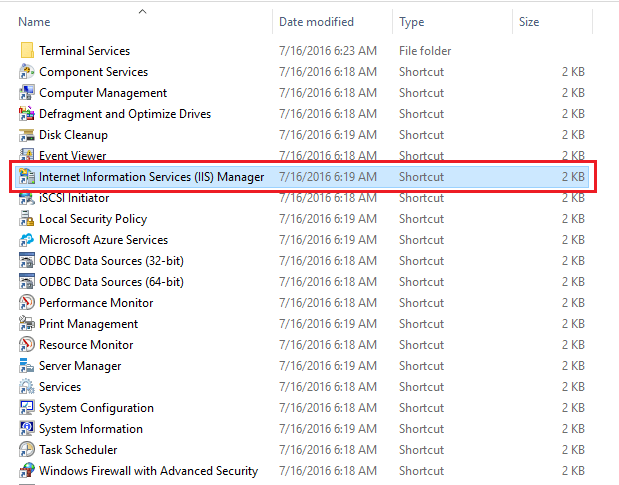
- Organization: your business or your own name.
- City, State and Country: use the full names and a two-letter country code, like
US. - Email: a working email address.
- Key size: choose 2048 bits at least.
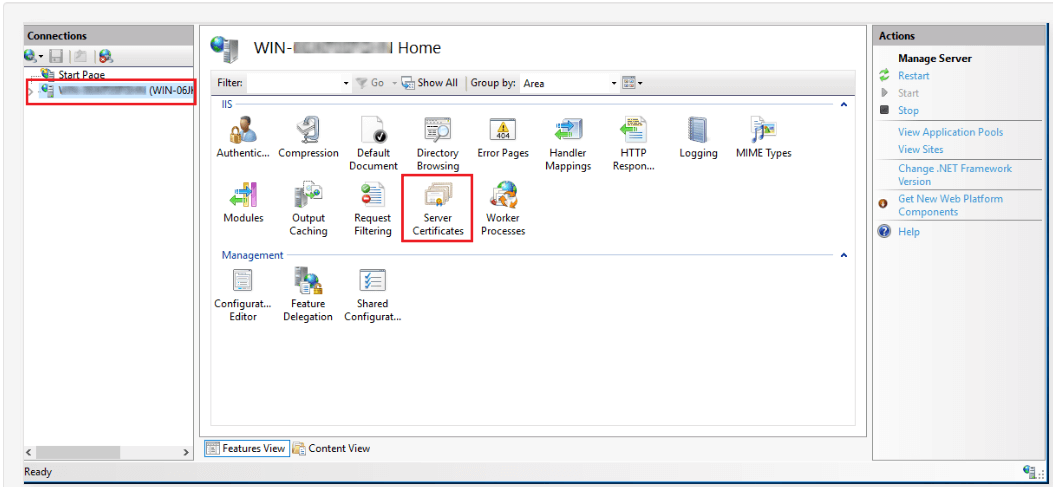
Method 1: In cPanel
- Log in to your hosting control panel.
- In the Security section, open SSL/TLS.
- Under Certificate Signing Requests (CSR), click Generate, view, or delete SSL certificate signing requests.
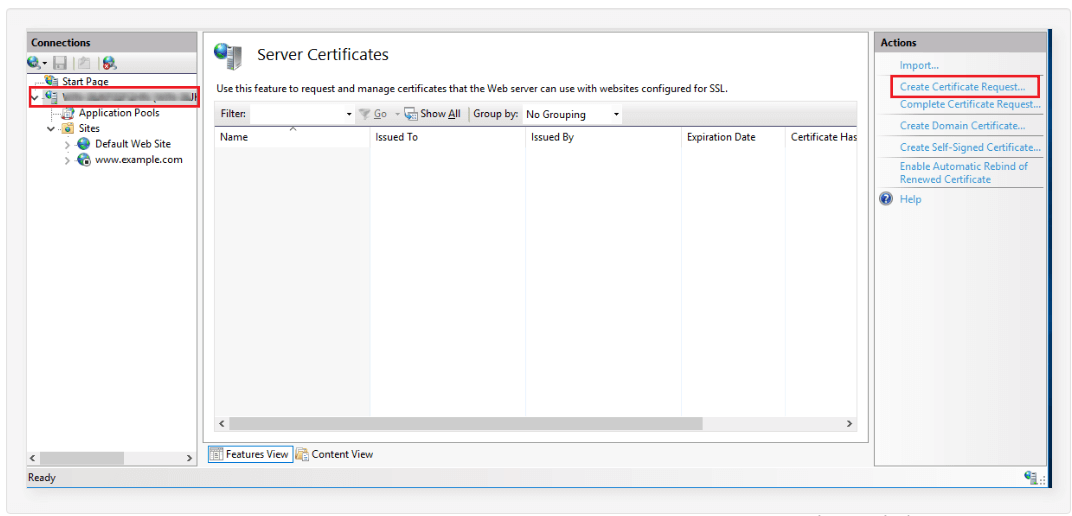
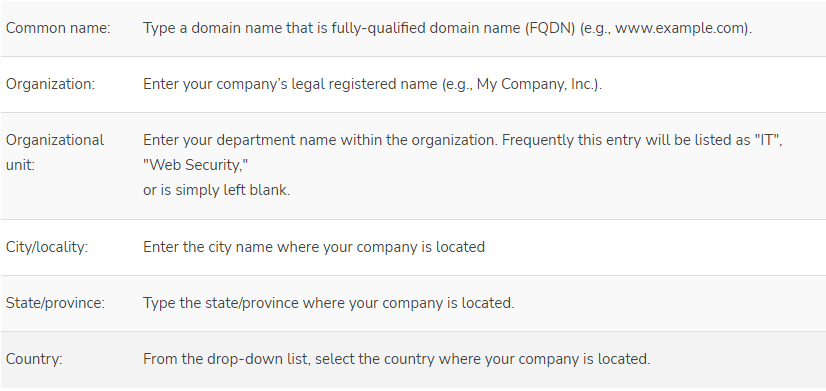
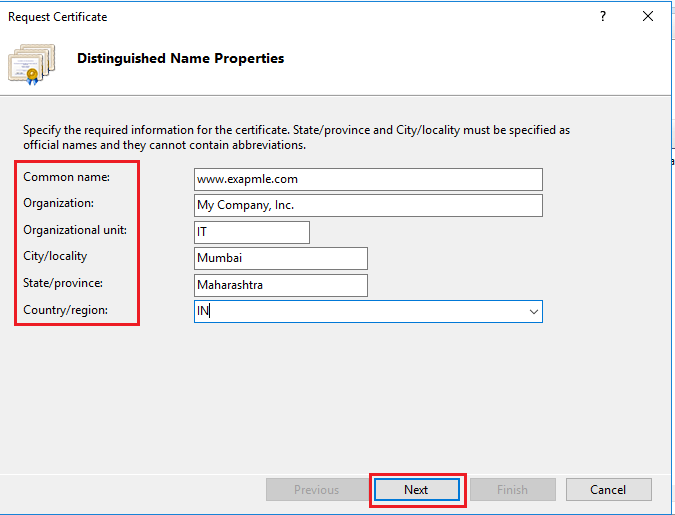
- Pick or create a key. Choose 2048 bits or more.
- Fill in the domain and the other details.
- Click Generate.
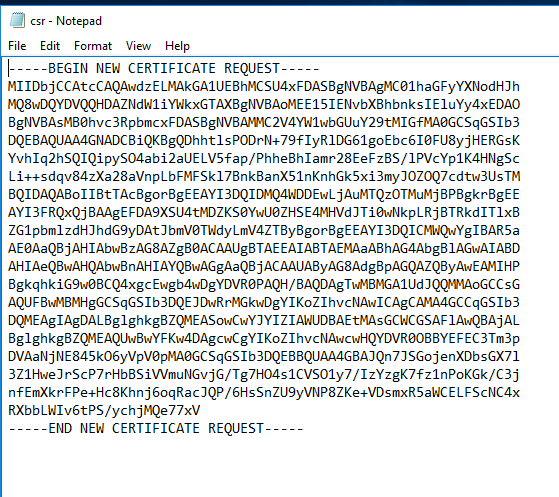
- Copy the whole CSR text, including the
BEGINandENDlines.
Method 2: With OpenSSL on a server
This needs SSH access. SSH is a safe way to type commands on a server.
- Connect to your server with SSH.
- Run this command. Change
example.comto your domain.
It makes a private key and a CSR file.openssl req -new -newkey rsa:2048 -nodes -keyout example.com.key -out example.com.csr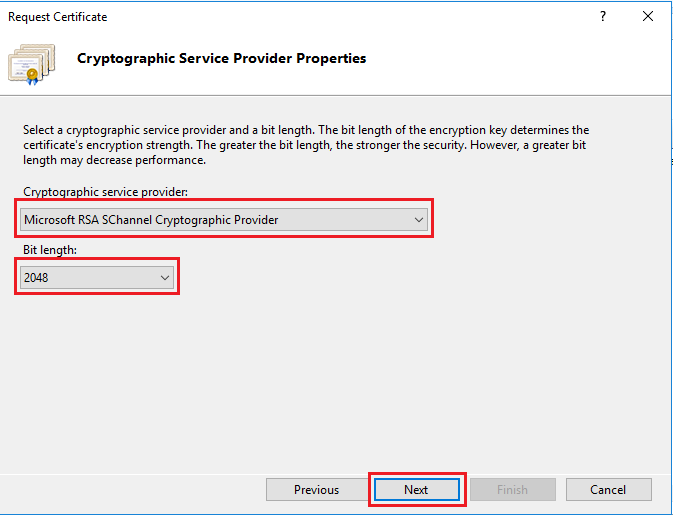
- Answer each question. Leave the password question blank if asked.
- Show the CSR text.
cat example.com.csr - Copy all the text.
Use the CSR
- Paste the CSR text into the order form of the certificate provider.
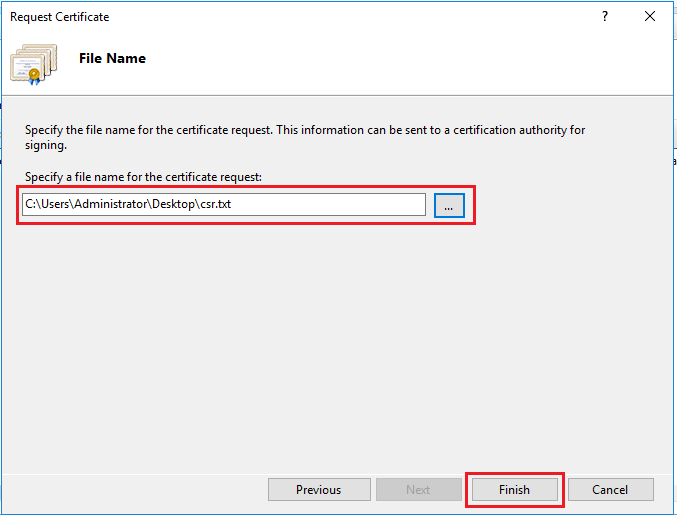
- Finish the checks they ask for.
- Install the certificate they send you.
Warning: Keep the private key safe and make a copy. If you lose it, the certificate will not work and you will need a new one.
Not sure whether SSL is part of your plan? Ask Hostvento support.
Quick recap
- A CSR is the request you send to get an SSL certificate.
- Make it in cPanel under SSL/TLS or with OpenSSL.
- Use the exact domain name.
- Paste the CSR to your provider.
- Keep the private key secret and saved.