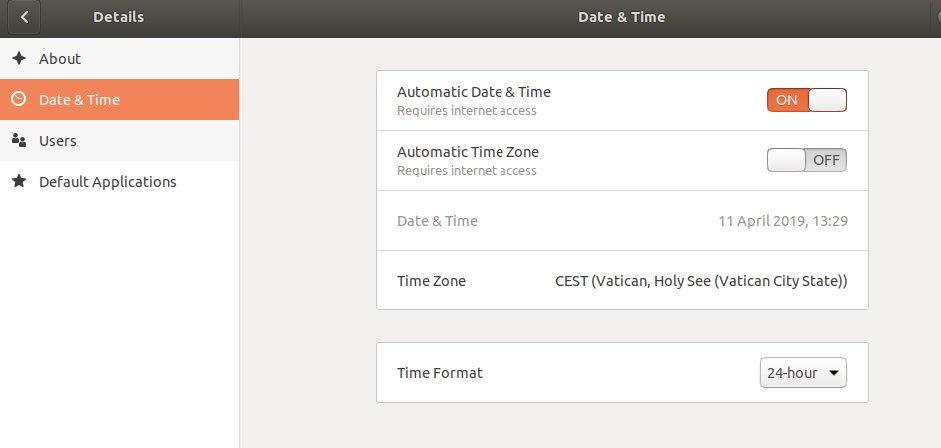
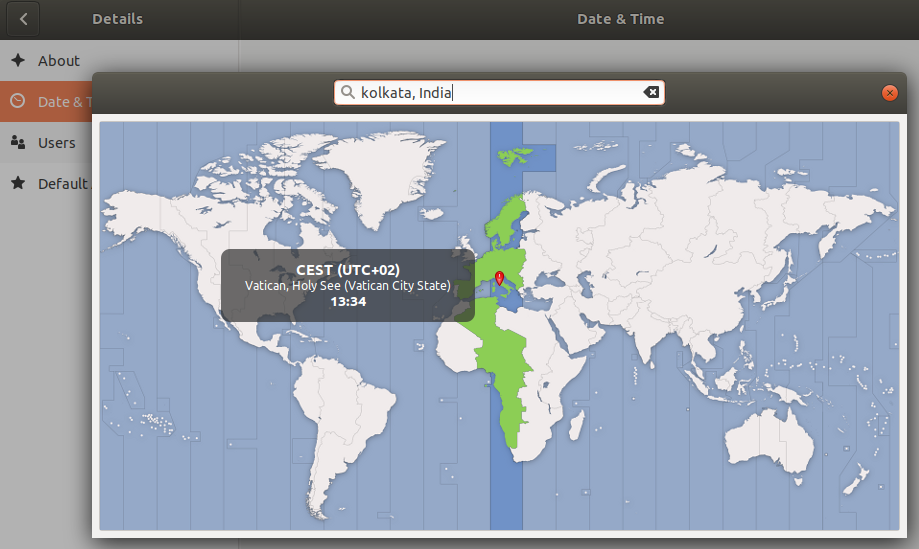
What is a time zone?
The world is split into regions that each keep their own local time. These are time zones. Your server keeps one time zone setting. If it is wrong, your log files and scheduled tasks (called cron jobs) may run at times you do not expect. Sudo means "run this command as the admin".
Steps
- Log in to your server with SSH. SSH is a safe way to type commands on a server from far away.
- Check the current time and zone.
Look at the line namedtimedatectlTime zone.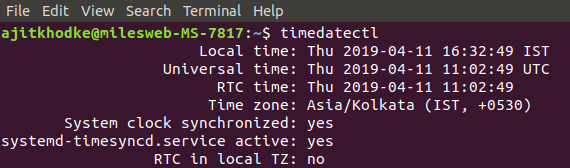
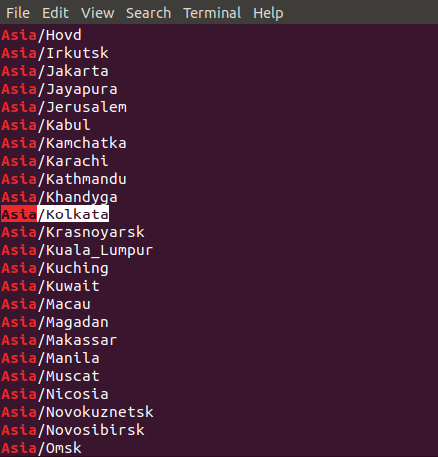
- Find the name of your zone. Zone names look like
Region/City. To search, type this.
This lists all zones with the word Asia. Change the word to search other regions.timedatectl list-timezones | grep Asia - Set your zone. Replace the example with your own.
sudo timedatectl set-timezone Asia/Kolkata
- Check again.
The time zone line should show your new choice.timedatectl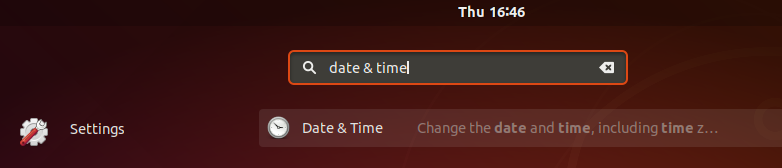
Another way: a menu
- Type
sudo dpkg-reconfigure tzdata. - Pick your area using the arrow keys and press
Enter. - Pick your city and press
Enter.
Keep the clock exact
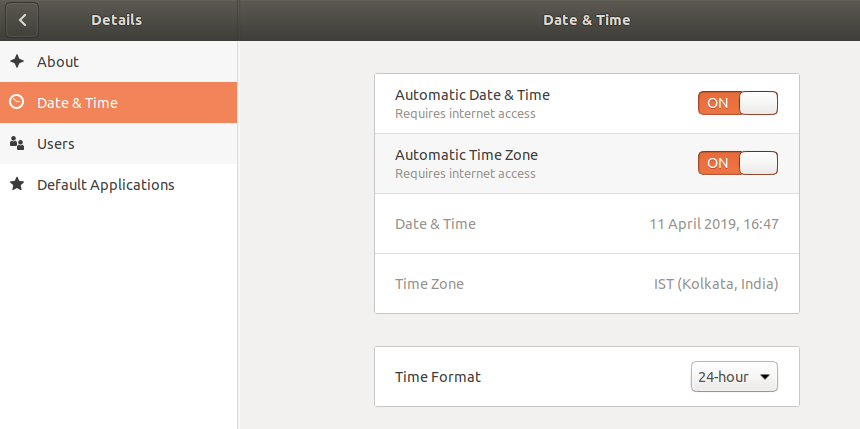
A right time zone is not enough if the clock itself drifts. Turn on network time, which sets the clock from the internet.
sudo timedatectl set-ntp trueThis switches on automatic time syncing.
Good to know
- Many server owners choose UTC. It is a world standard time with no daylight saving changes. It keeps logs simple.
- Restart long-running programs after the change. Some read the zone only when they start.
- Websites such as WordPress have their own time zone setting. It is separate from the server.
Tip: This guide works on Ubuntu 16.04 and newer. Older systems used other commands, so use these steps on a current version.
Quick recap
- Check with
timedatectl. - Set with
sudo timedatectl set-timezone Region/City.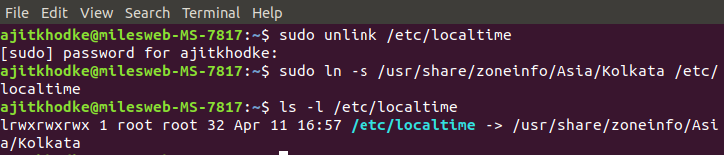
- Turn on network time with
set-ntp true.