

What does renewing mean?
Services such as hosting and domain names are paid for a set time, like a month or a year. When that time ends, you must pay again to keep the service. This is called renewing.
The client area is your online account page at Hostvento. You use it to see your services and pay your bills. An invoice is a bill that shows what you owe and when it is due.
Steps to renew
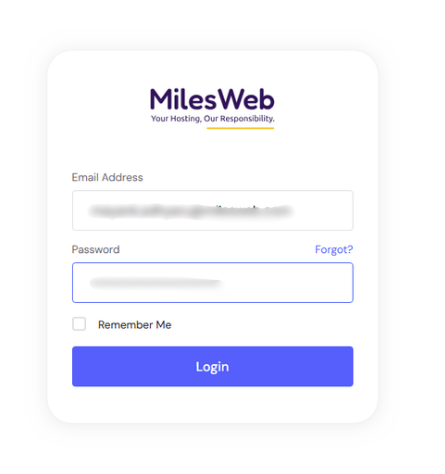
- Go to the client area and log in.
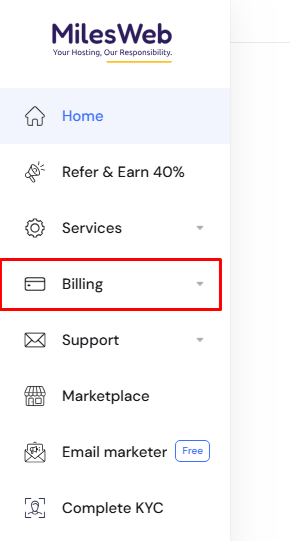
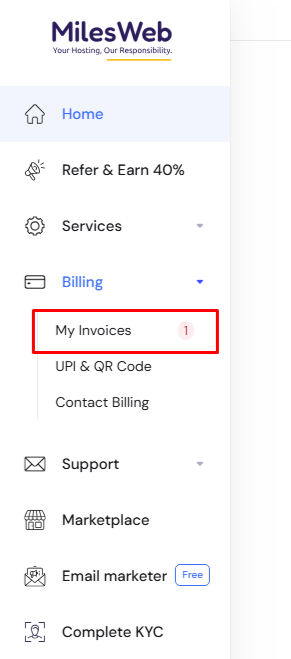
- Open the Billing menu and click My Invoices. The exact menu label may differ a little.
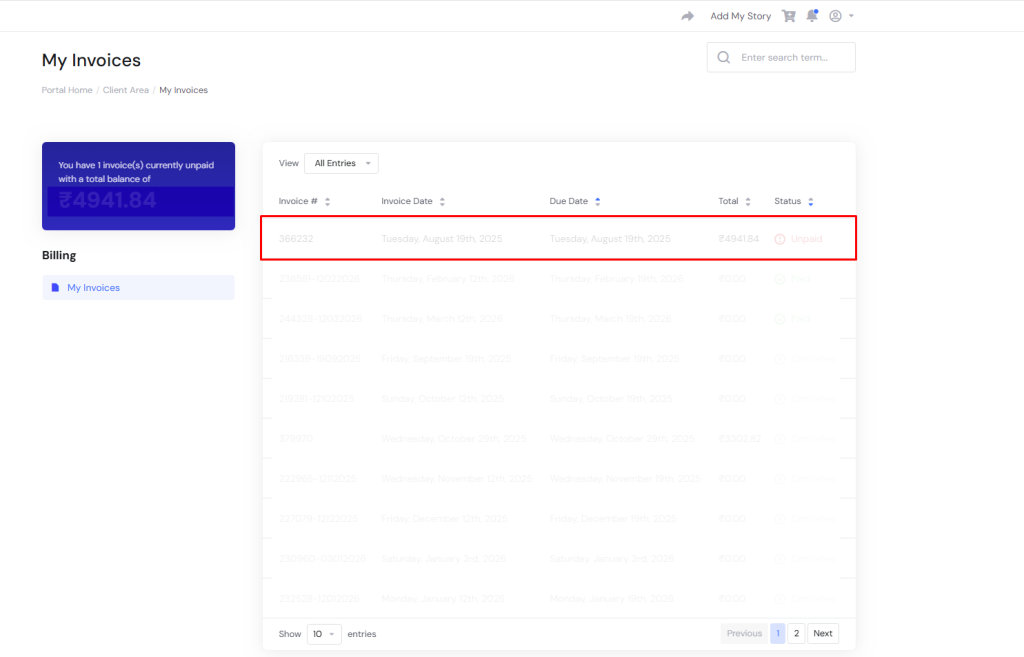
- Look for an invoice with the status Unpaid. It is usually for the service you want to renew.
- Click the invoice to open it.
- Check the service name and the date.
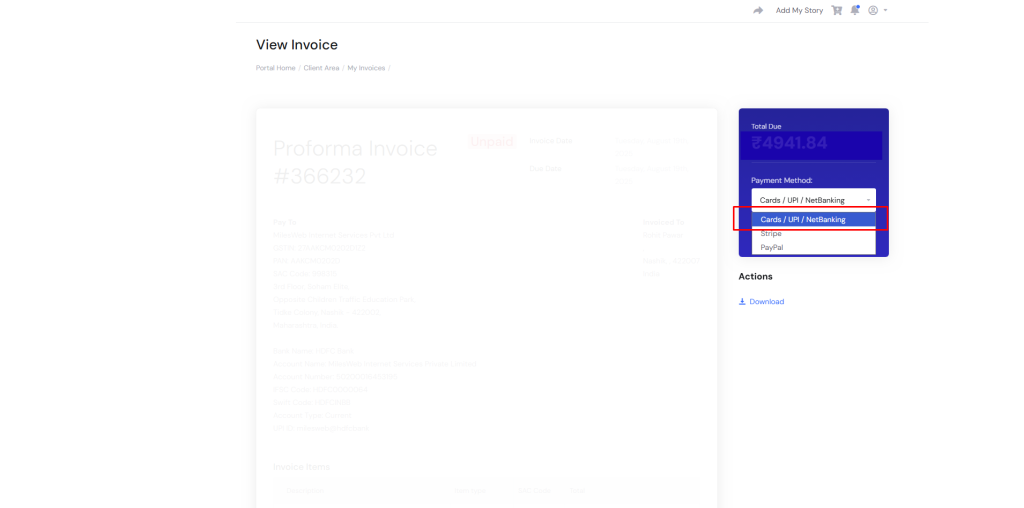
- Pick a payment method from the list, if you are asked.
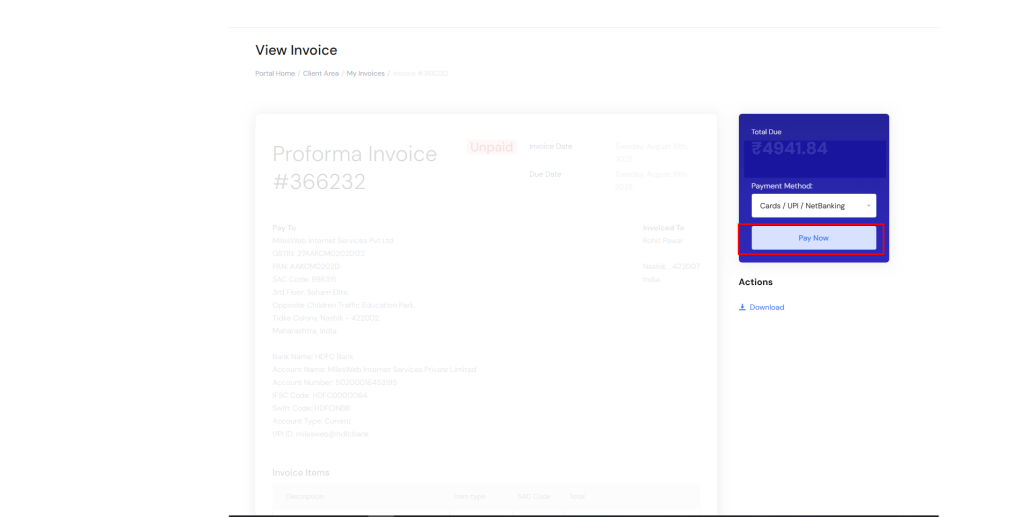
- Click the payment button and follow the on-screen steps.
- When the payment goes through, the invoice changes to Paid.
Where to see what is due
- Open Services and then My Services to see your hosting and other products. You will see the next due date.
- Open Domains and then My Domains to see your domain names and their expiry dates.
If you cannot see an invoice yet
Invoices are often created some days before the due date. If you do not see one, open the service in My Services and look for a renewal or invoice option. Or open a ticket with Hostvento support at the support ticket page.
Tip: Check your email too. Billing messages go to the email address on your account, so keep it up to date. Look in your spam folder as well.
Warning: If a service is not renewed in time, it can be suspended, and later removed. Ask Hostvento support about the exact timing for your service. Keep a backup of your website and email.
Payment problems
- If a payment fails, try another method, or check with your bank.
- If the invoice stays unpaid after you paid, open a support ticket and add the payment proof.
Quick recap
- Log in to the client area.
- Open Billing and My Invoices.
- Open the unpaid invoice and pay it.
- Check due dates under Services and Domains.
- Pay on time and keep backups.
- Contact support by ticket if anything looks wrong.