What is an under construction page?
An under construction page is a short message that visitors see instead of your site. It tells them you are busy and will be back soon. It is better than showing a broken page.
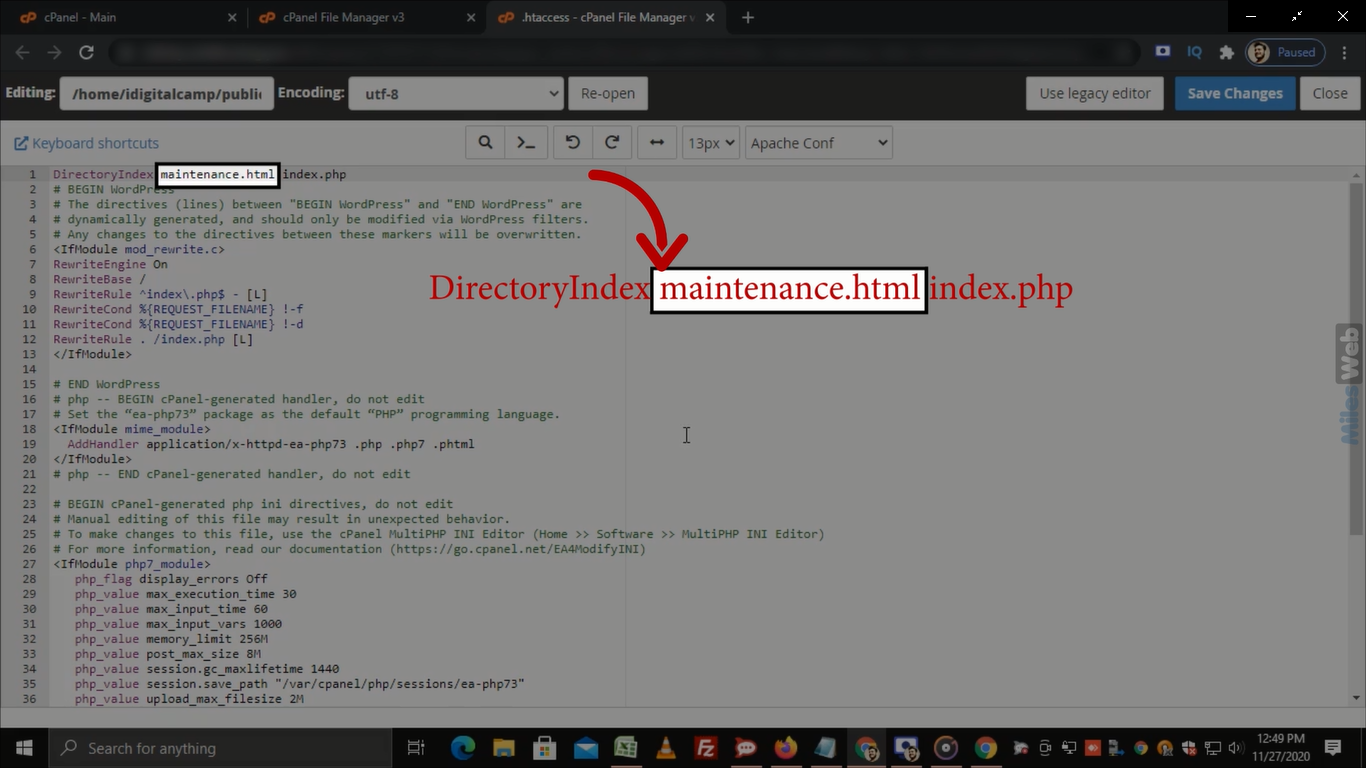
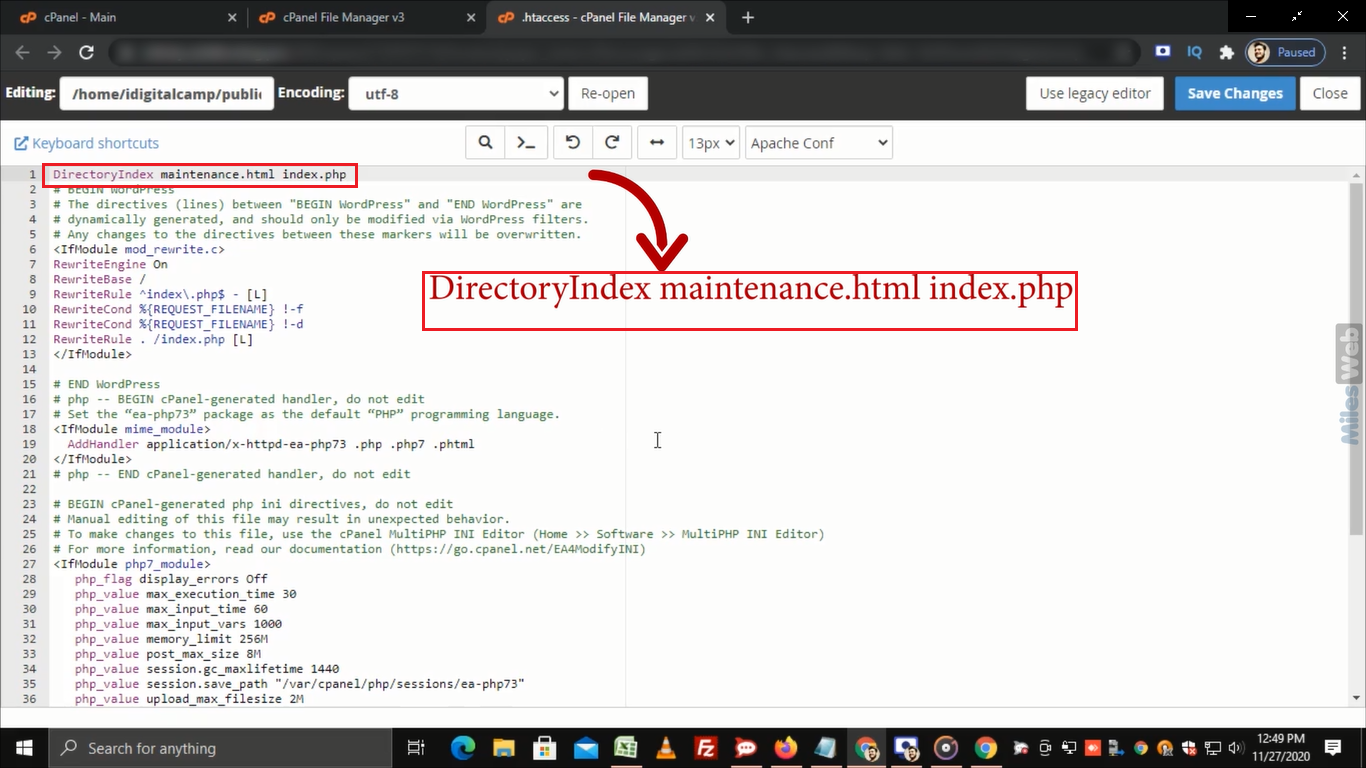
A web server shows a file called index.html (or index.php) first when someone visits your site. If we put our own index.html in front, visitors see our message.
Before you start
Warning: Do not delete your real site files. Rename them or move them, so you can bring them back. Take a backup first.
Steps
- Log in to your hosting control panel. The details are in your Hostvento welcome email.
- Open File Manager.
- Go to your website folder. It is often called
public_html. - Find the file
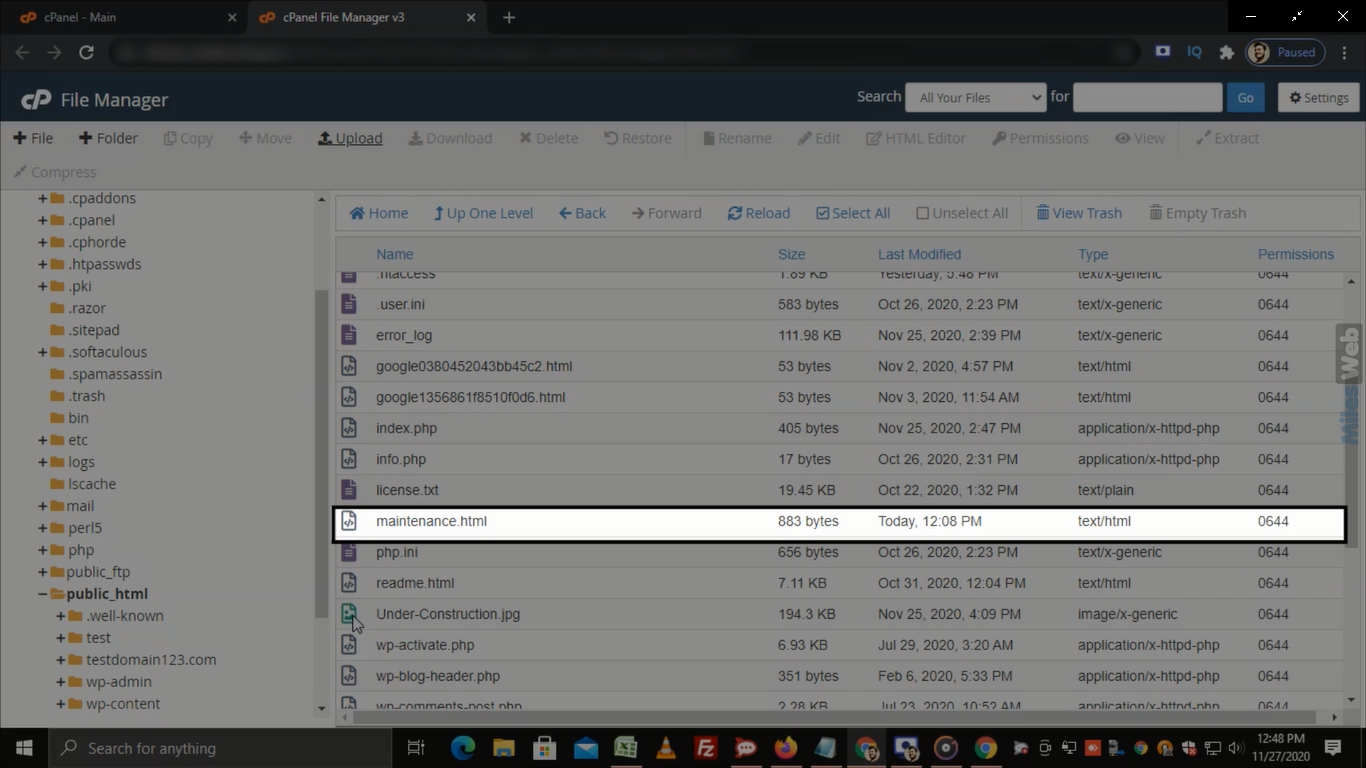
index.phporindex.html. Right-click it and choose Rename. Change the name toindex-old.php(orindex-old.html). - Click New File and name it
index.html. - Right-click the new file and choose Edit.
- Paste this simple page:
<!DOCTYPE html>
<html>
<head>
<meta charset="UTF-8">
<title>Coming Soon</title>
</head>
<body style="text-align:center;font-family:Arial;margin-top:100px;">
<h1>We are working on our website</h1>
<p>Please come back soon.</p>
</body>
</html>
This is a basic web page with a heading and a line of text. Change the words to suit you.
- Click Save Changes.
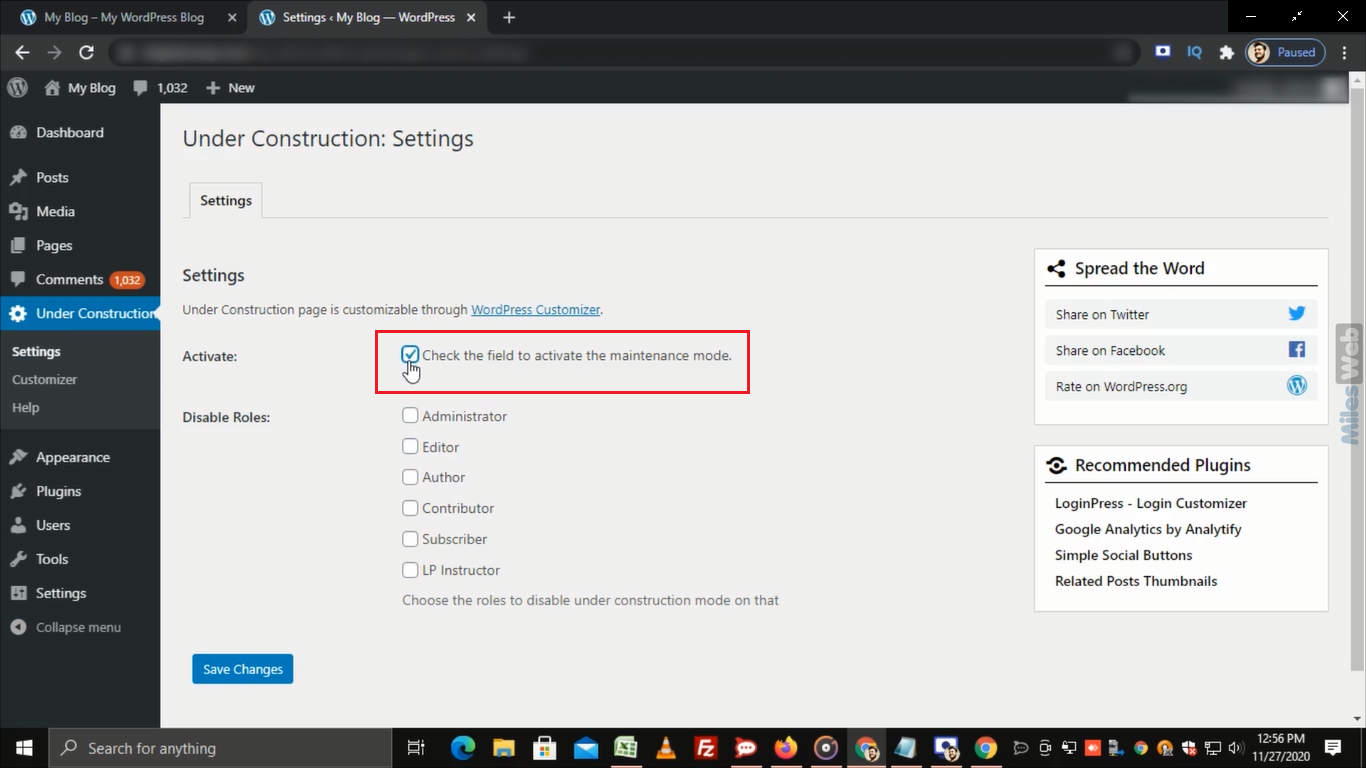
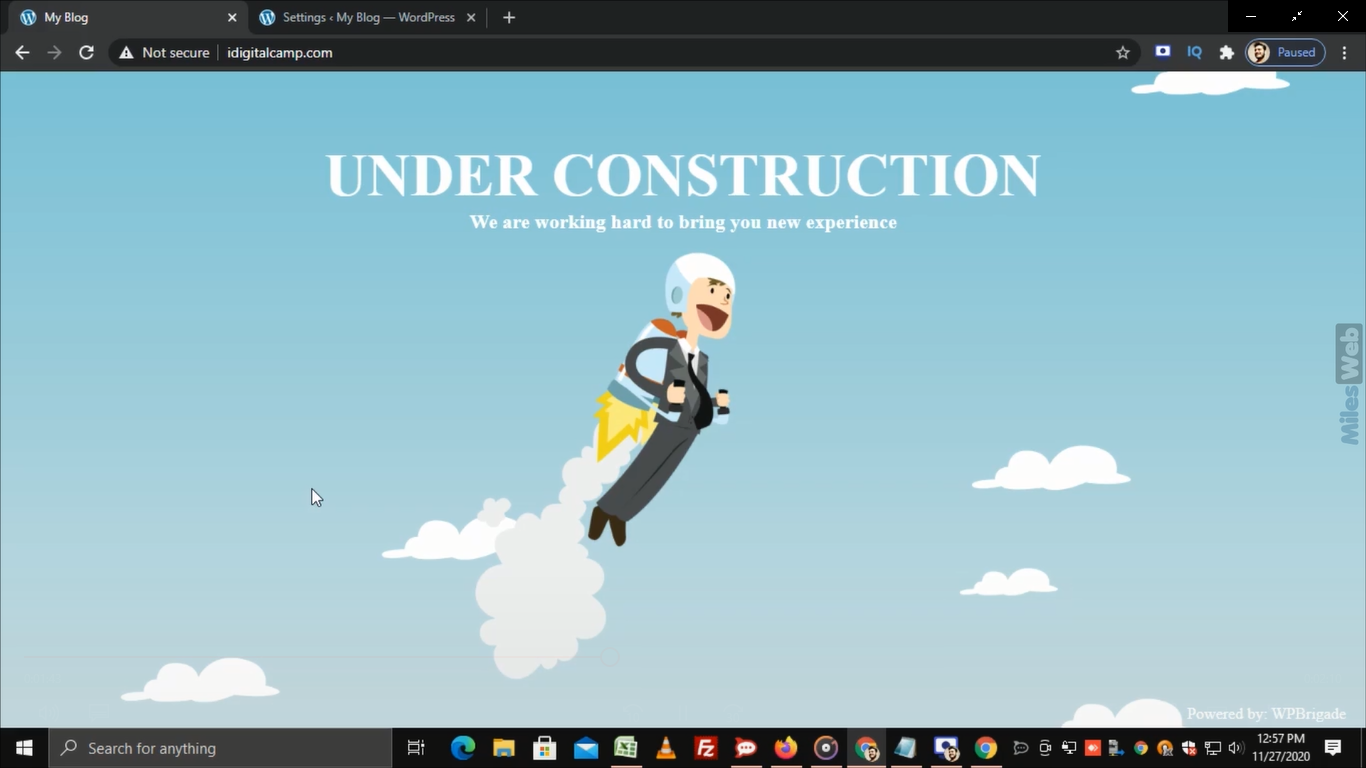
- Visit your website. Press Ctrl and F5 to refresh. You should see your message.
If the old site still shows
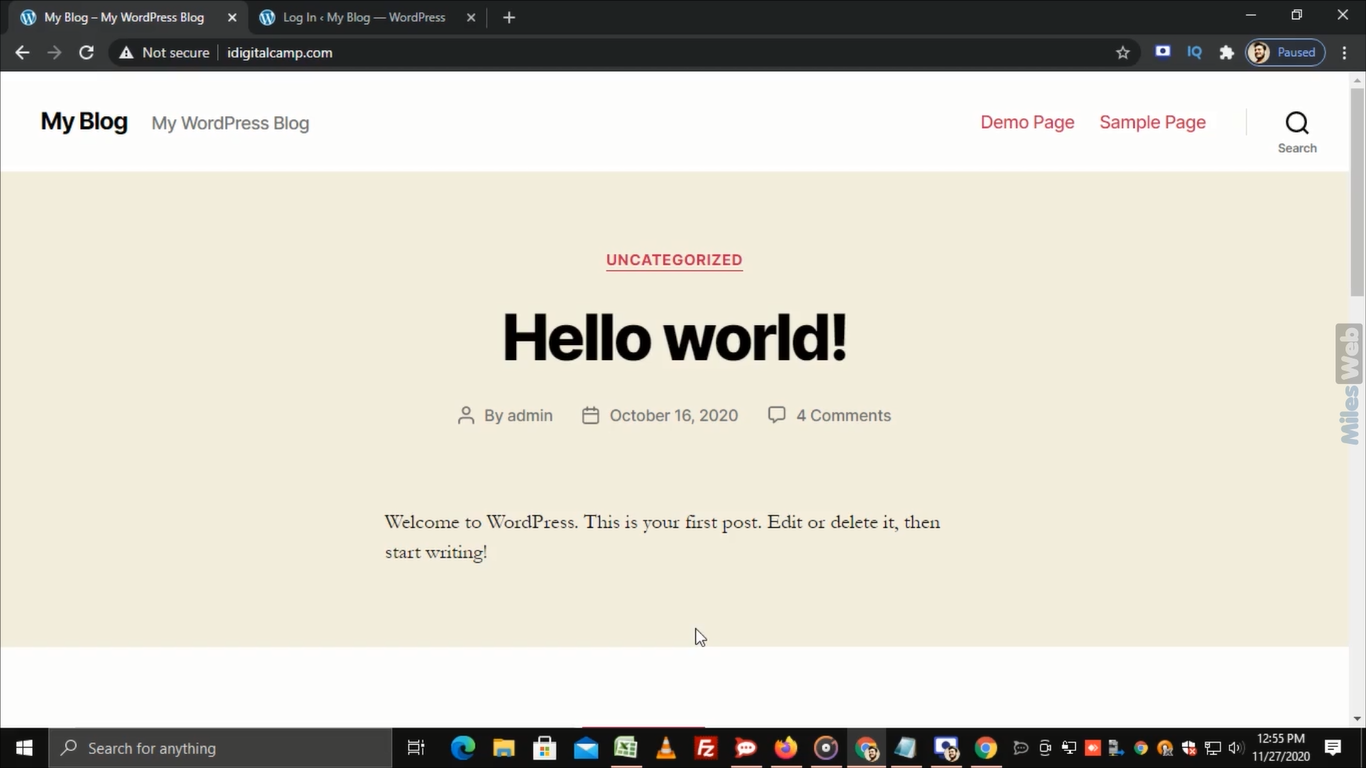
Some sites use index.php before index.html. That is why we rename the old index file in step 4. If you use WordPress, a caching plugin may also keep showing the old page. Clear the cache.
Bring your site back
- Delete or rename the
index.htmlyou made. - Rename
index-old.phpback toindex.php.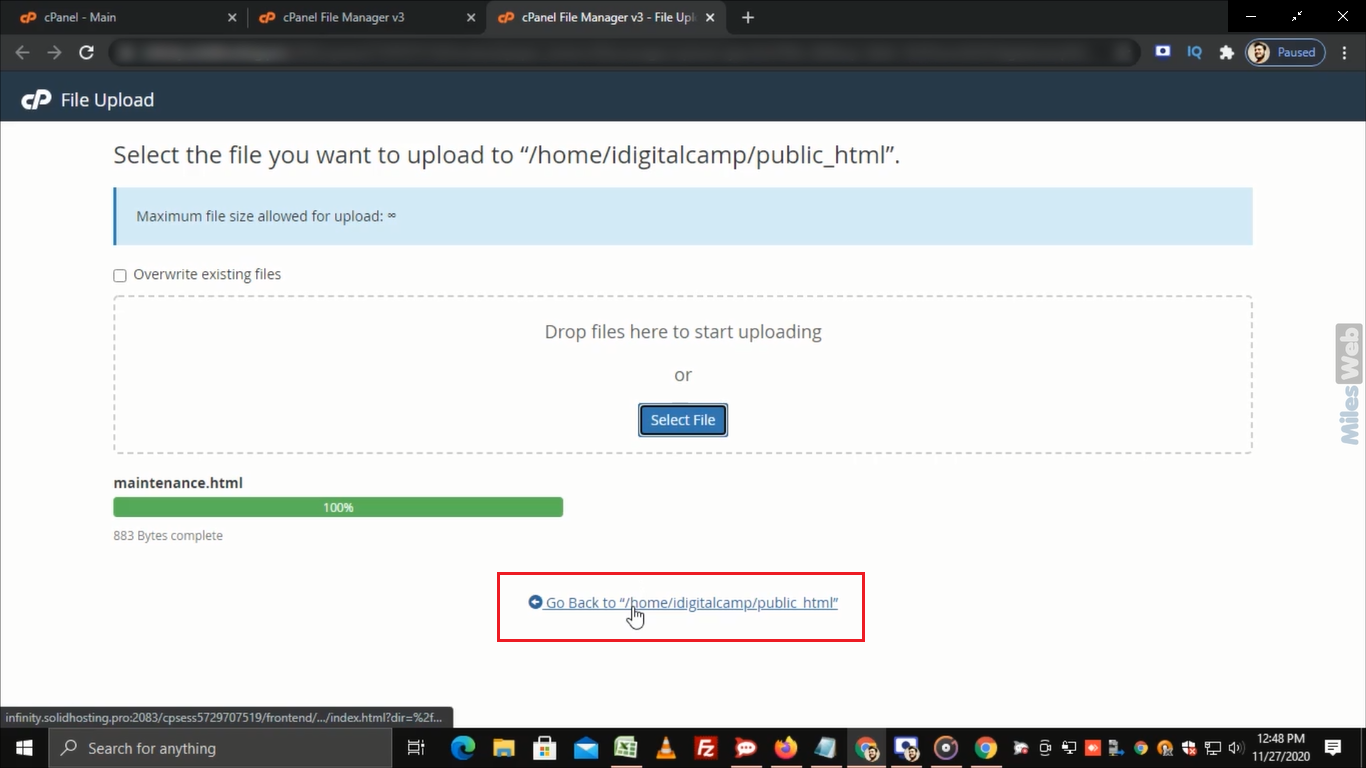
- Refresh your site.
Tip: Many site builders and WordPress plugins have a built-in maintenance mode. That may be easier if you use one.
Quick recap
- Rename your current index file. Do not delete it.
- Create a new
index.htmlwith your message. - Check the site in your browser.
- To go live again, remove the new file and restore the old one.