

What is an SVG file
SVG (Scalable Vector Graphics) is an image format made of XML text. It describes shapes, paths and colors instead of pixels.
Advantages
- Scalable. You can enlarge it without losing quality.
- Small. Simple graphics are lighter than PNG or JPG.
- Readable. The code is plain XML.
- Editable. You can change it in a text editor or combine it with CSS and JavaScript.
- Accessible. Text inside stays readable for screen readers.
- SEO friendly. Google can index SVG images.
Disadvantages
- Best for icons, logos and diagrams. Photos with many details are better as JPG or WebP.
- Very old browsers, such as Internet Explorer 8 and earlier, do not support SVG.
- The XML can be hard to edit by hand if you do not know it.
- Untrusted SVG files can contain scripts, so do not open files from unknown sources.
Convert an SVG
Tools such as Adobe Illustrator, Inkscape and Photopea can open PNG or JPG files and save them as SVG. The result is not always exact, especially with photos. Converting SVG to PNG or JPG is more reliable and keeps the quality.
Method 1: Web browser
Browsers read SVG like a web page. Double-click the file, or drag it into a browser window.
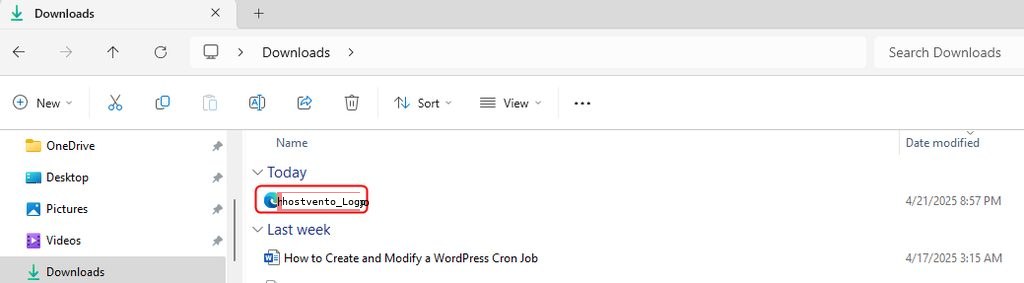
You cannot edit it in the browser. Use a text editor or an image editor for that.
Method 2: Text editor
Right-click the file and choose Edit with Notepad (or open it in any code editor).
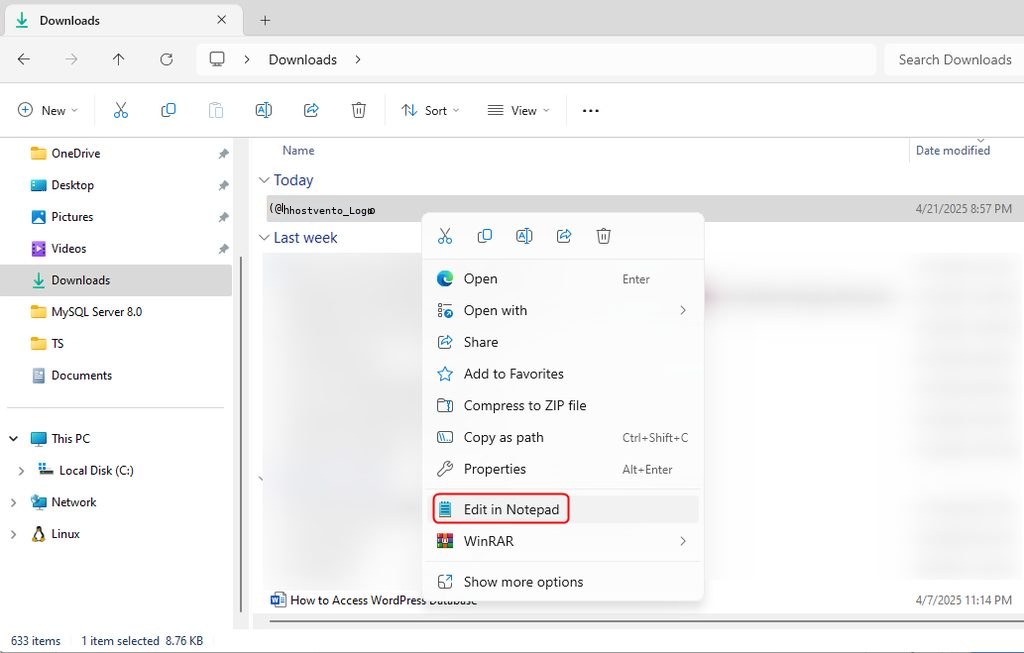
You see the XML code:
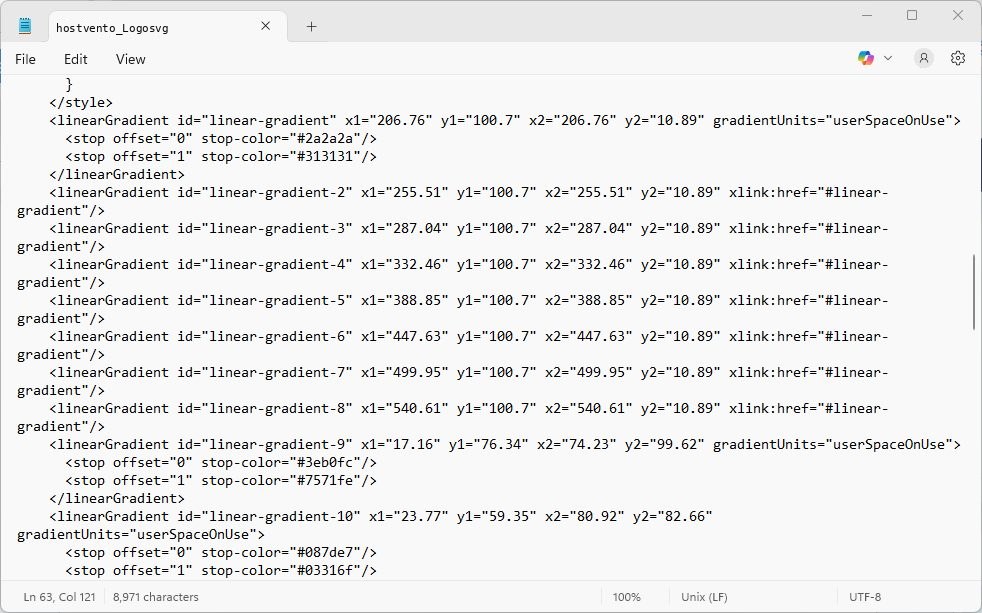
For example, replace a gradient to change the colors of a logo:
<linearGradient id="linear-gradient" x1="206.76" y1="100.7" x2="206.76" y2="10.89" gradientUnits="userSpaceOnUse">
  <stop offset="0" stop-color="#ff5f6d"/>
  <stop offset="1" stop-color="#ffc371"/>
</linearGradient>
Save the file and open it again in the browser to see the change.
Method 3: Image editor
Many editors open SVG files: Inkscape (free), Adobe Illustrator, Affinity Designer and GIMP (it imports SVG as an image). You can edit shapes, change colors and export to other formats.
Method 4: Online tools
Online editors such as Canva's SVG editor or Photopea work in the browser.
- Open the editor and click Edit SVG.
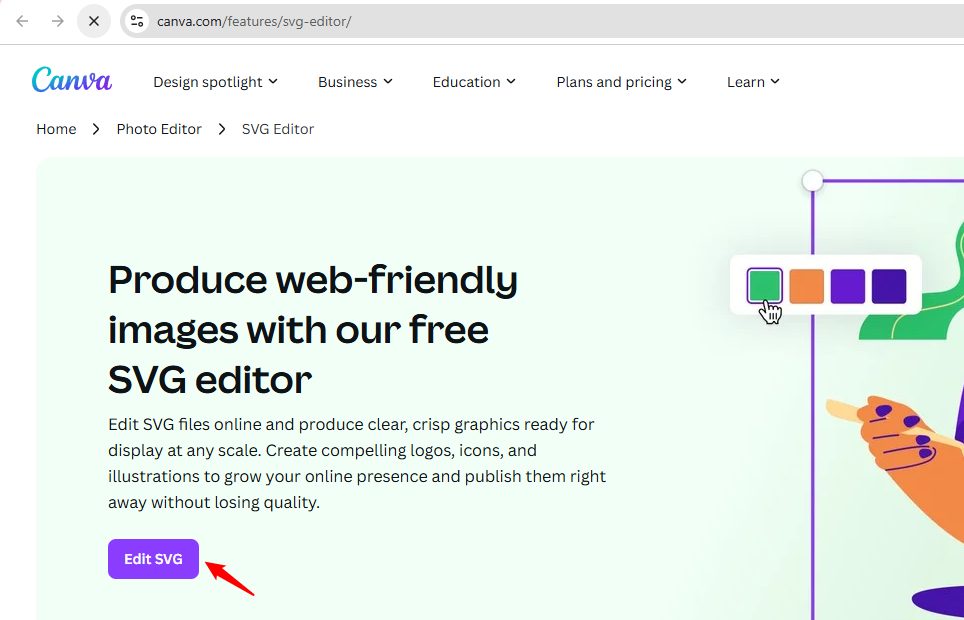
- Click Upload files and choose your SVG.
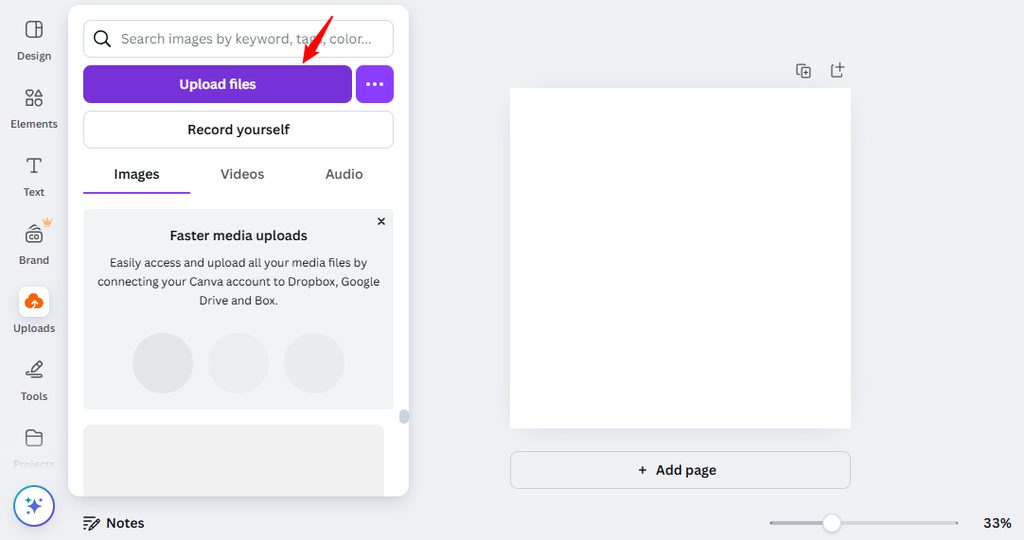
- Edit the design, add text or shapes, and download the result.
Quick recap
- Browsers show SVG files, text editors edit the code, and Inkscape edits the shapes.