

The normal ping command uses ICMP and has no port. To test whether a port accepts connections, use a tool that opens a TCP connection to that port.
Method 1: telnet
telnet [address] [port-number]Example:
telnet example.com 443
If it says Connected to ..., the port is open. Connection refused means closed, and a long wait or a timeout usually means a firewall drops the packets. Press Ctrl+] and type quit to leave. Install telnet with sudo apt install telnet if needed.
Method 2: netcat (nc)
nc -vz [address] [port-number]Example:
nc -vz google.com 443
-vgives verbose output.-zonly checks the port and sends no data.
Add -w 3 to wait 3 seconds at most.
Method 3: nmap
nmap -p [port-number] [address]Example:
nmap -p 443 google.com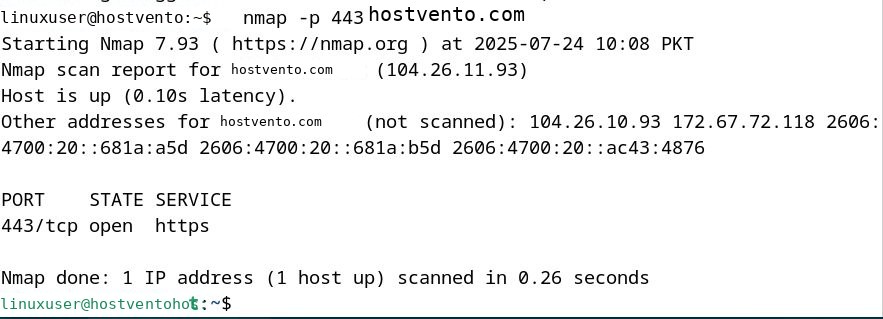
Check a range of ports:
nmap -p 20-25 example.com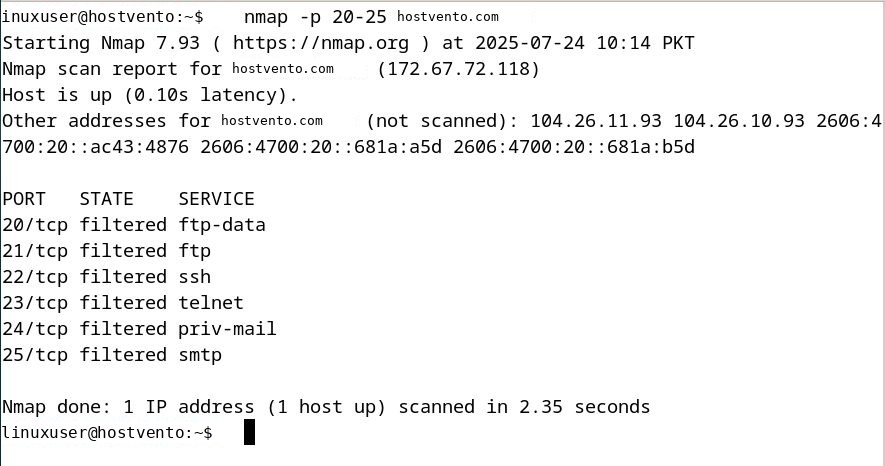
Note: Scan only hosts you own or have permission to test.
The result can be open, closed or filtered (a firewall blocks the answer).
Method 4: curl
curl [protocol]://[address]:[port-number]Example:
curl -I http://example.com:80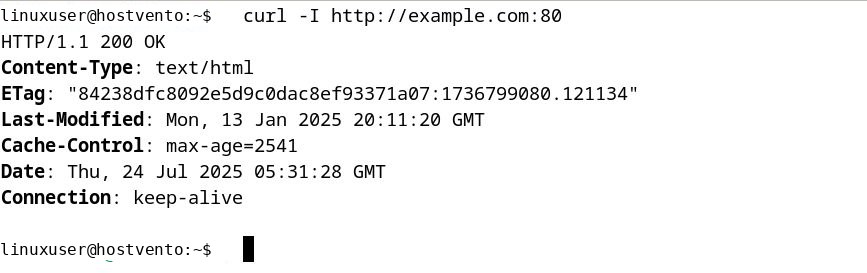
A reply, even an error page, means the port works. This tests web ports (HTTP and HTTPS).
Method 5: Bash only
You can test a port without any extra tools:
timeout 3 bash -c '</dev/tcp/example.com/443' && echo "open" || echo "closed"Check the ports on your own server
To see which ports are listening locally:
sudo ss -tulpnQuick recap
nc -vz host portis the quickest check.nmapis best for several ports.