

Step 1: Install Docker and Docker Compose
Install Docker Engine and the Compose plugin on your server (see our Docker install guides). Check:
docker --version
docker compose version
Step 2: Get a Laravel project
We use a small demo project (Travellist, from the DigitalOcean community). You can use your own project instead.
curl -L https://github.com/do-community/travellist-laravel-demo/archive/tutorial-1.0.1.zip -o travellist.zip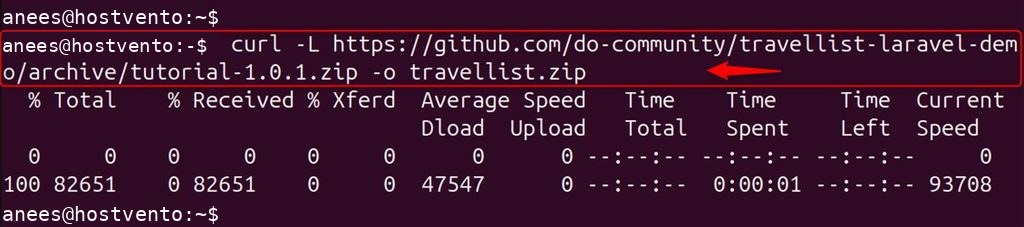
unzip travellist.zip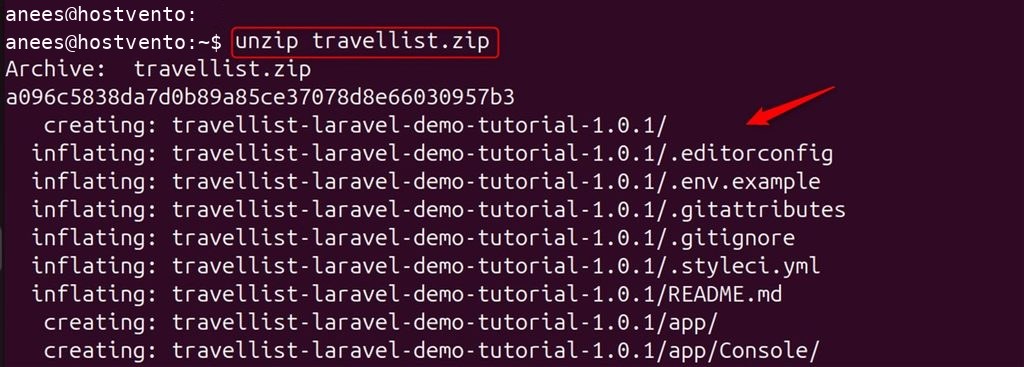
mv travellist-laravel-demo-tutorial-1.0.1 travellist-demo
cd travellist-demo
Step 3: Prepare the .env file
cp .env.example .env
nano .env
Set the app and database values. The database host is the name of the database service in Compose (db):
APP_NAME=Travellist
APP_ENV=dev
APP_KEY=
APP_DEBUG=true
APP_URL=http://localhost:8000

LOG_CHANNEL=stack

DB_CONNECTION=mysql
DB_HOST=db
DB_PORT=3306
DB_DATABASE=travellist
DB_USERNAME=travellist_user
DB_PASSWORD=StrongPassword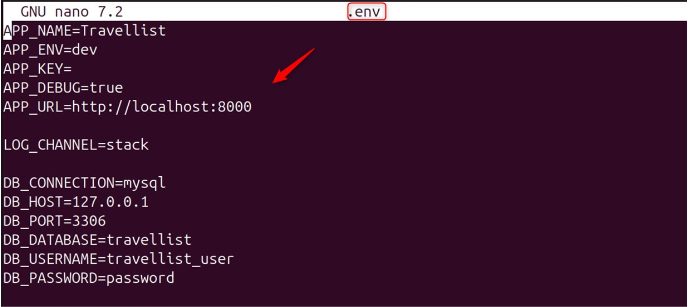
Step 4: Create the Dockerfile
nano DockerfileFROM php:8.2-fpm
ARG user
ARG uid
RUN apt-get update && apt-get install -y \
git curl libpng-dev libonig-dev libxml2-dev zip unzip \
&& apt-get clean && rm -rf /var/lib/apt/lists/*
RUN docker-php-ext-install pdo_mysql mbstring exif pcntl bcmath gd
COPY --from=composer:latest /usr/bin/composer /usr/bin/composer
RUN useradd -G www-data,root -u $uid -d /home/$user $user \
&& mkdir -p /home/$user/.composer \
&& chown -R $user:$user /home/$user
WORKDIR /var/www
USER $user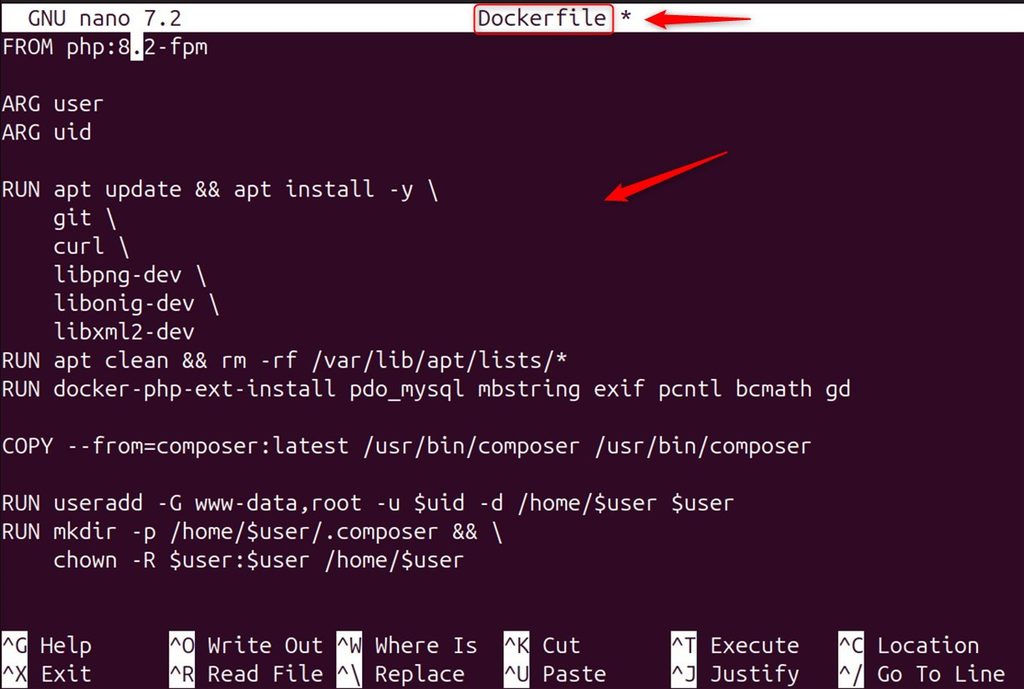
Step 5: Nginx configuration
mkdir -p docker-compose/nginx
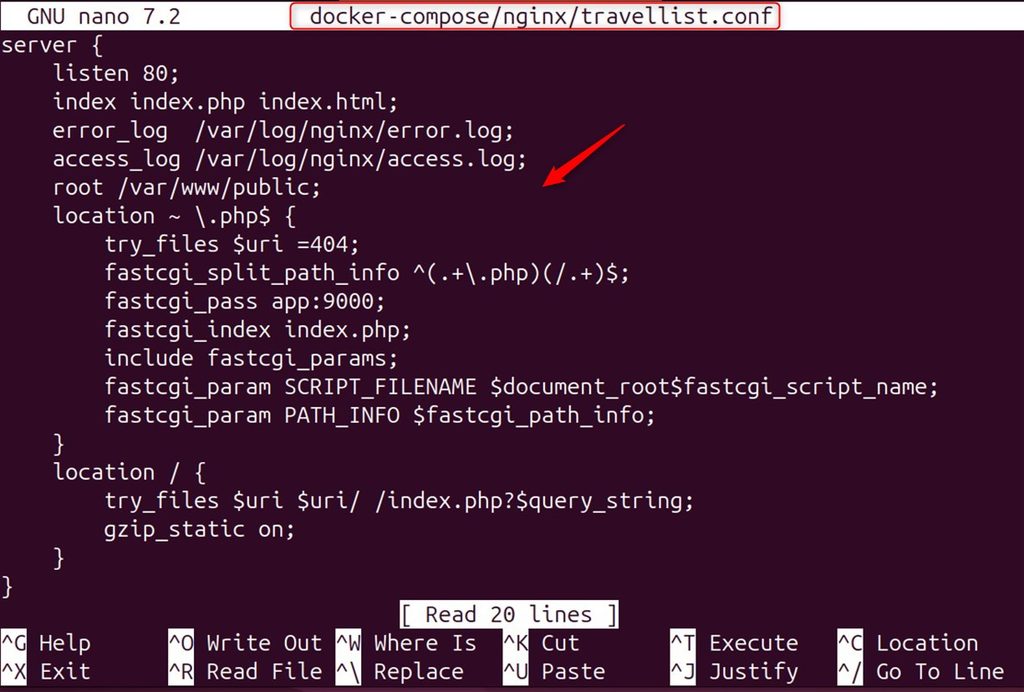
nano docker-compose/nginx/travellist.conf
server {
listen 80;
index index.php index.html;
error_log /var/log/nginx/error.log;
access_log /var/log/nginx/access.log;
root /var/www/public;
location ~ \.php$ {
try_files $uri =404;
fastcgi_split_path_info ^(.+\.php)(/.+)$;
fastcgi_pass app:9000;
fastcgi_index index.php;
include fastcgi_params;
fastcgi_param SCRIPT_FILENAME $document_root$fastcgi_script_name;
fastcgi_param PATH_INFO $fastcgi_path_info;
}
location / {
try_files $uri $uri/ /index.php?$query_string;
gzip_static on;
}
}
Step 6: MySQL initialization
Create a file that sets up the database on the first start:
mkdir -p docker-compose/mysql
nano docker-compose/mysql/init_db.sql
DROP DATABASE IF EXISTS travellist;
CREATE DATABASE travellist;
CREATE USER IF NOT EXISTS 'travellist_user'@'%' IDENTIFIED BY 'StrongPassword';
GRANT ALL ON travellist.* TO 'travellist_user'@'%';
FLUSH PRIVILEGES;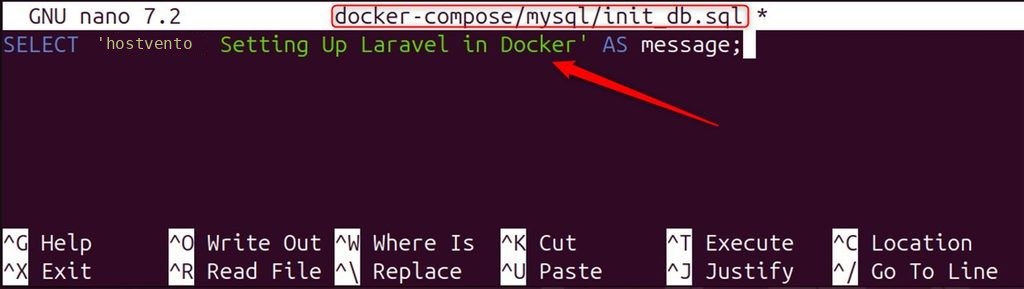
(The DROP DATABASE line is only safe for a new setup, because it runs only when the data volume is empty.)
Step 7: Define the services
nano docker-compose.ymlservices:
app:
build:
args:
user: sammy
uid: 1000
context: ./
dockerfile: Dockerfile
image: travellist
container_name: travellist-app
restart: unless-stopped
working_dir: /var/www/
volumes:
- ./:/var/www
networks:
- travellist
db:
image: mysql:8.0
container_name: travellist-db
restart: unless-stopped
environment:
MYSQL_DATABASE: travellist
MYSQL_ROOT_PASSWORD: RootPassword
MYSQL_USER: travellist_user
MYSQL_PASSWORD: StrongPassword
volumes:
- dbdata:/var/lib/mysql
- ./docker-compose/mysql/init_db.sql:/docker-entrypoint-initdb.d/init_db.sql
networks:
- travellist
nginx:
image: nginx:alpine
container_name: travellist-nginx
restart: unless-stopped
ports:
- "8000:80"
volumes:
- ./:/var/www
- ./docker-compose/nginx:/etc/nginx/conf.d/
networks:
- travellist
networks:
travellist:
driver: bridge
volumes:
dbdata: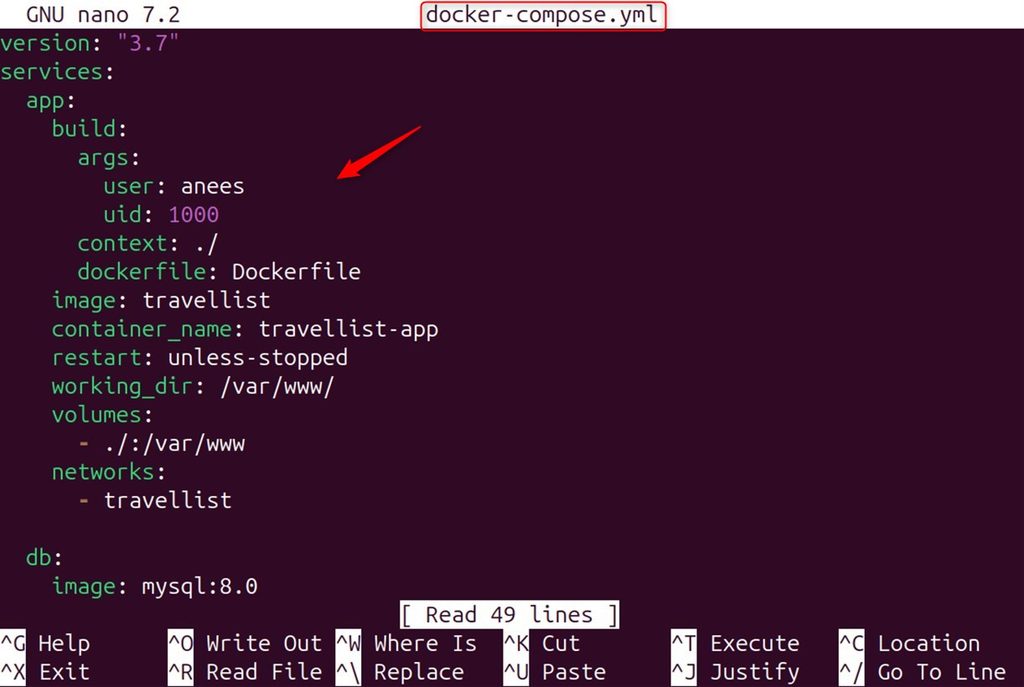
Step 8: Build and run
docker compose build app
docker compose up -d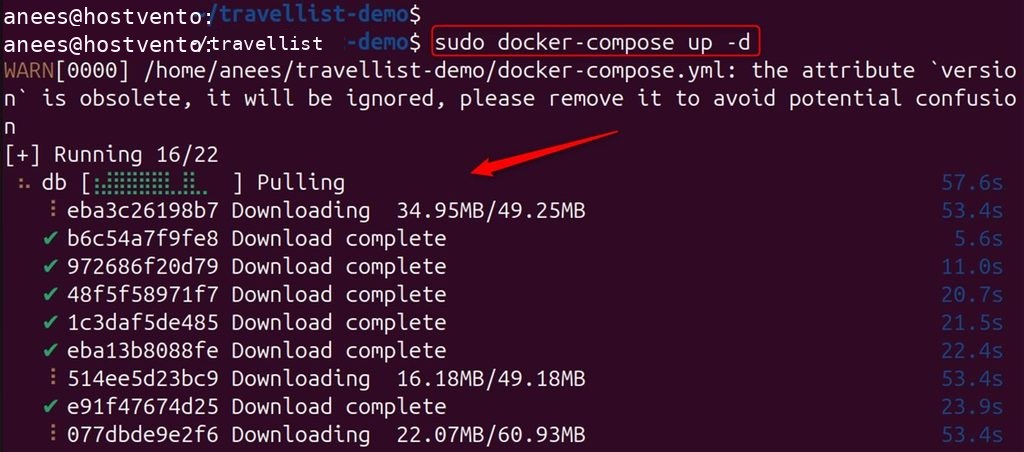
Install the PHP packages, create the app key and run the migrations:
docker compose exec app composer install
docker compose exec app php artisan key:generate
docker compose exec app php artisan migrate --seed
Step 9: Open the app
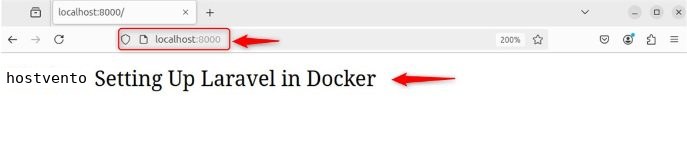
Go to http://your-server-ip:8000.
FAQ
Why use Docker for Laravel? Everyone gets the same environment, and setup on a new server takes minutes.
What is the Dockerfile for? It builds the PHP image with the extensions Laravel needs.
What does the Nginx file do? It serves the public folder and passes PHP files to PHP-FPM.
What does docker-compose.yml do? It describes the app, database and web server and starts them together.
Quick recap
- Three services:
app(PHP-FPM),db(MySQL) andnginx. - Set
DB_HOST=dbin.env, thendocker compose up -d.