

Install Node.js on Windows
Step 1: Download Node.js
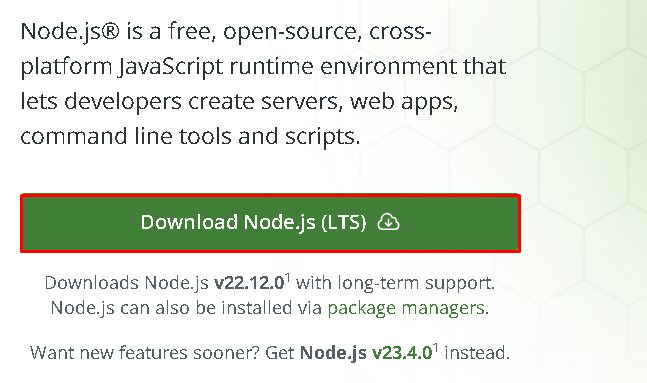
Download the LTS installer from nodejs.org.
Step 2: Run the installer
Open the file and follow the wizard. Keep the default options.
Step 3: Check the installation
Open a new terminal:
node -v
npm -v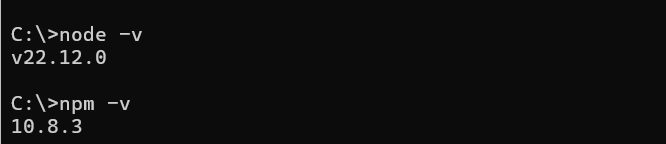
(On Linux and macOS use your package manager or nvm.)
Create a Next.js project
Step 1: Create the app
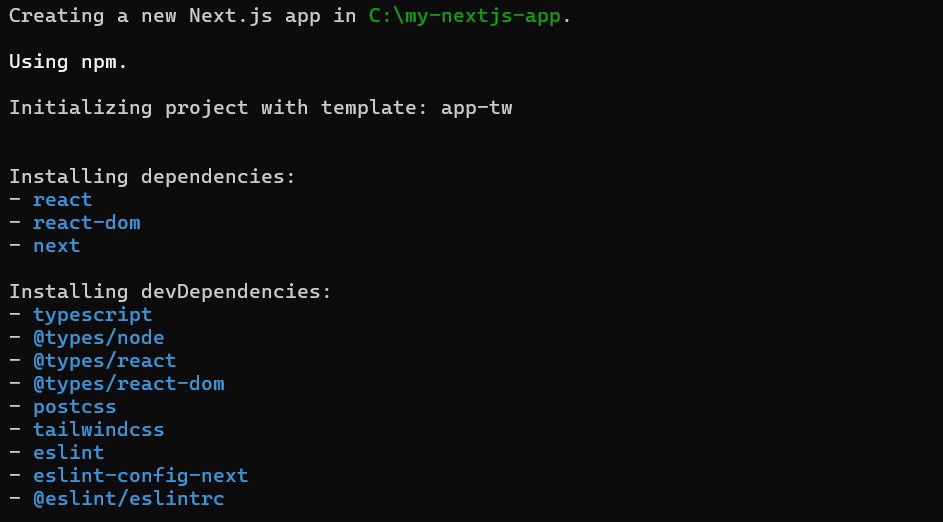
npx create-next-app@latest my-nextjs-app
Answer the questions (TypeScript, ESLint, Tailwind CSS, the App Router and so on). The tool installs the packages.
Step 2: Go to the folder
cd my-nextjs-app
Step 3: Start the development server
npm run dev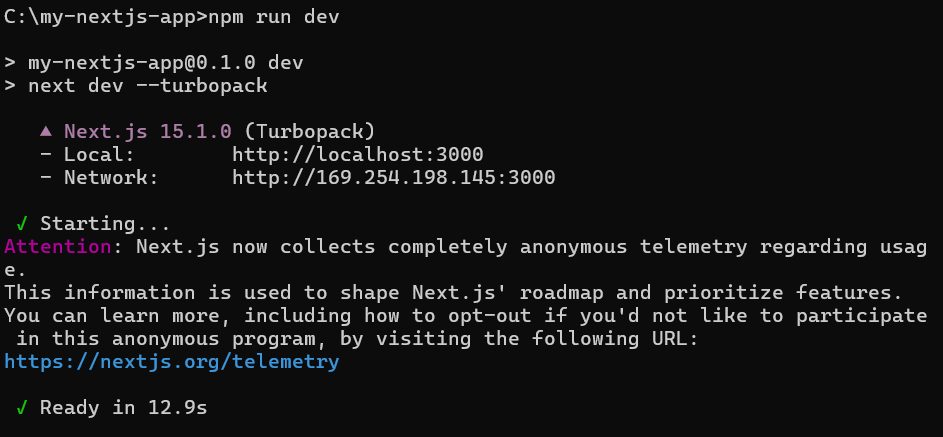
Open http://localhost:3000 in your browser.
Step 4: Look at the project
app/(orpages/in the older Pages Router) holds your pages. Each file becomes a route.public/holds static files such as images and fonts.styles/orapp/globals.cssholds the global CSS.package.jsonlists the scripts and packages.
Build for production
npm run build
npm run start
npm run start runs the production server on port 3000.
Features of Next.js
- Server-side rendering and static generation for fast pages and good SEO.
- File-based routing. No router setup.
- API routes and server actions for back-end code.
- Image optimization and built-in CSS support.
- Hot reload while you develop.
Quick recap
- Install Node.js, run
npx create-next-app@latest, thennpm run dev.