

What you need
- A fresh CentOS 7 or CentOS Stream 8-9 server
- Root access, or a user with
sudo - Basic knowledge of the command line
Step 1: Update the system
sudo yum update -y
Reboot the server after a big update.
Step 2: Install the tools
Add the EPEL repository:
sudo yum install -y epel-release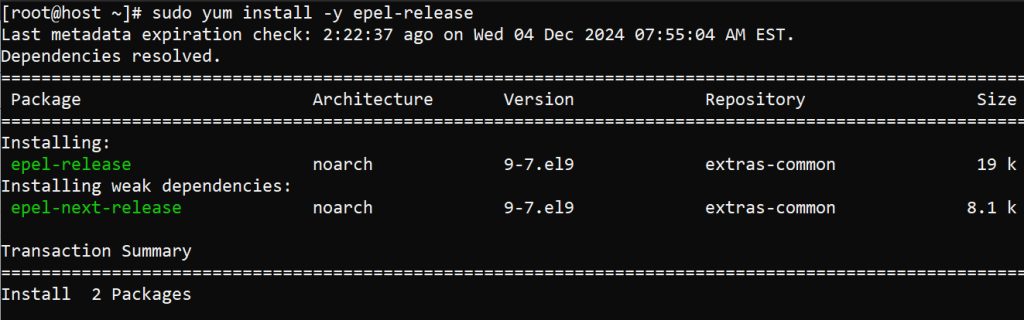
Install Apache, MariaDB and PHP:
sudo yum install -y httpd mariadb-server php php-mysqlnd php-xml php-mbstring php-opcache
Start both services and make them run at boot:
sudo systemctl start httpd && sudo systemctl enable httpd
sudo systemctl start mariadb && sudo systemctl enable mariadb
Step 3: Secure MariaDB
sudo mysql_secure_installation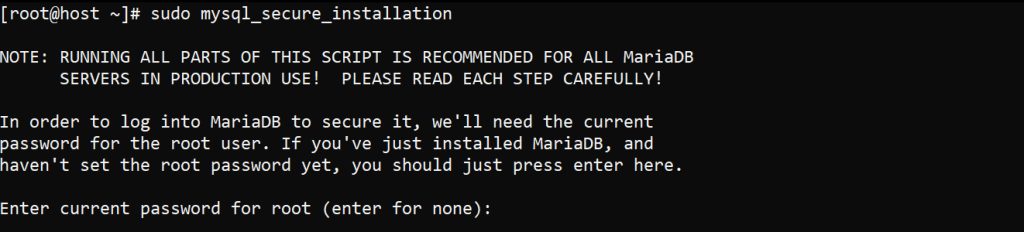
Set a root password and answer y to the questions. This removes insecure default settings.
Step 4: Download and run the BitrixVM script
Download the setup script from the official Bitrix download page. The example below uses the address from the Bitrix site:
wget http://www.bitrixsoft.com/download/scripts/bitrix-env.sh
Make the script executable and run it:
chmod +x bitrix-env.sh && sudo ./bitrix-env.sh
Follow the questions on the screen.
Step 5: Set up Apache and PHP
Open the Apache config:
sudo nano /etc/httpd/conf/httpd.confAdd a virtual host for your site. Replace your_domain.com:
<VirtualHost *:80>
    DocumentRoot "/home/bitrix/www"
    ServerName your_domain.com
    ServerAlias www.your_domain.com
    <Directory "/home/bitrix/www">
        Options Indexes FollowSymLinks
        AllowOverride All
        Require all granted
    </Directory>
    ErrorLog "/var/log/httpd/bitrix-error_log"
    CustomLog "/var/log/httpd/bitrix-access_log" combined
</VirtualHost>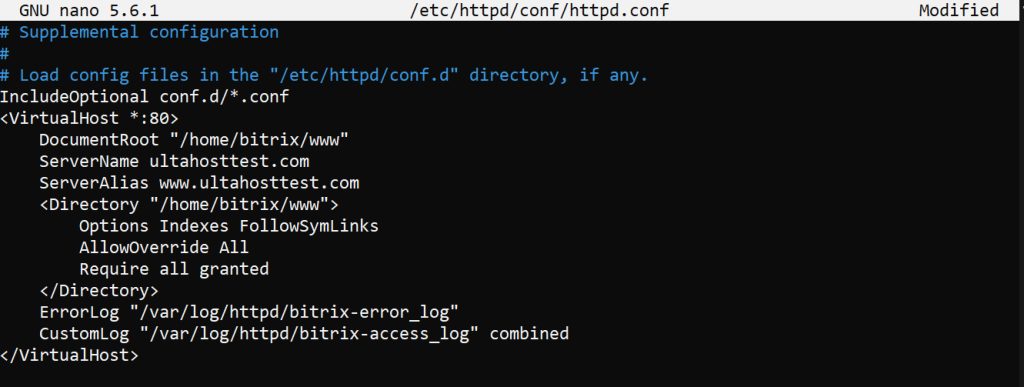
Restart Apache:
sudo systemctl restart httpdOpen the PHP file sudo nano /etc/php.ini and set:
memory_limit = 512M
max_execution_time = 300
post_max_size = 32M
upload_max_filesize = 32M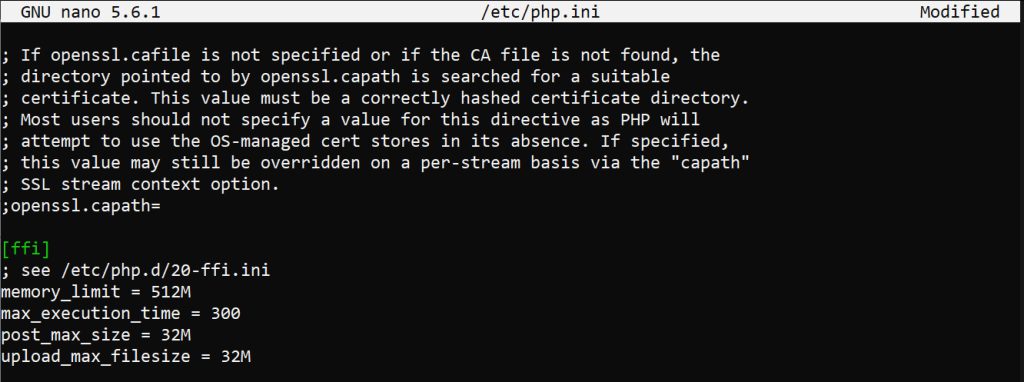
Save the file and restart Apache again.
Step 6: Finish in the browser
Open http://your_domain.com. The Bitrix installation page appears. Follow the steps and enter your database details when asked.
Note: The BitrixVM script may install its own web stack. If it asks you to remove or replace Apache, MariaDB or PHP, follow the Bitrix instructions. They win over the manual steps here.
Quick recap
- Update CentOS, install the stack and secure MariaDB.
- Run the Bitrix script and set up Apache and PHP.
- Finish the installation in your browser.