

Step 1: Add the OpenLiteSpeed repository
sudo wget -O - https://repo.litespeed.sh | sudo bash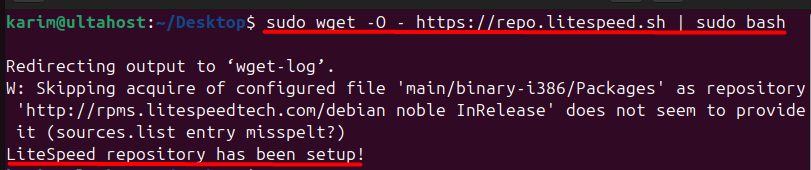
Step 2: Install OpenLiteSpeed
sudo apt-get -y install openlitespeed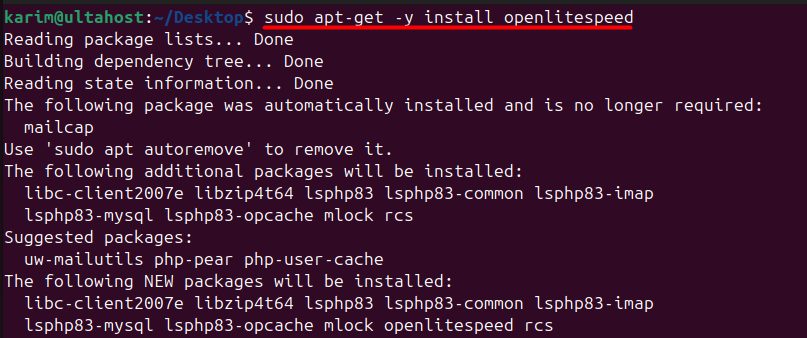
Step 3: Install PHP for OpenLiteSpeed
OpenLiteSpeed uses its own PHP builds, called LSPHP:
sudo apt-get install lsphp81 lsphp81-common lsphp81-mysql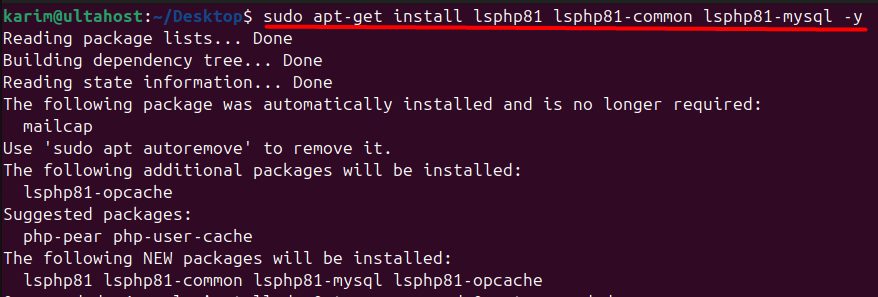
Use the version you want (for example lsphp82).
Step 4: See the available LSPHP packages
sudo apt-cache search lsphp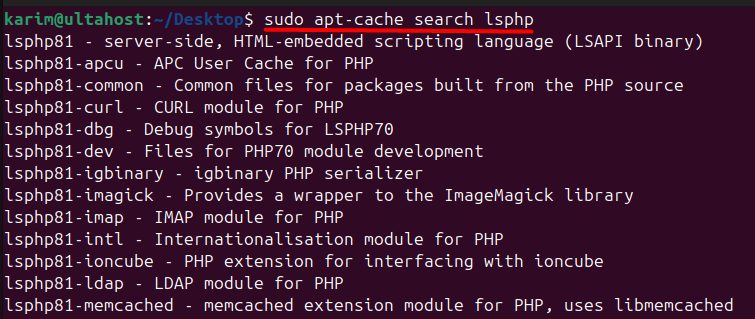
Step 5: Set the admin password
sudo /usr/local/lsws/admin/misc/admpass.sh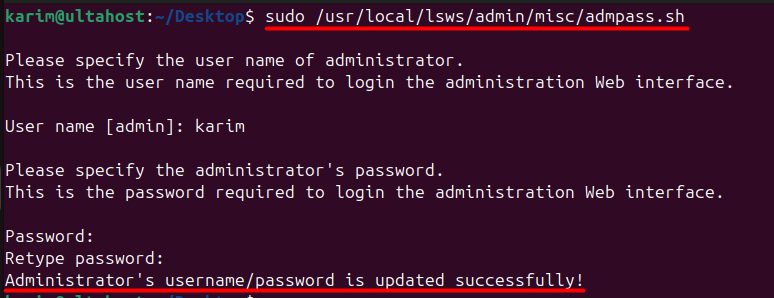
Enter a user name and a strong password for the WebAdmin console.
Step 6: Check the status
sudo systemctl status lsws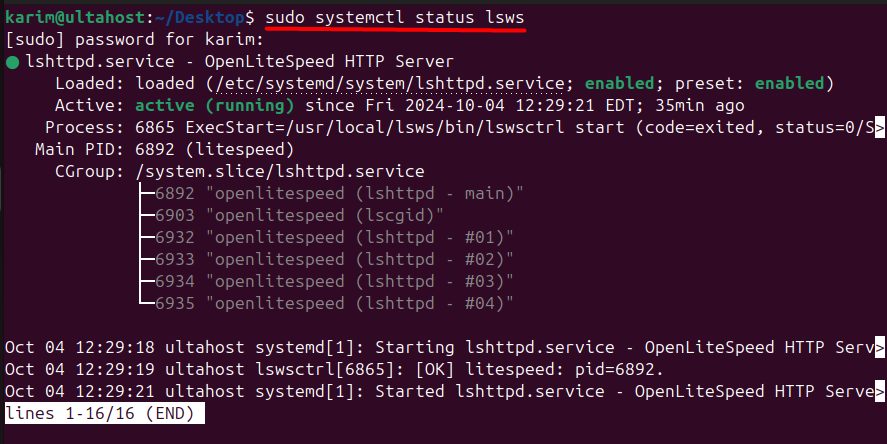
Start it if it is not running, and enable it at boot:
sudo systemctl start lsws
sudo systemctl enable lsws
Step 7: Open the firewall
sudo ufw allow 8088,7080,443,80/tcp
- 80 and 443 are for web traffic.
- 8088 is the default example site of OpenLiteSpeed.
- 7080 is the WebAdmin console.
Open port 7080 only for your own IP address if you can.
Open the admin panel
Go to https://your_server_ip:7080 in your browser. Accept the certificate warning and log in with the admin user and password from step 5.
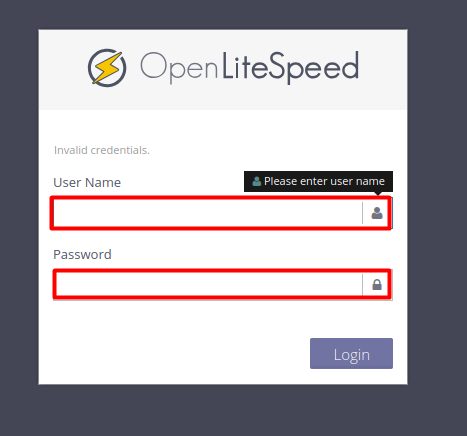
The default test site runs on http://your_server_ip:8088.
Benefits of OpenLiteSpeed
- Performance. An event-driven design that is fast and light on resources.
- Easy management. A web console and Apache-compatible rewrite rules, including
.htaccess. - Cost. It is free and open source.
- Security. Built-in protections such as anti-DDoS settings.
- Caching. The LiteSpeed Cache plugin for WordPress works with it.
Quick recap
- Add the repository, install
openlitespeedandlsphp. - Set the admin password with
admpass.sh. - Open port 7080 for the WebAdmin console.