

What are b2evolution and Softaculous?
b2evolution is free software for running blogs, photo sites and small community sites. A CMS (content management system) lets you add pages and posts from a web form, with no coding.
Softaculous is an app installer. It is like an app store for your website. You click, and it downloads and sets up the software for you. You do not need to upload files by hand. Ask Hostvento support if you do not see Softaculous on your plan.
Before you start
Find your hosting login details in your welcome email. You can also open your control panel from the client area at https://secure.hostvento.com/clientarea.php.
Steps
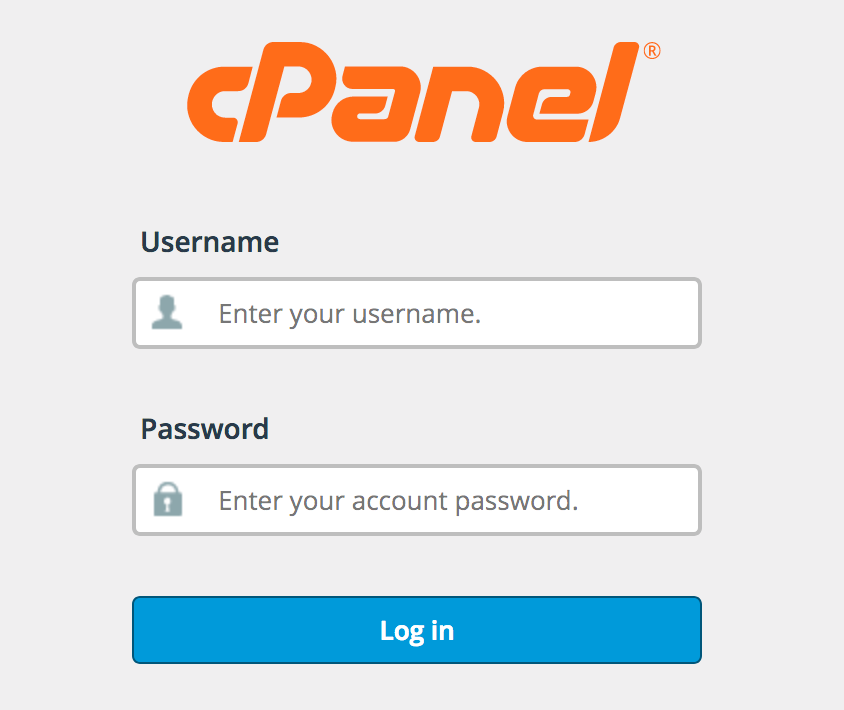
- Log in to your hosting control panel.
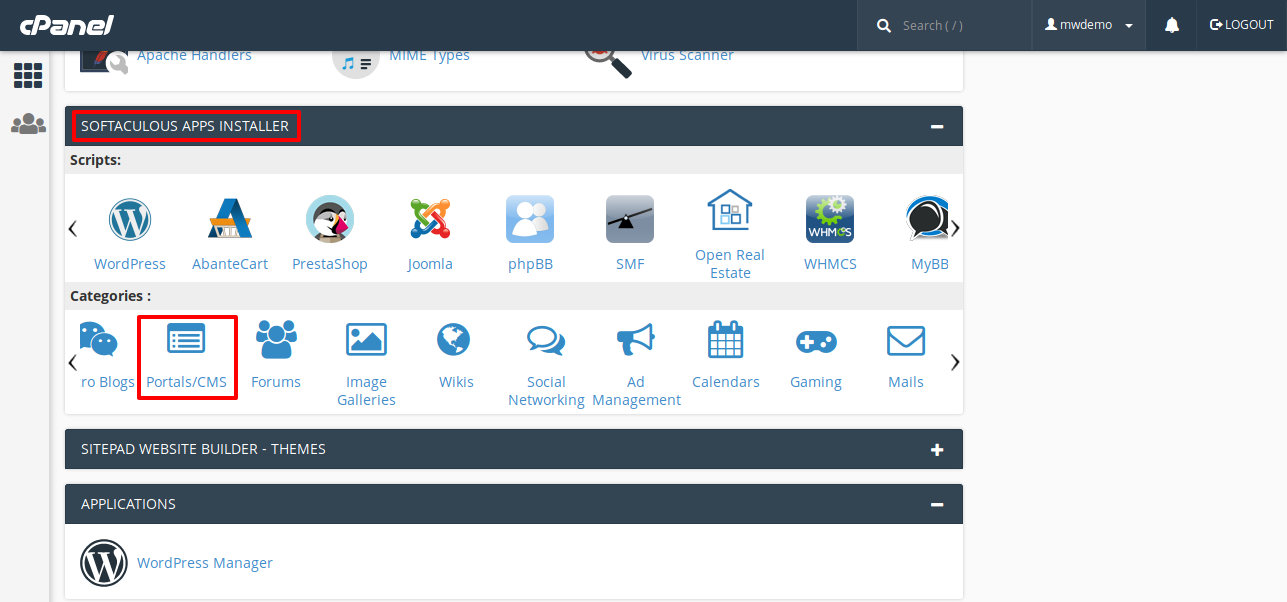
- Find Softaculous Apps Installer and click it. If you cannot find it, use the search box at the top of the panel.
- In the Softaculous search box, type b2evolution.
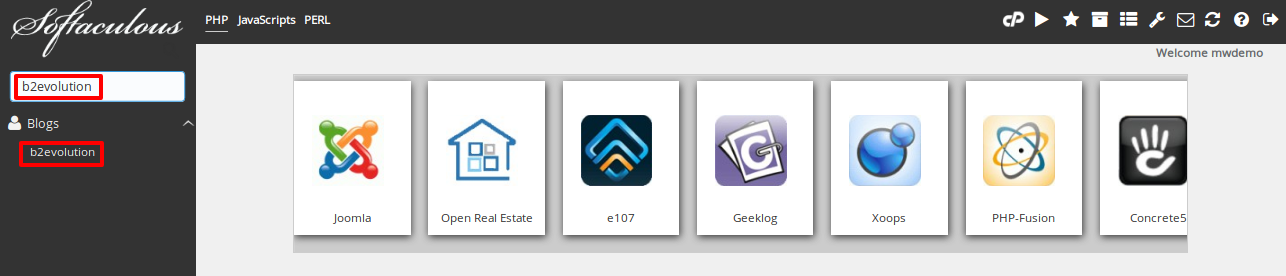
- Click the b2evolution result.
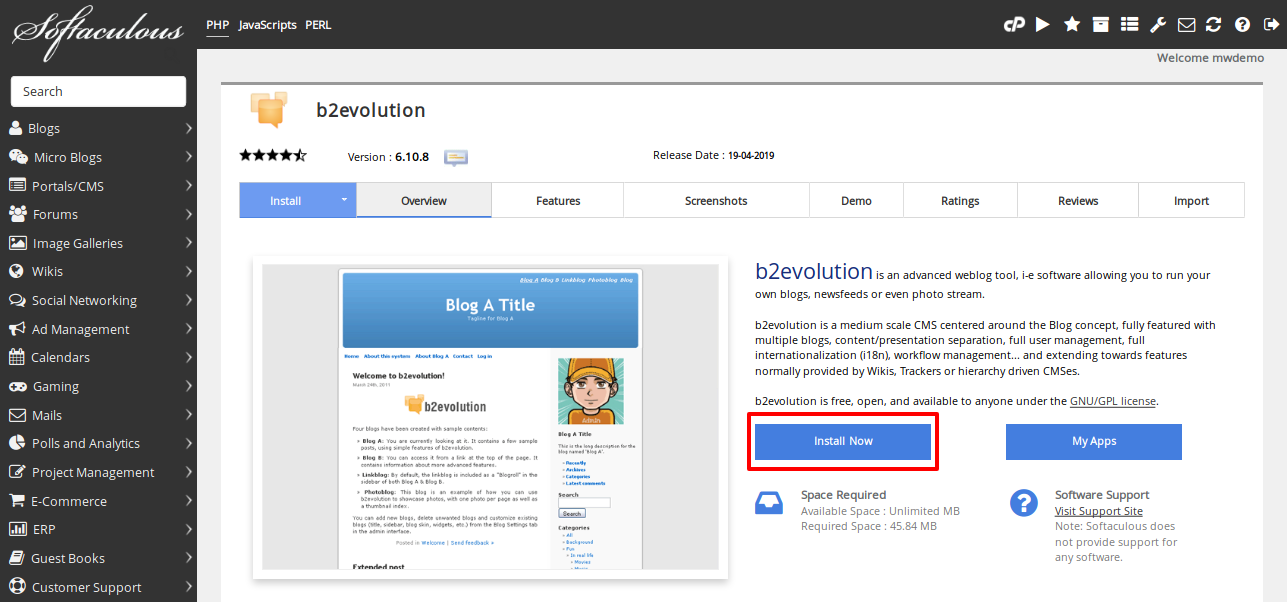
- Click Install Now.
- Under Choose Protocol, pick
https://if your site has an SSL certificate. SSL keeps the connection private. Otherwise pickhttp://. - Under Choose Domain, select your website name.
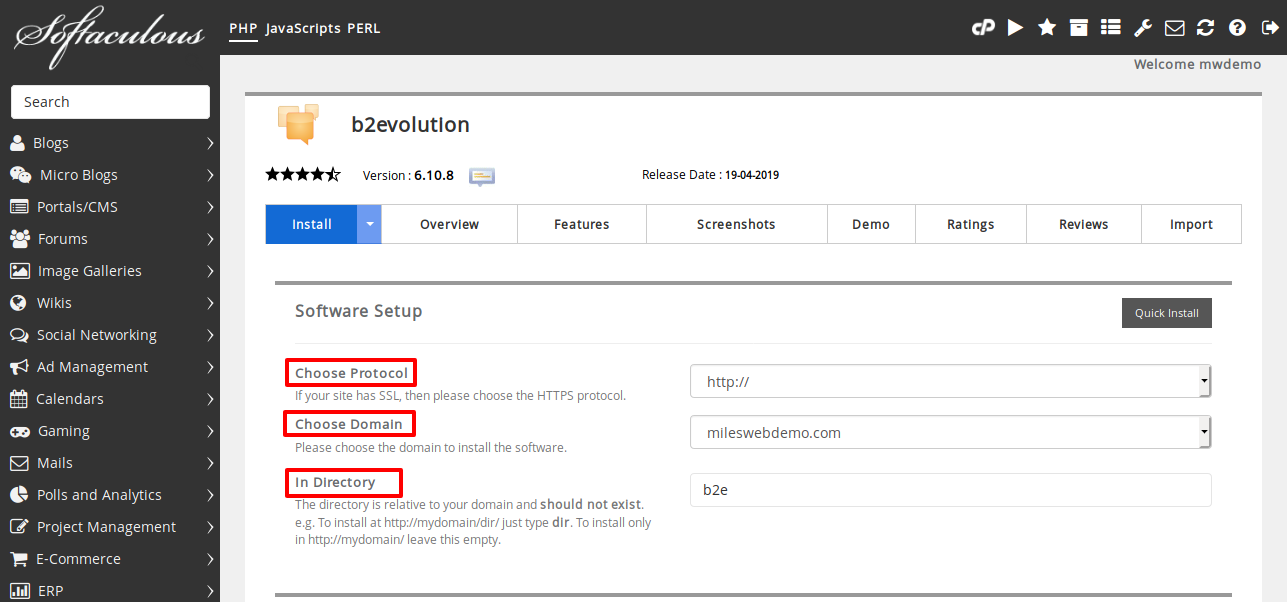
- In In Directory, leave it empty to install on the main address. Type a name like
blogto install in a sub-folder. - Under Admin Account, type a username, a strong password and your email address. Write them down in a safe place.

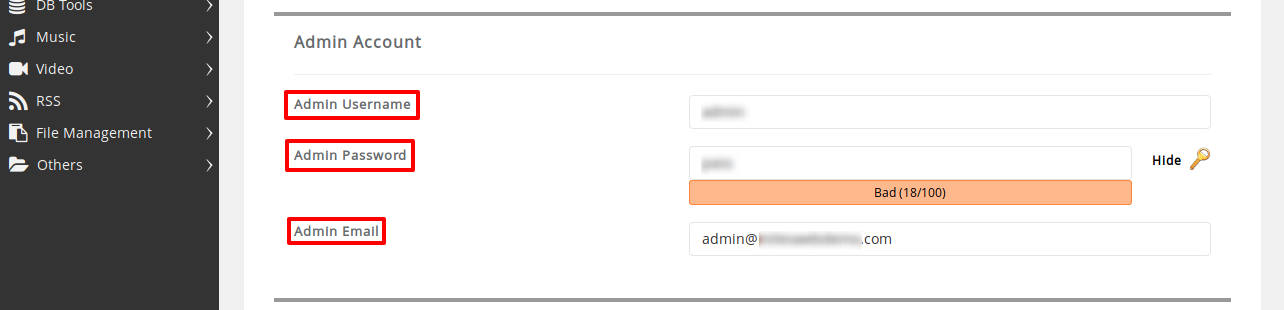
- Set the site name and a short description.
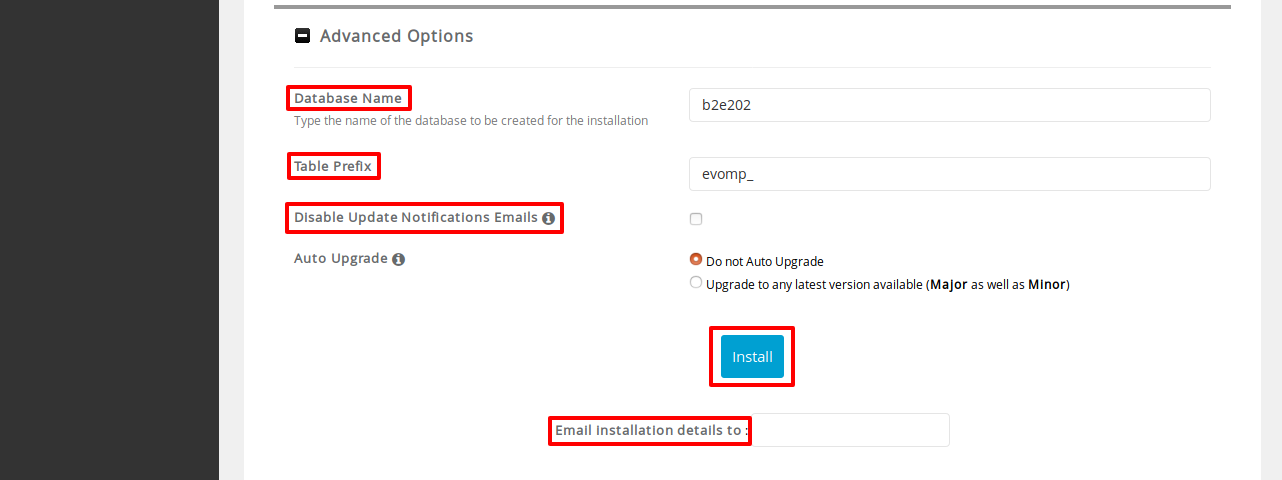
- Scroll down. Click Install.
- Wait until the progress bar finishes. Softaculous shows links to your site and to the admin login.
Warning: If you install into a folder that already has a website, you can overwrite files. Take a backup first.
Log in after the install
- Click the admin link that Softaculous shows, or open your site address and add
/login.php.
- Type the username and password you chose.
- Click Log in!
Tip: Softaculous can also make automatic backups of your app. Look in its settings after the install.
Quick recap
- Softaculous installs apps in a few clicks.
- Open Softaculous, search for b2evolution, click Install Now.
- Pick your domain, a folder and an admin account.
- Click Install and wait for it to finish.
- Keep your admin password safe.