

The error
In the XAMPP Control Panel, MySQL stops with a message such as:
Error: MySQL shutdown unexpectedly.
This may be due to a blocked port, missing dependencies, improper privileges, a crash, or a shutdown by another method.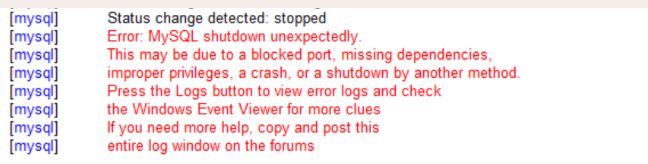
Solution 1: Read the log files
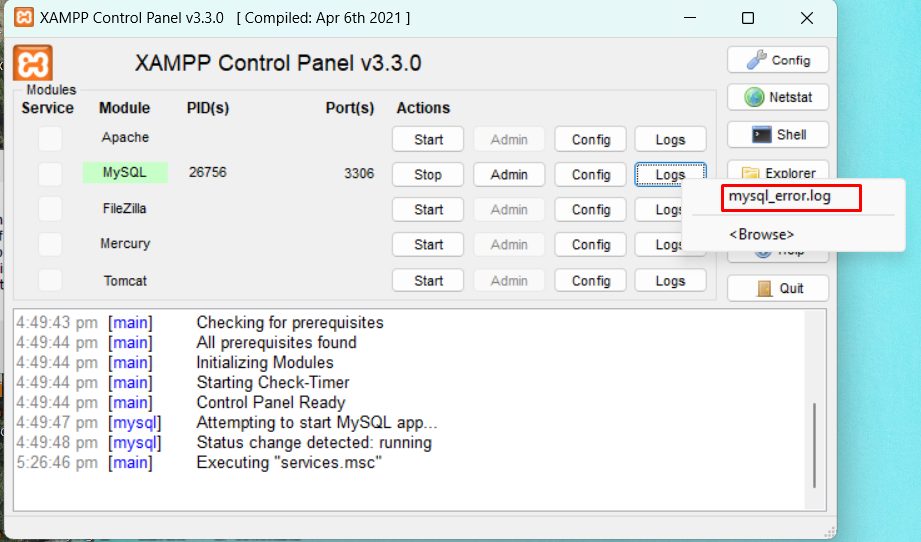
In the Control Panel, click Logs next to MySQL and open mysql_error.log. The last lines tell you what went wrong (a port in use, a damaged table, a permission error...).
Solution 2: Port conflict
Another program may use port 3306.
- Open Command Prompt and run:
netstat -ano | findstr 3306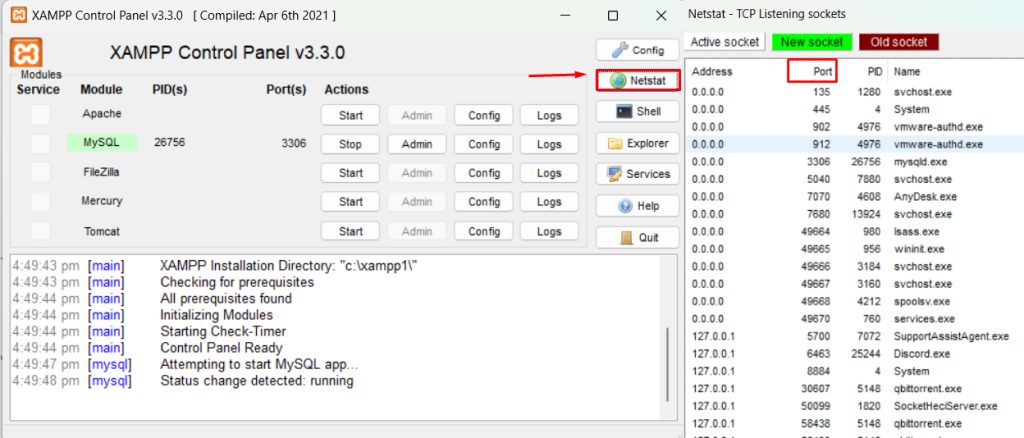
- The last number is the process ID. Find it in Task Manager and close the program, or change the MySQL port.
- To change the port, click Config, then my.ini for MySQL, and change
port=3306to another number such as3307. Change the port inphpMyAdmin\config.inc.phptoo.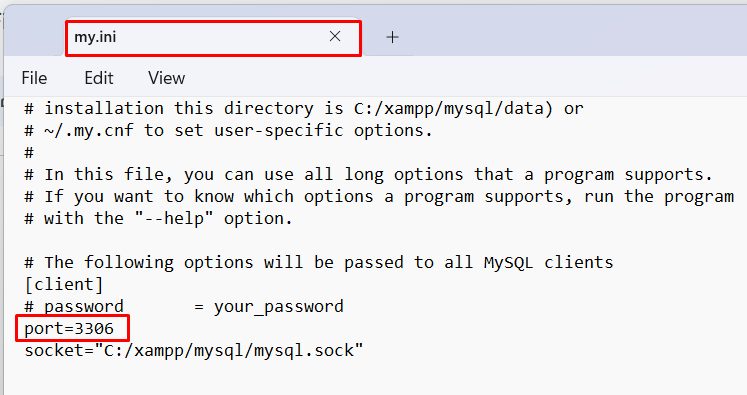
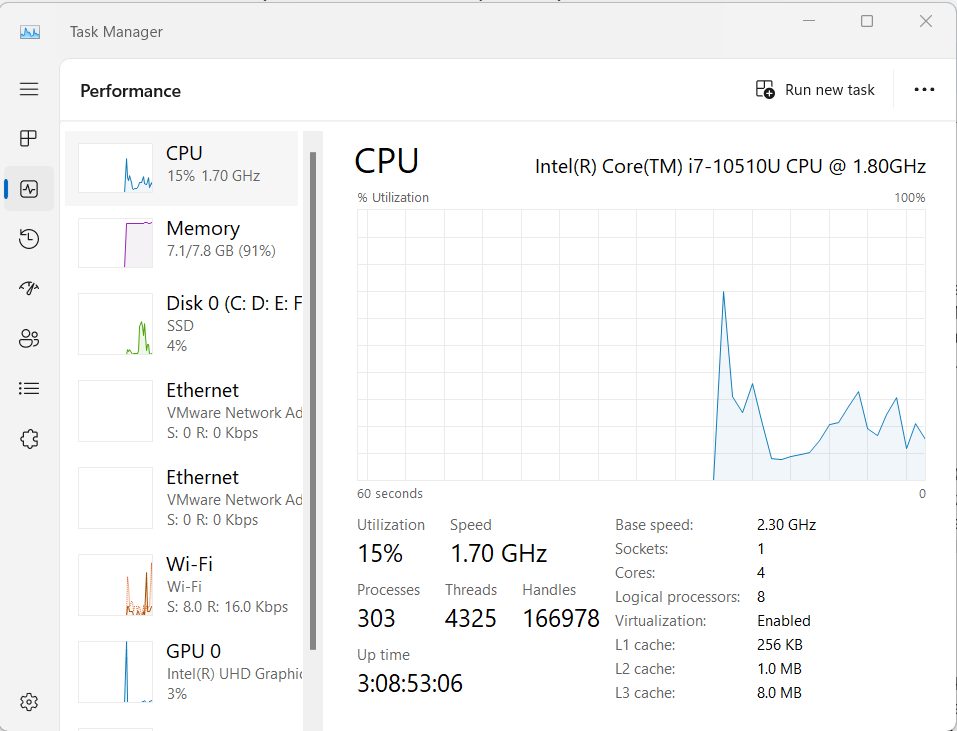
Solution 3: Not enough resources
Close programs you do not need. Check the memory and CPU in Task Manager.
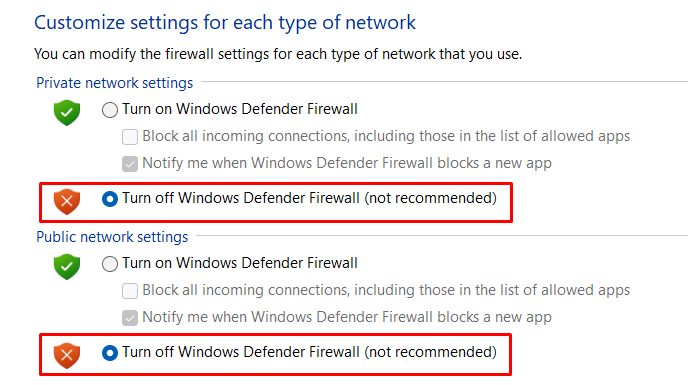
Solution 4: Antivirus or firewall
Add XAMPP and mysqld.exe as exceptions in your antivirus and in Windows Defender Firewall.
Solution 5: Damaged database files
If the log points to a damaged file, try this:
- Stop MySQL.
- Back up the folder
xampp\mysql\data. - Rename
xampp\mysql\datatodata_old. - Copy
xampp\mysql\backupto a new folderxampp\mysql\data. - Copy your database folders (not
mysql,performance_schemaandphpmyadmin) fromdata_oldto the newdatafolder. - Copy the file
ibdata1fromdata_oldto the newdatafolder. - Start MySQL.
Solution 6: Reinstall XAMPP
If nothing works, back up your htdocs folder and the database folders, remove XAMPP and install it again.
Solution 7: Ask the community
Search the error text in the Apache Friends forum or on Stack Overflow.
Why XAMPP with MySQL
XAMPP gives you Apache, MySQL, PHP and phpMyAdmin in one package, which is good for local development and testing.
Quick recap
- Start with
mysql_error.log. - Check the port 3306, the firewall and the data files.
- Back up before you change or reinstall anything.