

What is MySQL Workbench?
A database stores data in tables, like a spreadsheet does. MySQL Workbench is a program you install on your own computer. It gives you a window where you can see your database and work with it. You do not need to type many commands. It is made by Oracle, not by Hostvento.
What you can do with it
- Connect to a database and look at its tables.
- Run SQL queries. A query is a command written in SQL, the language databases understand.
- Create and change tables.
- Back up and restore data.
- Draw a diagram of how tables link together.
Steps for a first look
- Download MySQL Workbench from the official MySQL website. Install it like any other program.
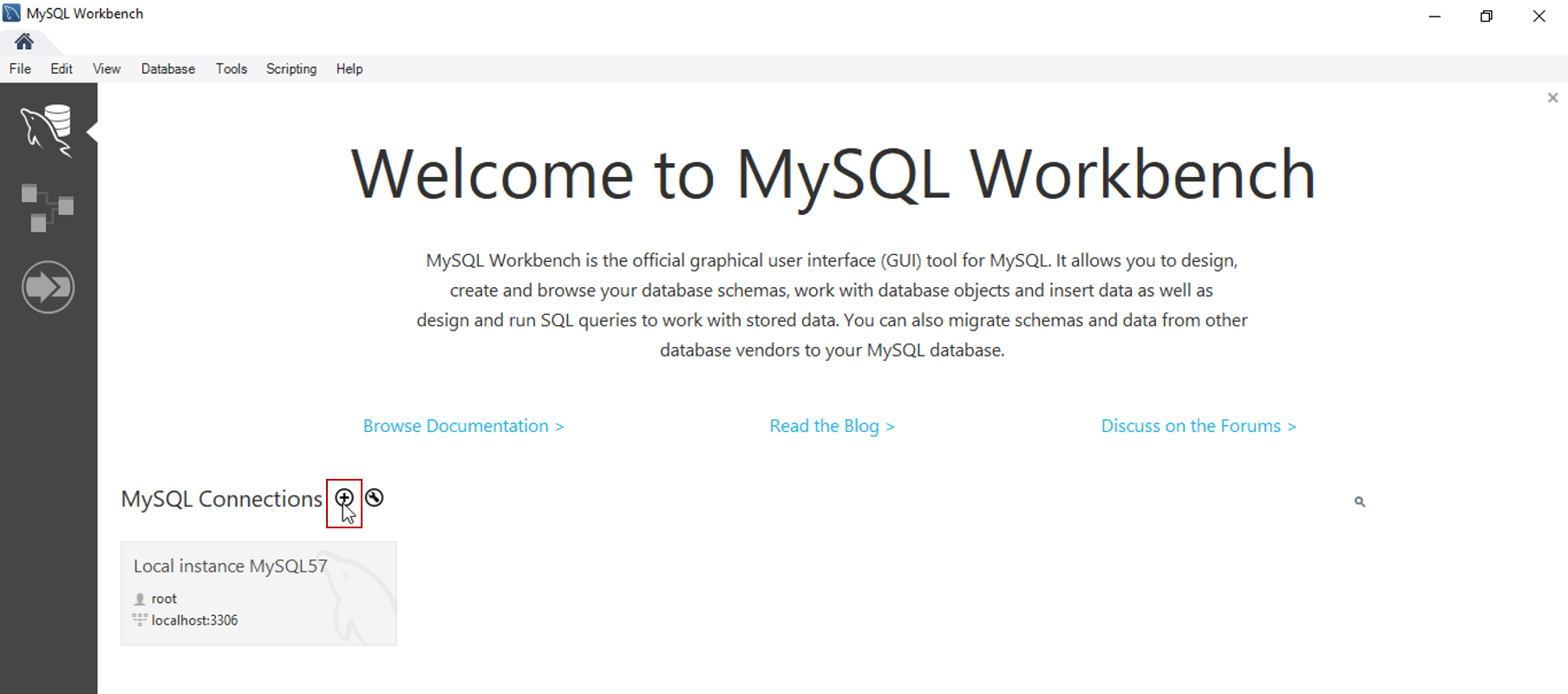
- Open it. The first screen is called the Home screen.
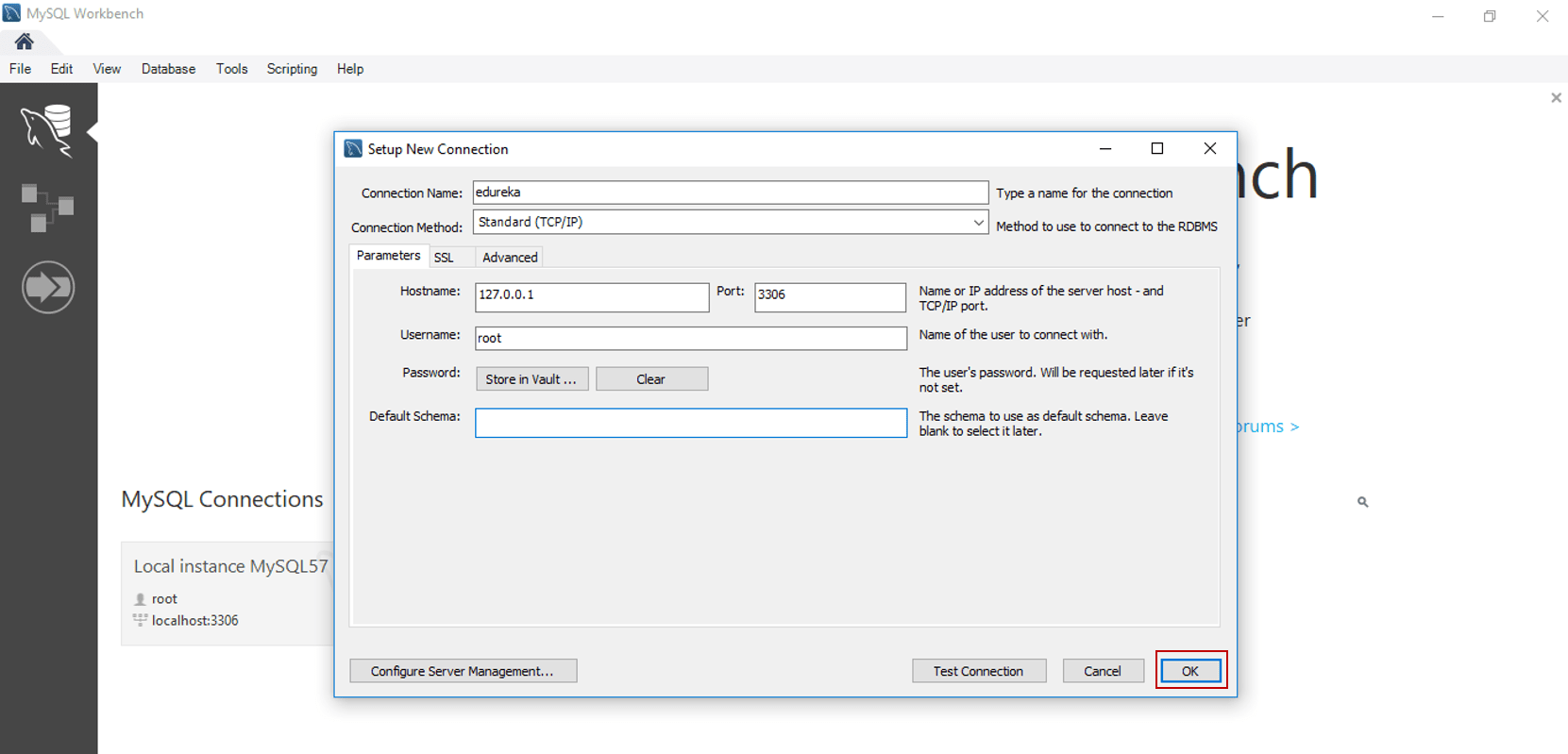
- Click the plus sign next to MySQL Connections to make a connection. See our guide on connecting to a database with MySQL Workbench for the details.
- Double-click your new connection to open it.
- On the left, find the Schemas panel. A schema is just another word for a database.
- Double-click a database name. It becomes bold. This is now your active database.
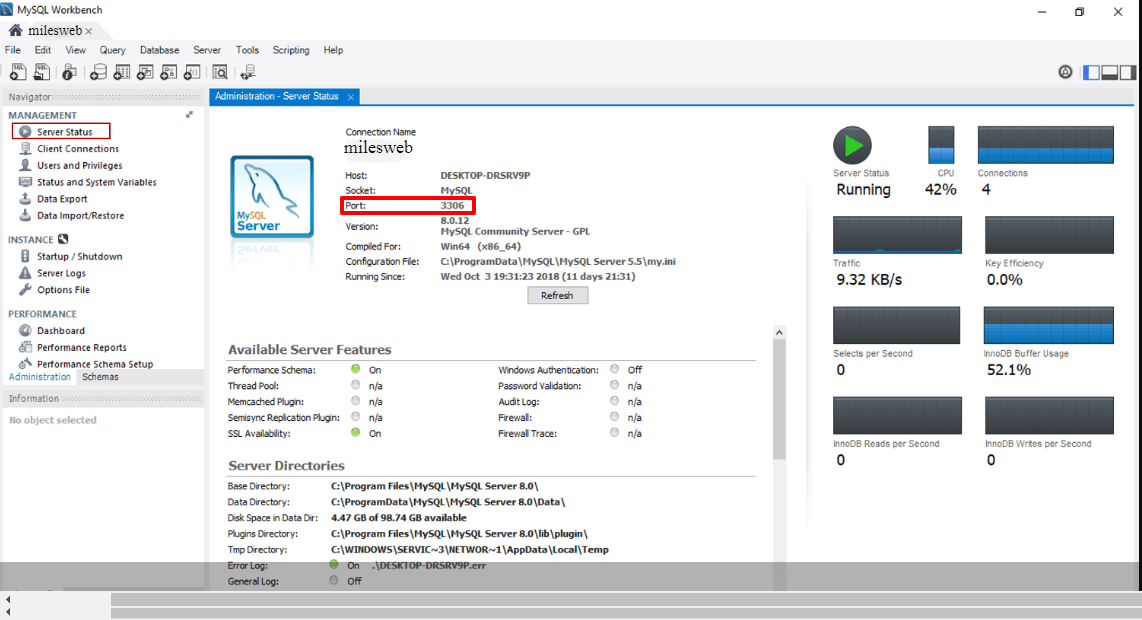
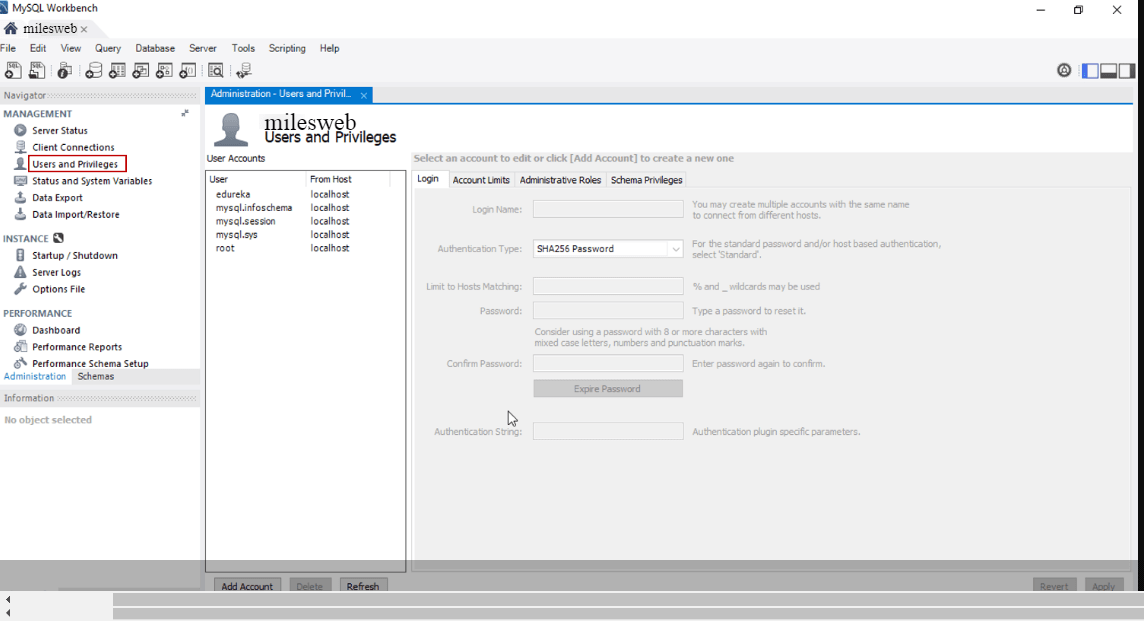
- Click the arrow beside Tables to see the tables inside.
Run your first query
- Click the SQL tab in the middle. It is a blank editor.
- Type this line. Replace
tablenamewith a real table name:
This asks for the first 10 rows of that table.SELECT * FROM tablename LIMIT 10; - Click the lightning bolt button to run it.
- The results show in a grid below.
Warning: Commands like DELETE and DROP remove data for good. Take a backup before you run them.
Tip: To use Workbench with your Hostvento database, remote access may need to be switched on first. Ask Hostvento support whether this is allowed on your plan.
Quick recap
- MySQL Workbench is a free desktop tool for databases.
- Make a connection, then double-click it to open.
- Use the Schemas panel to browse tables.
- Run queries in the SQL tab with the lightning bolt.
- Back up before deleting anything.