

This guide needs root access, so it fits VPS and dedicated server customers.
What is PostgreSQL?
PostgreSQL is a free system for storing data. A database is like a filing cabinet for your app's information. PostgreSQL is a rival to MySQL. Many people call it "Postgres". The steps below use Ubuntu or Debian.
Install
- Log in to your server with SSH. SSH is a safe way to type commands on a remote computer.
- Update the package list:
This refreshes the list of software you can install.sudo apt update - Install PostgreSQL:
This installs the server and some extra tools.sudo apt install postgresql postgresql-contrib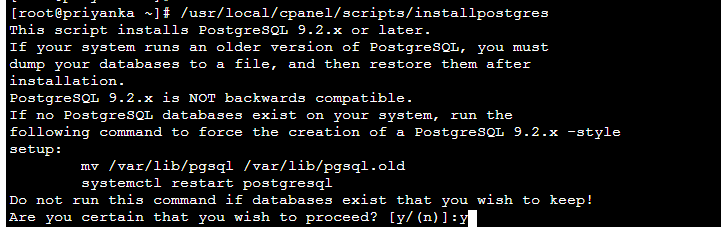
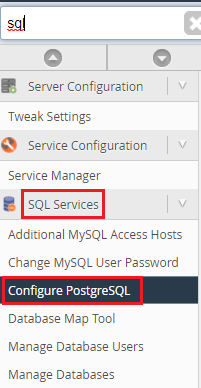
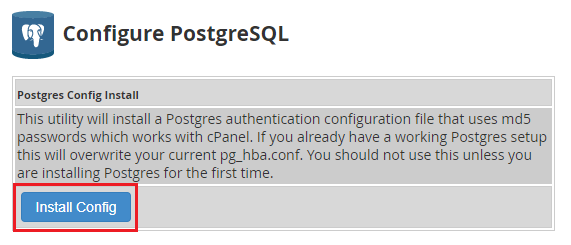
- Check it runs:
You should see the word "active".sudo systemctl status postgresql
Create a user and a database
Postgres makes an admin account called postgres during install.
- Switch to that account and open the Postgres prompt:
This opens psql, the Postgres command tool.sudo -u postgres psql - Create a user:
This makes a login with a password.CREATE USER myuser WITH PASSWORD 'StrongPassword'; - Create a database owned by that user:
CREATE DATABASE mydb OWNER myuser;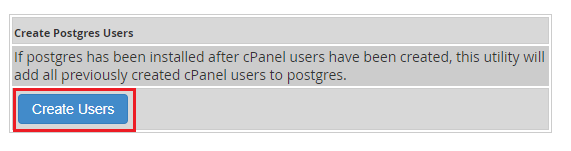
- Leave psql with
\q.
Test the login
psql -h localhost -U myuser -d mydbThis connects as myuser to mydb. Type the password when asked.
Basic settings
Two files control access. Their folder depends on the version, for example /etc/postgresql/16/main/.
postgresql.conf: general settings. The linelisten_addressessays which addresses to listen on. The default is only this server, which is safest.pg_hba.conf: who may connect, and how.
Warning: Do not open Postgres to the whole internet without a firewall and strong passwords. Take a backup of a config file before you edit it. After changes, restart with sudo systemctl restart postgresql.
Tip: On CentOS or AlmaLinux, the install and setup commands differ. Ask Hostvento support if you are unsure. You can open a ticket.
Quick recap
- Install with
apt install postgresql postgresql-contrib.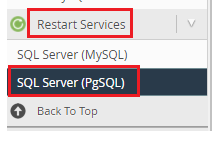
- Use
sudo -u postgres psqlto manage it. - Create a user and a database, and link them.
- Keep it closed to outsiders by default.
- Restart the service after config changes.