

What is an SQL file?
A database stores the data for a website. An SQL file is a saved copy of a database, written as plain text. It holds commands in SQL, the language databases understand. You get one when you export or back up a database. Its name ends in .sql.
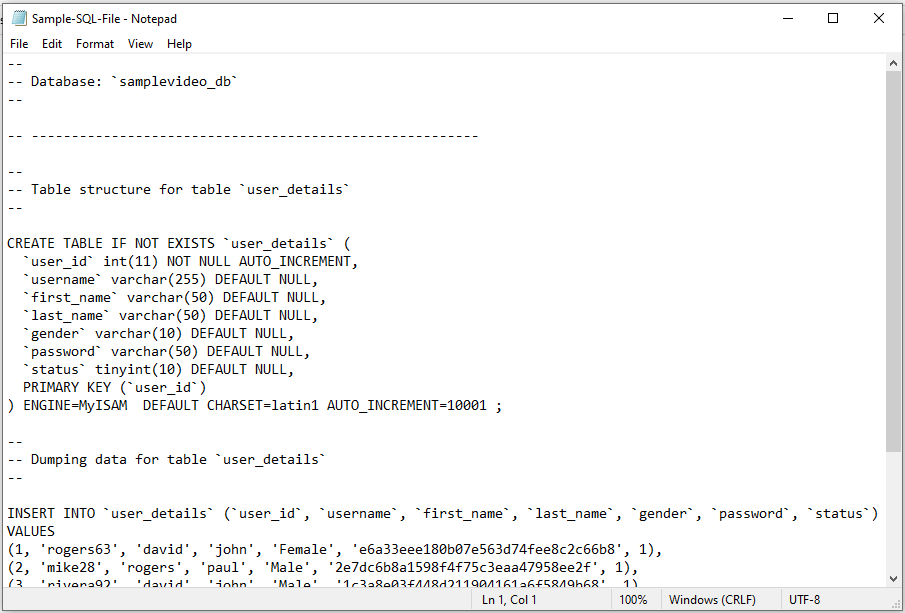
Because it is plain text, you can read it with a simple program. You do not need to load it into a database just to look.
Open it with Notepad
- Find the file in File Explorer.
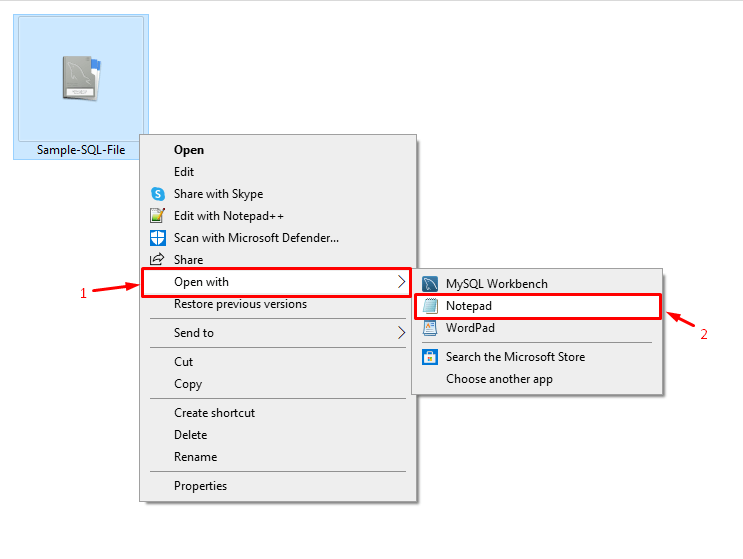
- Right-click the file.
- Choose Open with, then Notepad.
If you do not see Notepad, click Choose another app and pick it from the list.
Notepad is fine for small files. Big files, such as 100 MB or more, can freeze it.
Better choices for big files
- Notepad++: a free text editor that handles large files better. It also colours SQL words to make them easier to read.
- Visual Studio Code: a free editor from Microsoft with SQL colouring.
- EmEditor: built for very large text files.
For these, download and install the program first. Then right-click the file and choose Open with.
Run the file in a database
If you want to load the data instead of just reading it, import it.
- Open phpMyAdmin from cPanel.
- Click the target database on the left.
- Click the Import tab.
- Click Choose File and pick your SQL file.
- Click Go.
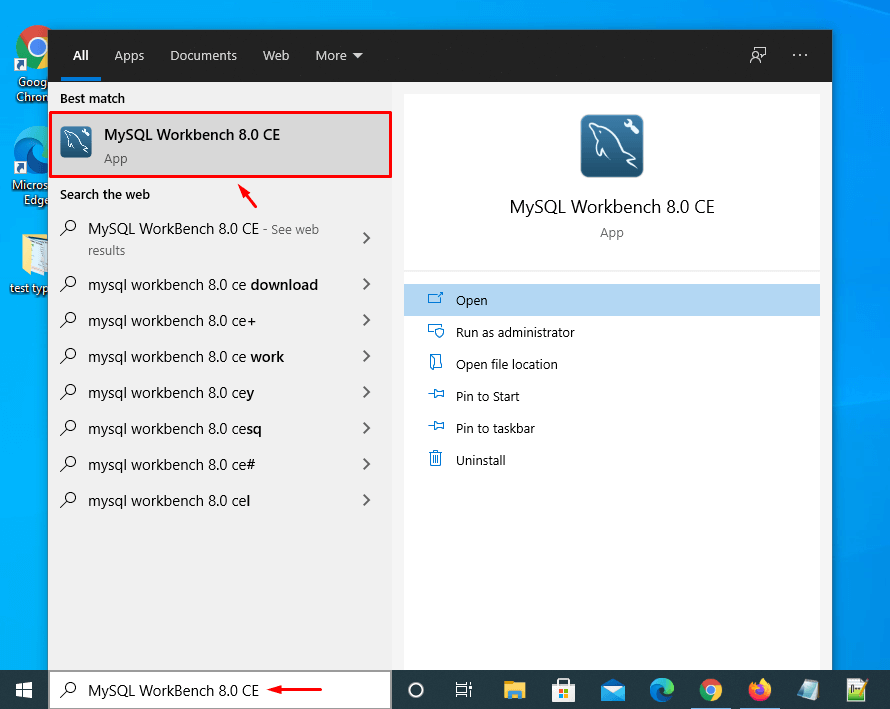
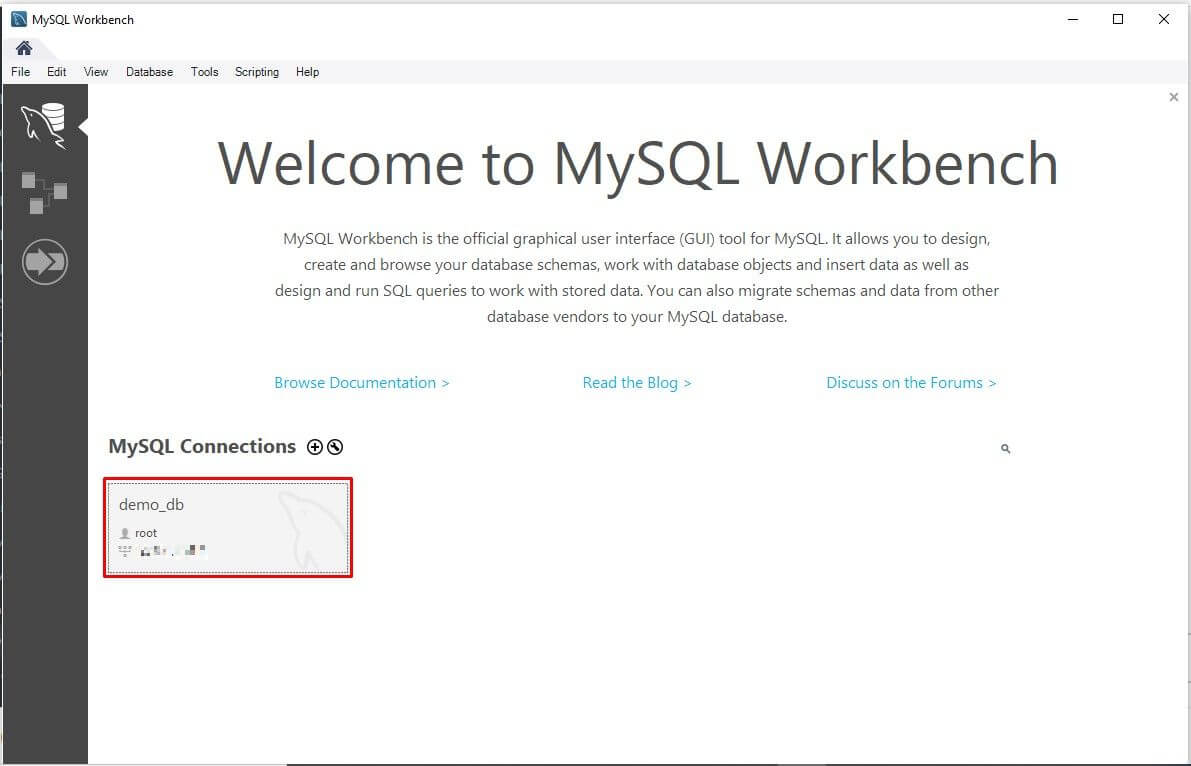
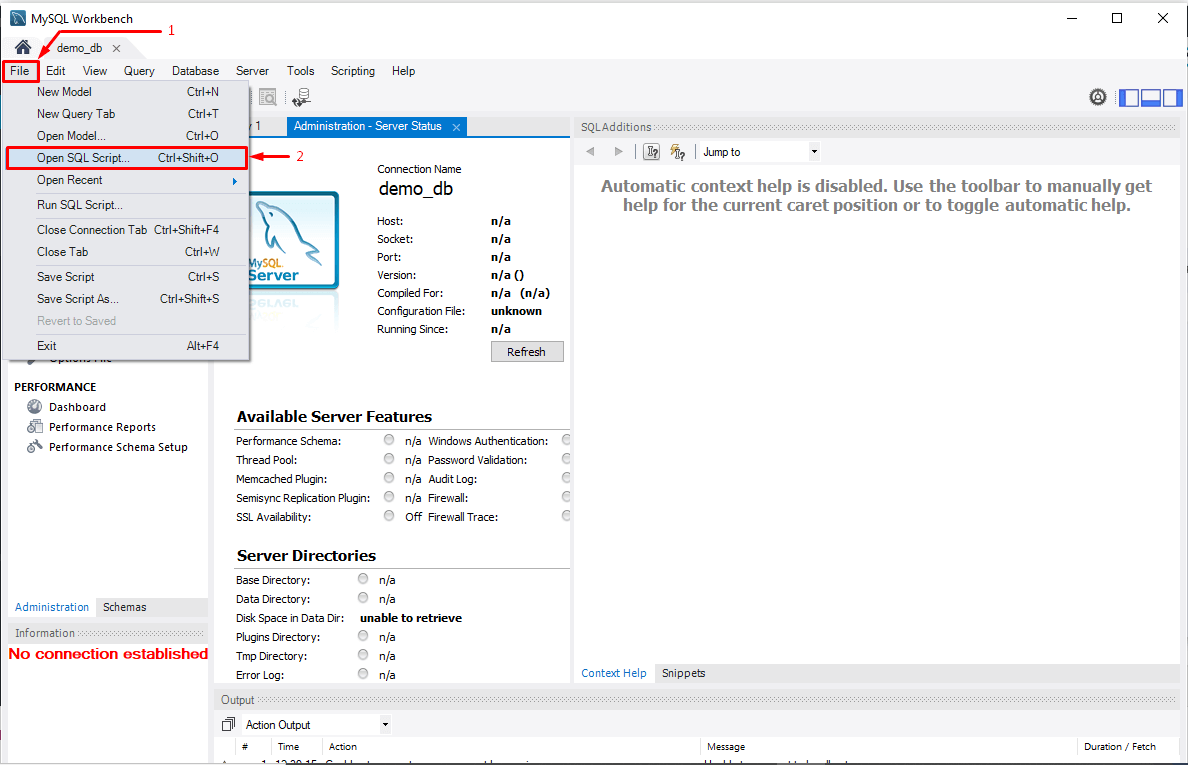
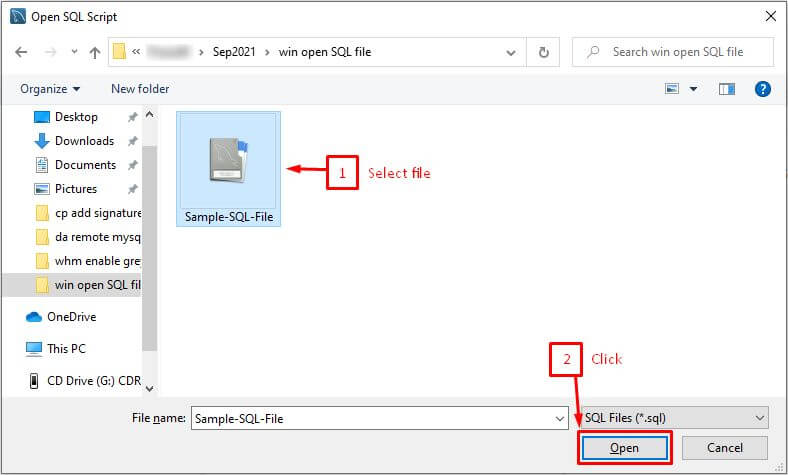
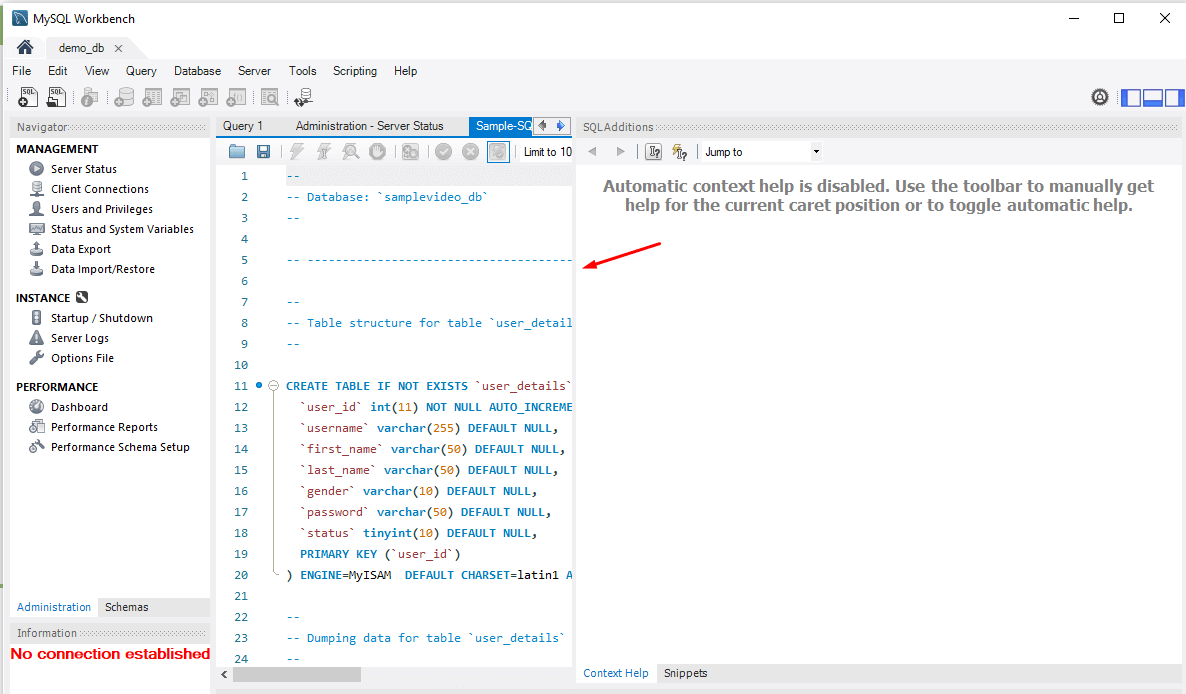
You can also use MySQL Workbench. It is a free desktop tool for databases. Use File, then Open SQL Script, and click the lightning bolt to run it.
Warning: Running an SQL file can change or delete data. Read what it does first. Take a backup before you import into a live database. Only open files you trust.
.sql.gz or .zip, it is compressed. Right-click it and extract it first.Need help with an import? Open a support ticket.
Quick recap
- An SQL file is a text copy of a database.
- Open it with Notepad for small files.
- Use Notepad++ or VS Code for large files.
- To load the data, import it with phpMyAdmin or MySQL Workbench.
- Back up before importing.