

What are export and import?
A database is where your website keeps its data. Export means saving a copy of it into a file. Import means reading a file back into a database. An export is also a backup. You can use it to move a site to a new place.
phpMyAdmin is a web tool that does both jobs with a few clicks. The file usually ends in .sql.
Export a database
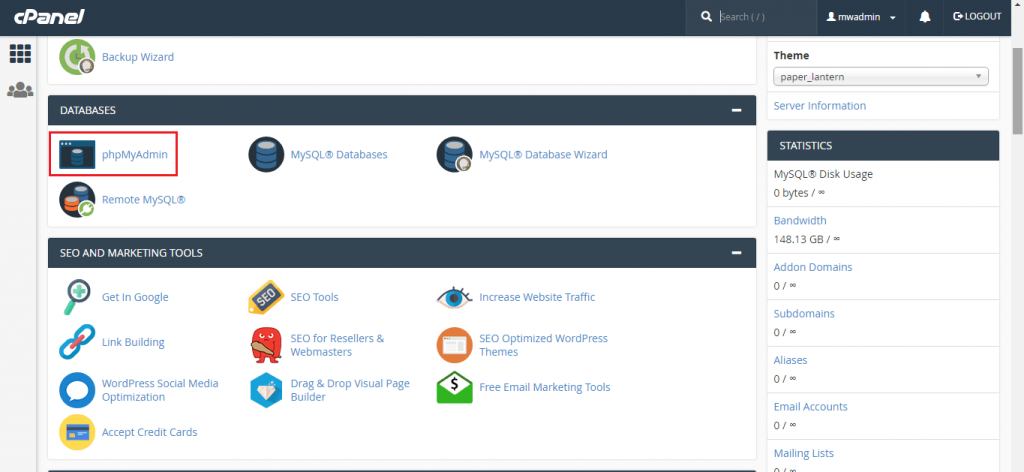
- Log in to your control panel and open phpMyAdmin.
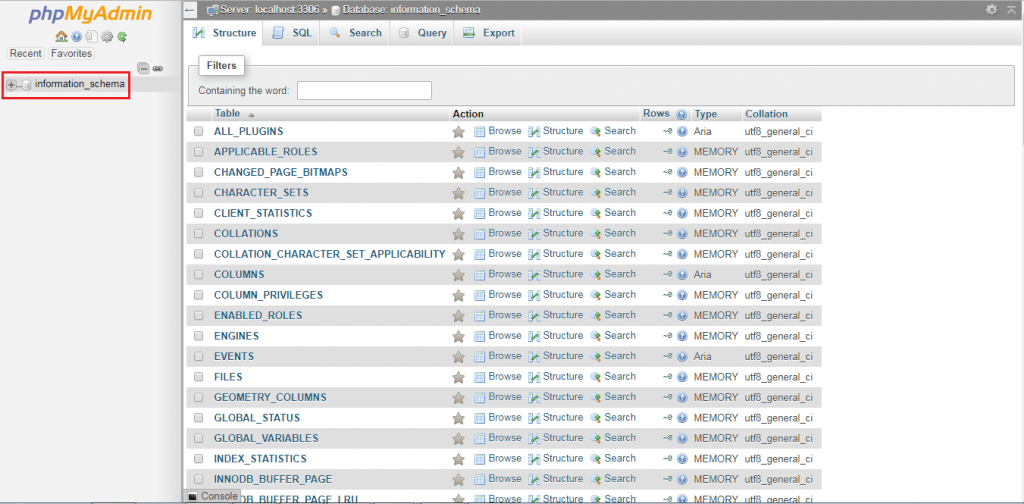
- Click your database name on the left.
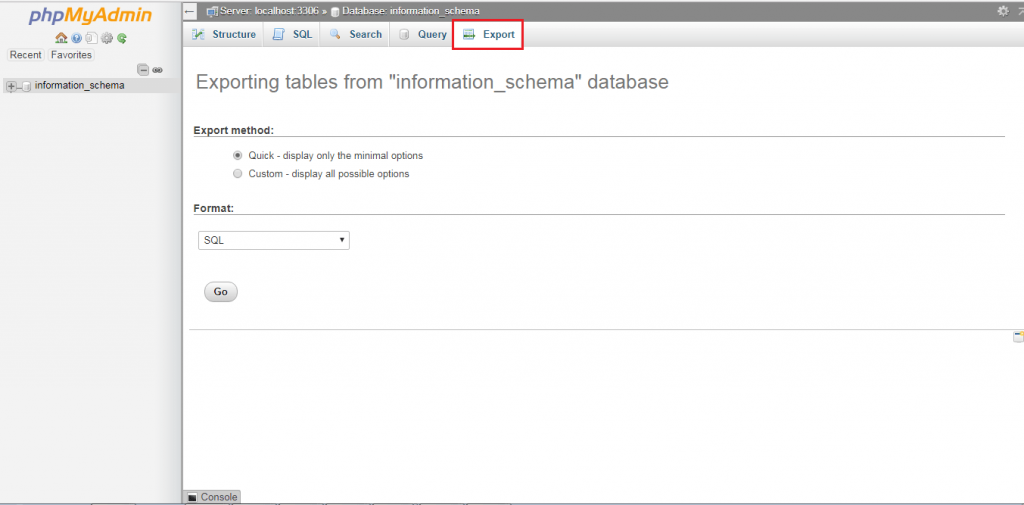
- Click the Export tab.
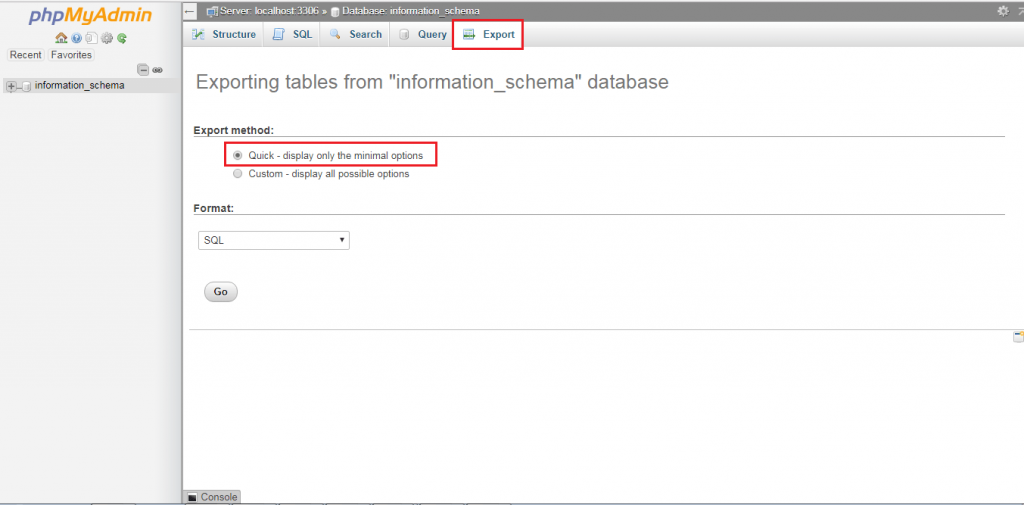
- Choose Quick to export everything with default settings.
- Make sure the format says SQL.
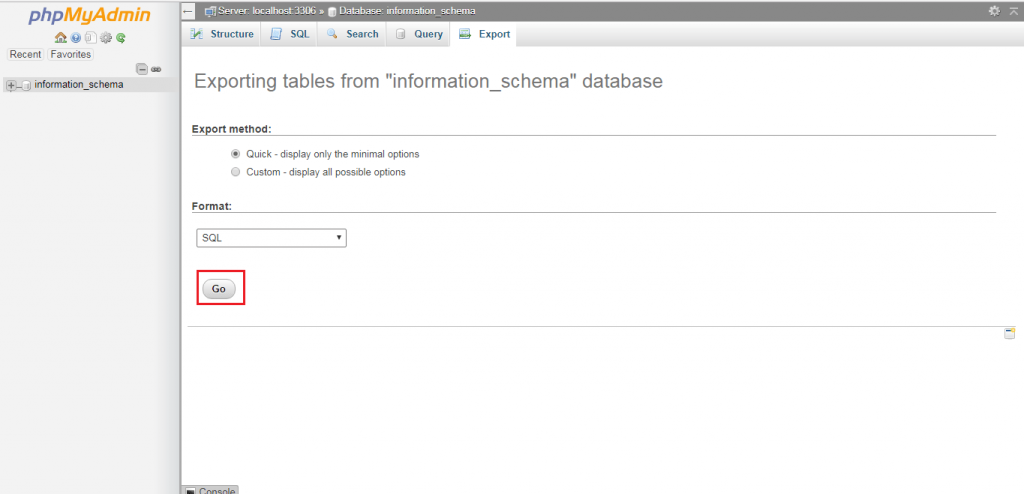
- Click Go.
Your browser downloads the file. Keep it safe.
Tip: Pick Custom if you want only some tables, or want to compress the file with zip or gzip.
Import a database
Warning: Importing can overwrite tables that have the same name. Export the current database first as a backup.
- Create an empty database first if you do not have one. You can do this in MySQL Databases in cPanel.
- Open phpMyAdmin and click that database on the left.
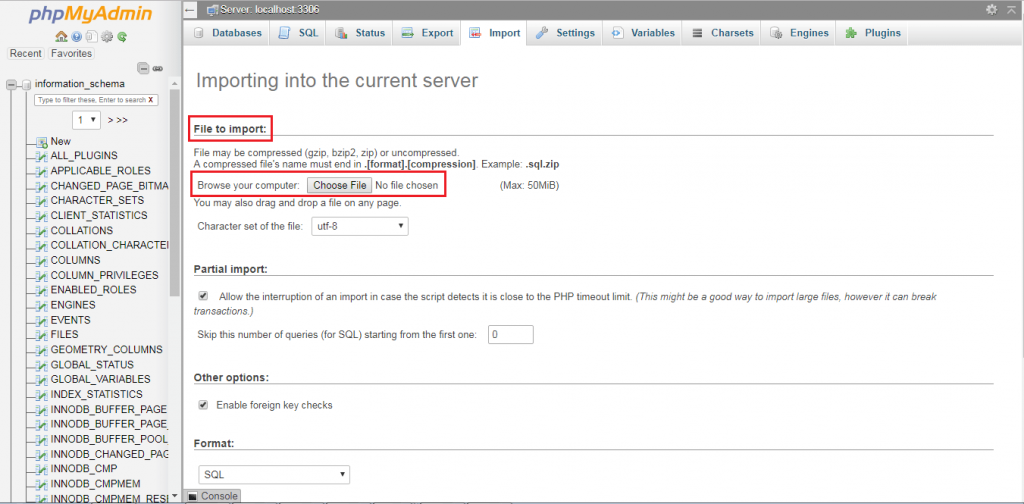
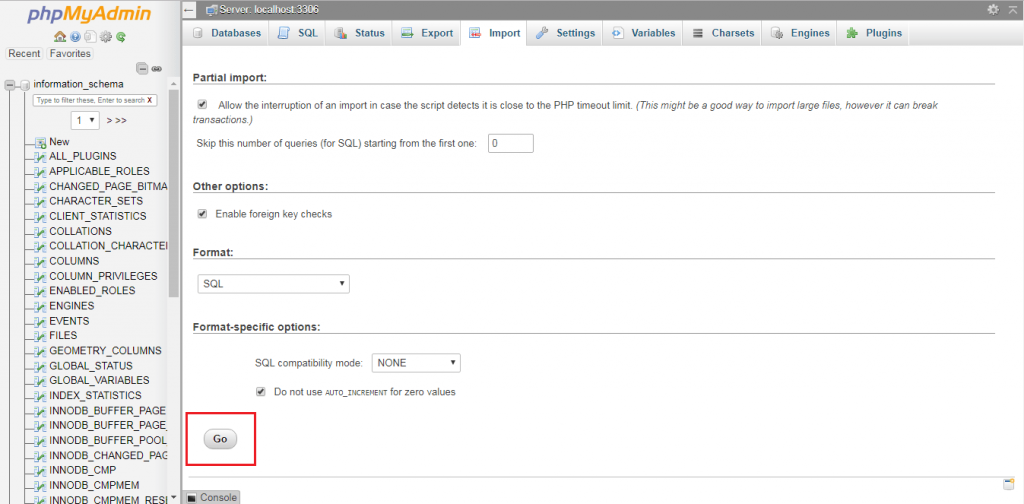
- Click the Import tab.
- Click Choose File and pick your
.sqlfile.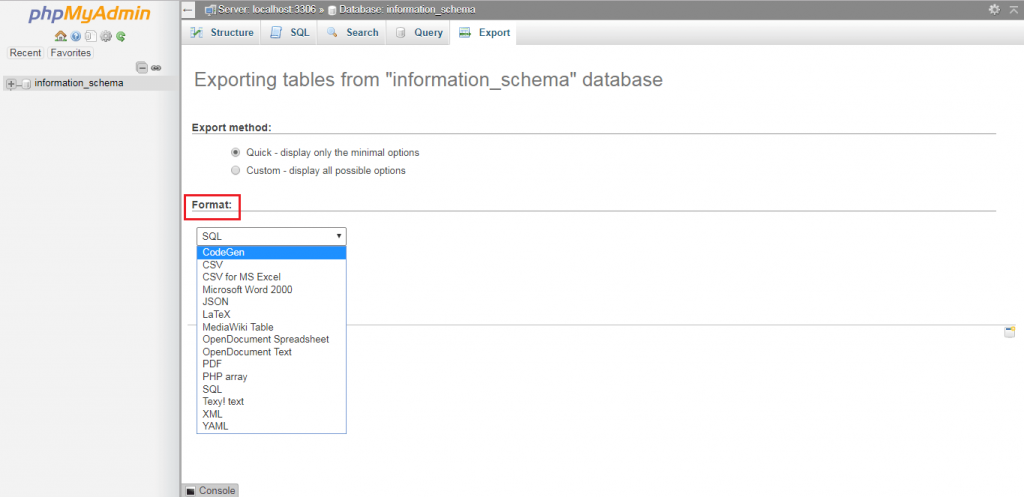
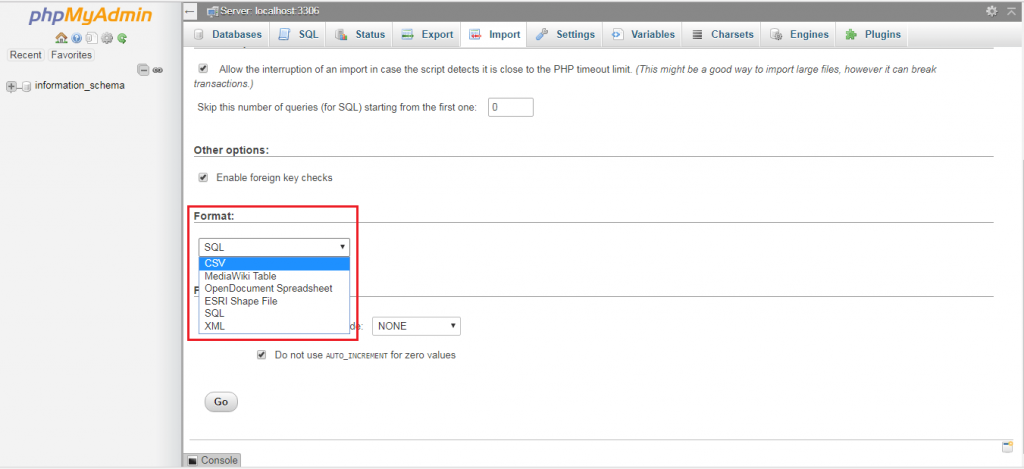
- Leave the other settings as they are.
- Click Go at the bottom.
When it finishes, you will see a green message. Your tables now show on the left.
Common problems
- File too large: phpMyAdmin has an upload limit. Compress the file with zip, or ask Hostvento support about raising the limit.
- Timeout: A big import can stop halfway. Split the file into smaller parts, or ask support to import it.
- Error near some line: The file may be damaged or made for a different MySQL version. Export it again if you can.
Need help? Open a support ticket.
Quick recap
- Export saves a database to a
.sqlfile. - Import loads a file into a database.
- Use the Export and Import tabs in phpMyAdmin.
- Back up before you import over existing data.
- Large files may need compressing or help from support.