

Note: This guide needs root access, so it is for VPS and dedicated server owners. Shared hosting customers can ask support to do it.
What is the upload limit?
phpMyAdmin is a web tool for databases. You can import a database from a .sql file. But phpMyAdmin cannot take a file bigger than the limit set in PHP. PHP is the language that runs the tool. If your file is too big, you see an error about the file size.
WHM is the admin panel for the whole server. cPanel is the panel for one account. You use WHM to change the setting for everyone.
Steps in WHM
- Log in to WHM as root.
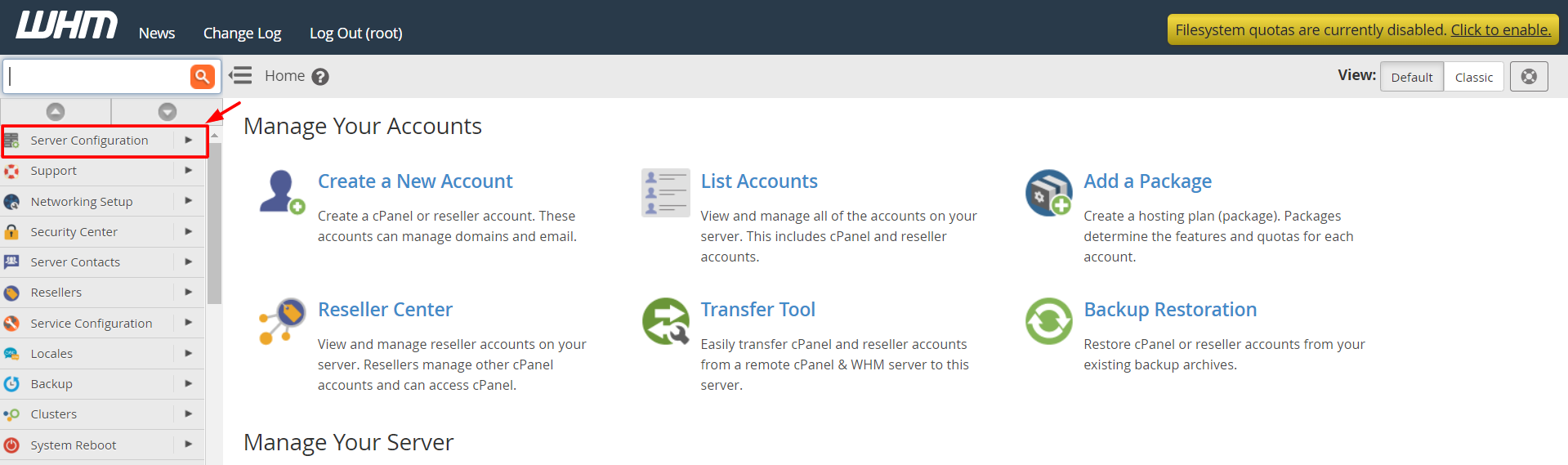
- In the search box on the left, type MultiPHP INI Editor and open it.
- Choose the Basic Mode tab.
- Pick the PHP version from the list.
- Find
upload_max_filesize. Set a bigger value, such as128M. - Find
post_max_size. Set it to the same value or a little more. - Find
max_execution_timeand raise it, for example to300. This gives a big import more time. - Click Apply.
M stands for megabytes. Pick a size slightly bigger than your biggest file.
Check that it worked
- Open phpMyAdmin and click the Import tab.
- Look near Choose File. It shows "Maximum size".
- The value should match your new limit.
Edit php.ini by hand
Another way is to edit the file directly over SSH. The path depends on your PHP version, for example:
/opt/cpanel/ea-php81/root/etc/php.iniAdd or change these lines, then save.
upload_max_filesize = 128M
post_max_size = 128M
max_execution_time = 300
Warning: Back up the file before editing. A typing mistake can break PHP for every site.
Quick recap
- The limit comes from PHP settings, not phpMyAdmin itself.
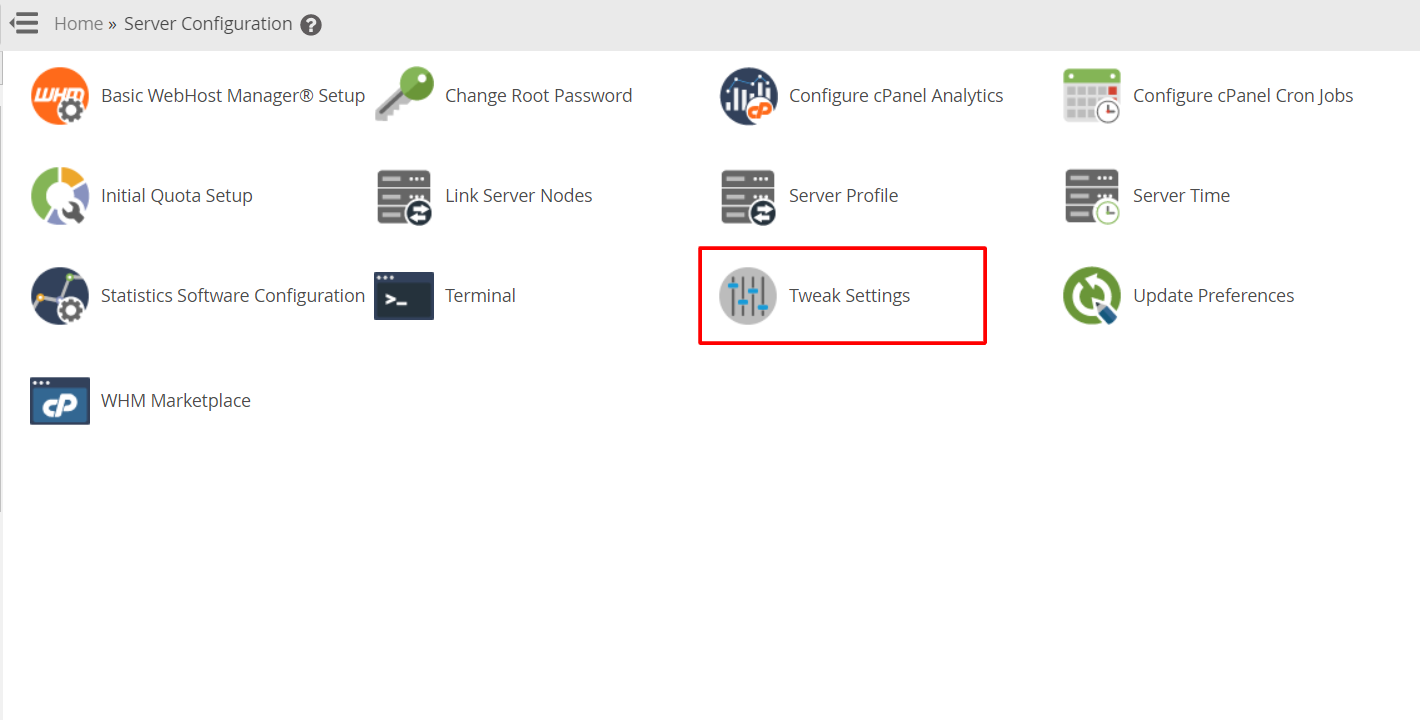
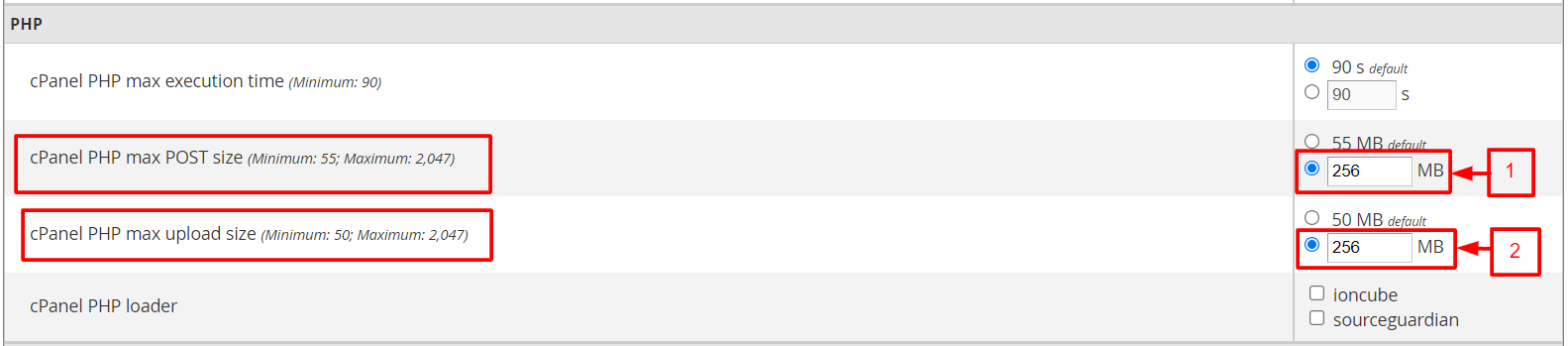
- Change
upload_max_filesizeandpost_max_sizein the MultiPHP INI Editor. - Raise
max_execution_timefor long imports. - Check the new size on the Import tab.
- You need root access, or ask Hostvento support.