What is a column?
A database stores information in tables. A table looks like a spreadsheet. Each column is one kind of information, such as a name or an email. Each row is one record.
phpMyAdmin is a web tool for managing MySQL databases. You open it from your hosting control panel, for example from cPanel.
Warning: Changing or deleting a column can break your website and destroy data. Always export a backup of the database first. Do not edit tables of apps like WordPress unless you know why.
Take a backup
- Open phpMyAdmin from your control panel.
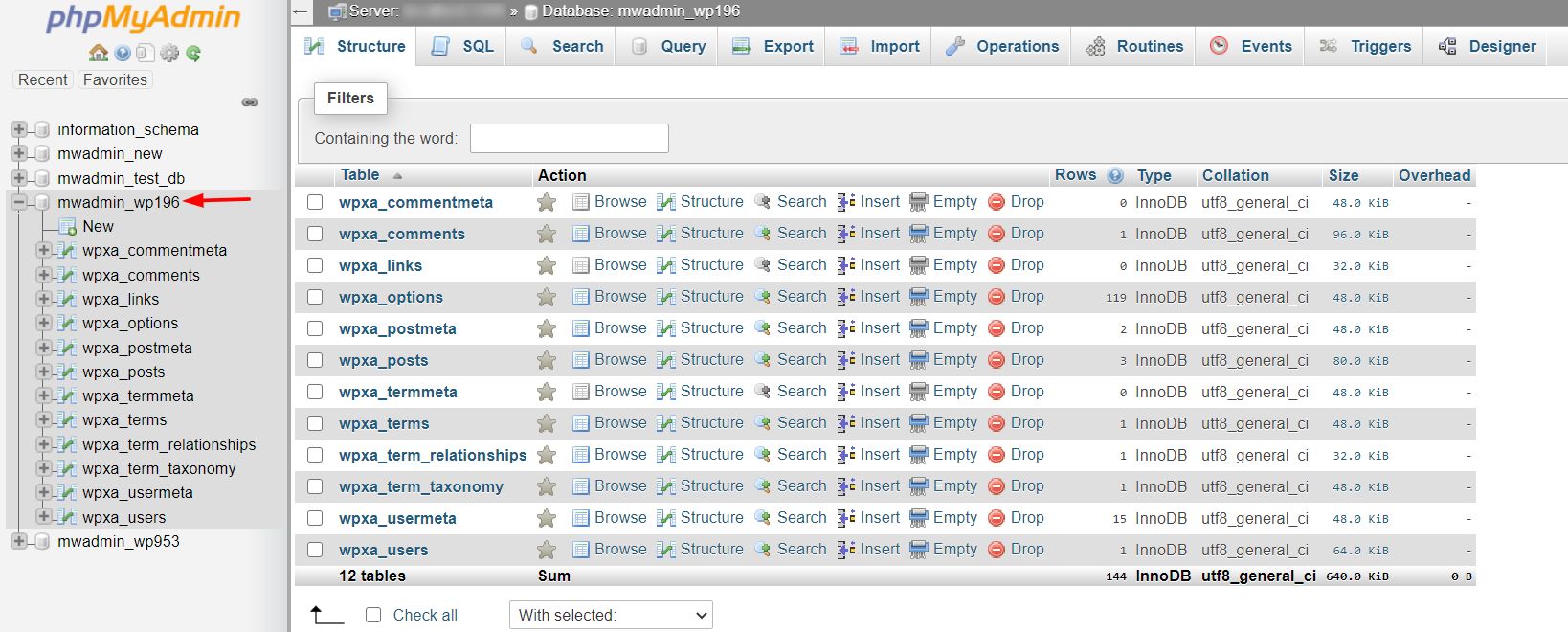
- Click your database in the left list.
- Click Export, then Go.
- Keep the downloaded file safe.
Open the table structure
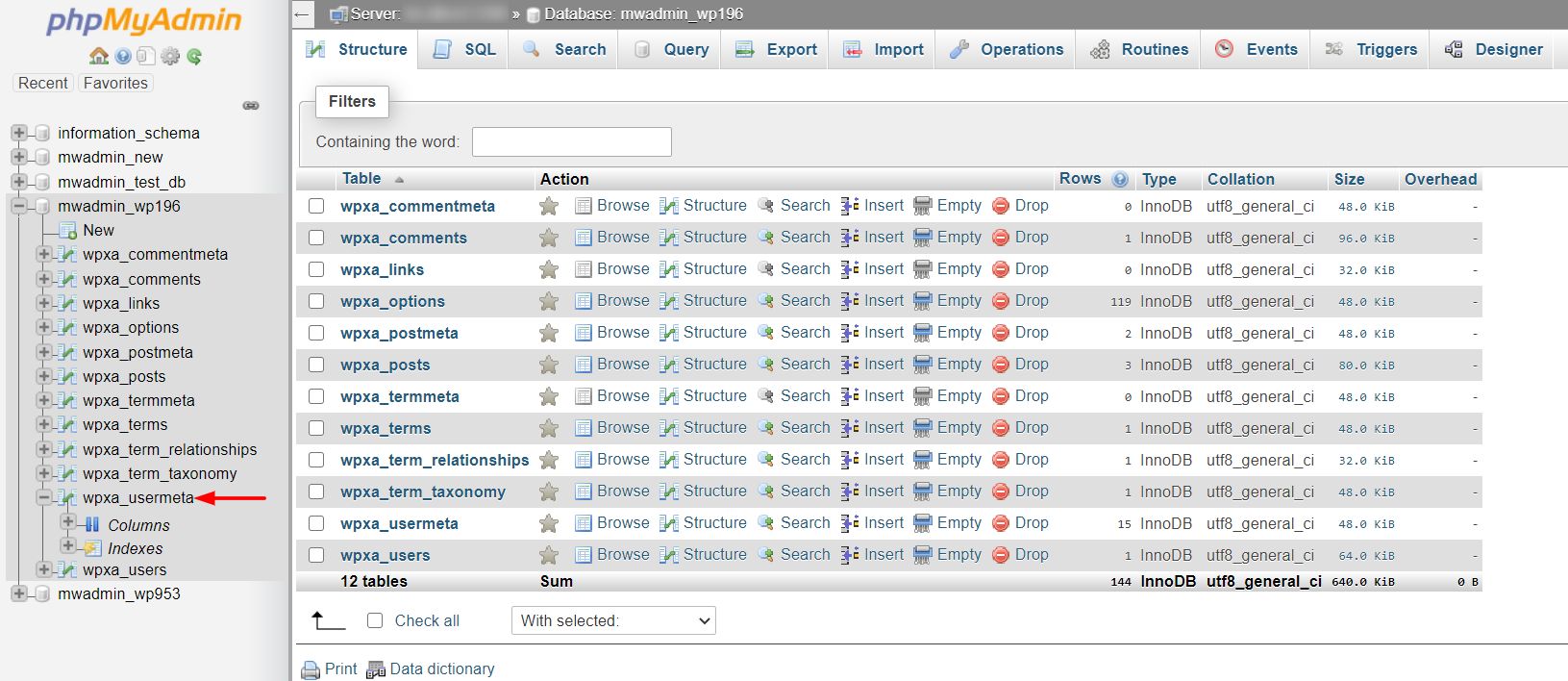
- Click your database, then click the table name.
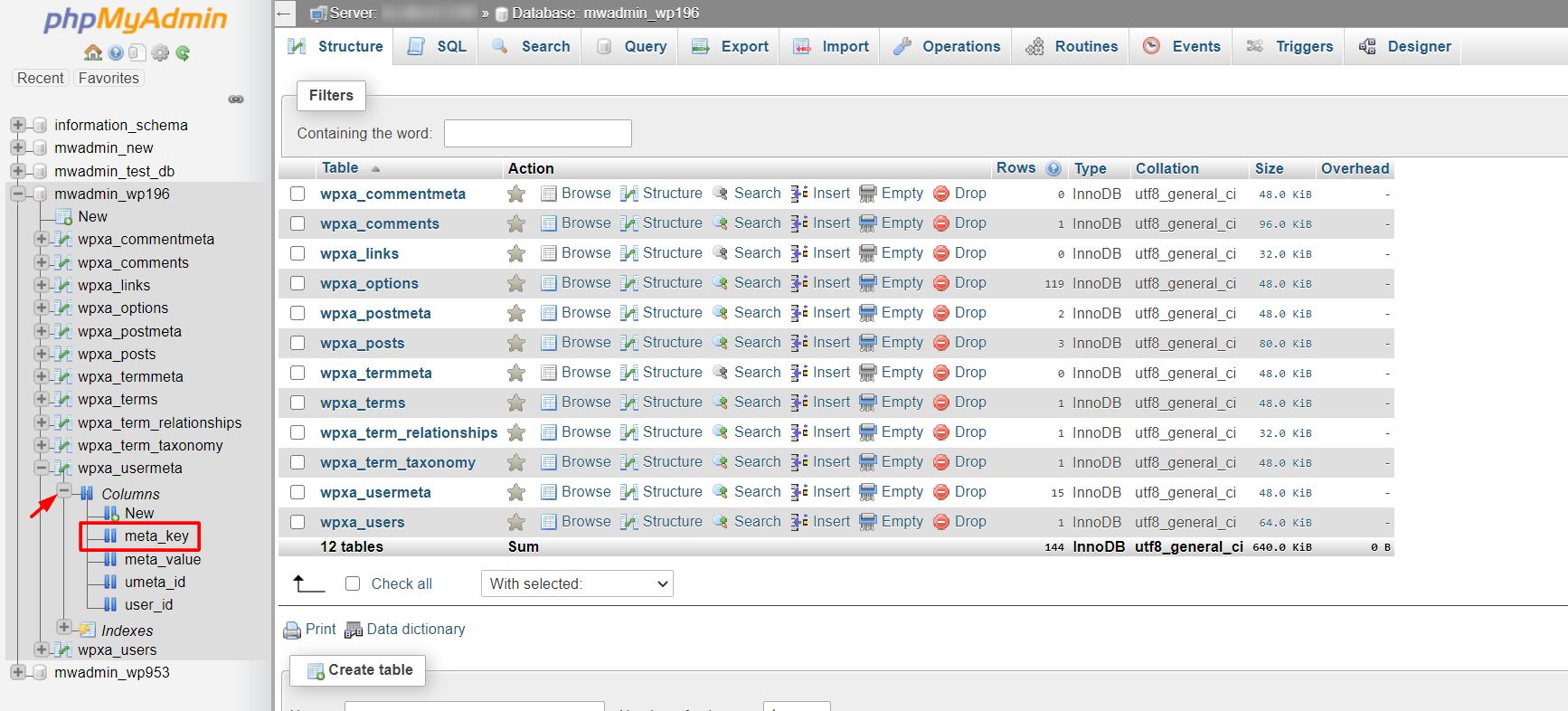
- Click the Structure tab. You see all the columns in a list.
Change a column
- Find the column in the list.
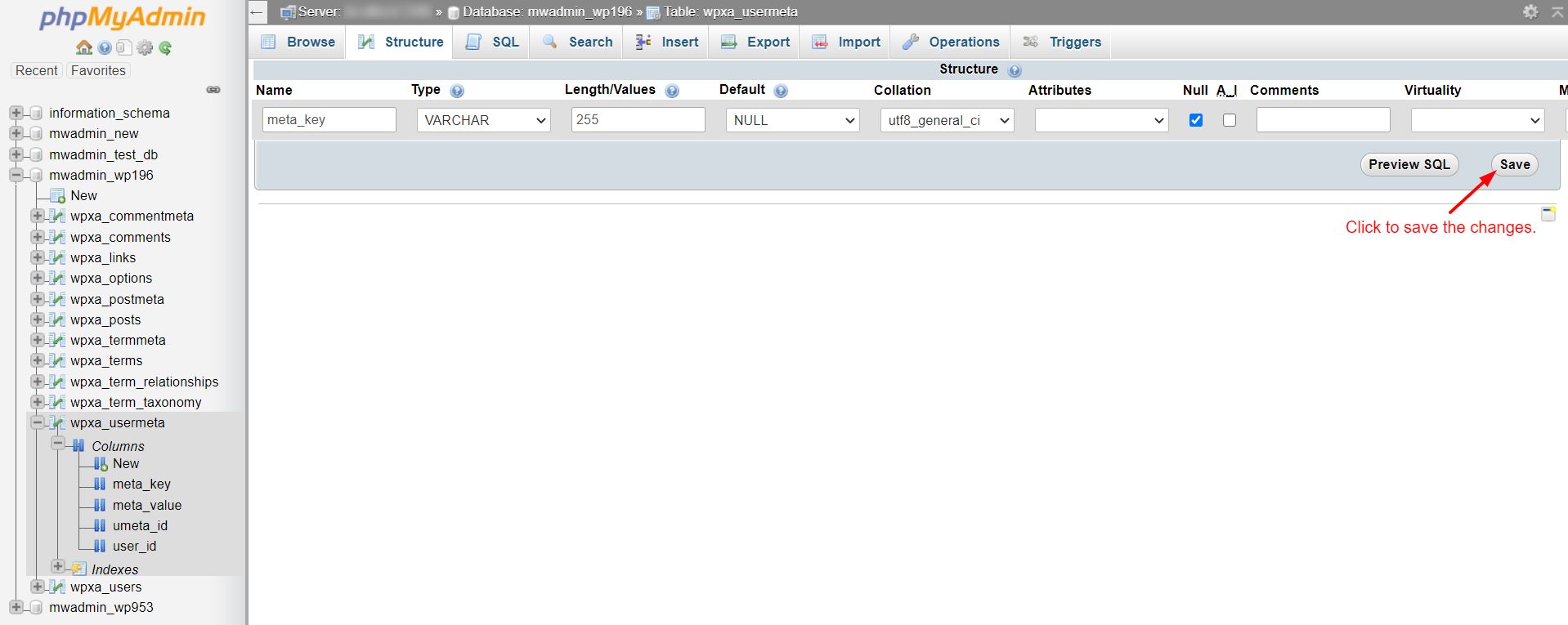
- Click Change beside it.
- Edit the Name to rename it.
- Change the Type if needed. Common types are
INTfor whole numbers,VARCHARfor short text,TEXTfor long text andDATEfor dates. - Set the Length/Values. For
VARCHAR, this is the most characters allowed, such as 255. - Change Default or tick Null if the column may be empty.
- Click Save.
Add a column
- On the Structure tab, find the form near the bottom that says Add.
- Choose how many columns and where to put them.
- Click Go.
- Fill in the name, type and length.
- Click Save.
Delete a column
- Click Drop beside the column.
- Confirm when asked. The data in that column is gone for good.
Use SQL instead
Click the SQL tab and run a command. SQL is the language used to talk to databases. This one renames a column:
ALTER TABLE users CHANGE old_name new_name VARCHAR(100);It changes the column old_name in the table users to new_name, with text up to 100 characters.
Tip: Shrinking a column, for example from 255 to 50 characters, may cut off existing data. Check your data first.
Quick recap
- Columns are the labelled fields of a table.
- Back up the database before any change.
- Use the Structure tab, then Change or Drop.
- You can also use the
ALTER TABLEcommand. - Changing apps' tables may break them.