

What is PostgreSQL?
PostgreSQL (say "post-gres") is a database program. A database stores information for apps in an organised way. A remote server means other computers can connect to it over the network.
Tip: Ubuntu 18.04 is old. Newer Ubuntu versions use the same steps, but the PostgreSQL version number in the folder paths will differ.
Step 1: Install PostgreSQL
- Log in to your server over SSH as root, or use
sudo. - Update the package list and install:
apt update
apt install postgresql postgresql-contrib
This installs the database and some extra tools. On 18.04 the version is 10.
- Check that it runs:
systemctl status postgresqlStep 2: Make a user and a database
- Switch to the postgres account and open the prompt:
sudo -u postgres psql- Create a user and a database. Use your own names and a strong password:
CREATE USER appuser WITH PASSWORD 'StrongPassword';
CREATE DATABASE appdb OWNER appuser;
\q
The last line leaves the prompt.
Step 3: Listen on the network
By default PostgreSQL only listens on the server itself.
- Open the main config file:
nano /etc/postgresql/10/main/postgresql.conf- Find the line
#listen_addresses = 'localhost'. - Change it to
listen_addresses = '*'and remove the#. The star means every network address. Use a specific IP if you can.
Step 4: Allow your client
- Open the access rules file:
nano /etc/postgresql/10/main/pg_hba.conf- Add a line at the bottom. Replace the address with the IP of the computer that will connect:
host appdb appuser 203.0.113.10/32 md5This lets that one computer log in with a password.
- Restart PostgreSQL:
systemctl restart postgresqlStep 5: Open the firewall
PostgreSQL uses port 5432 by default. A port is like a numbered door on the server. Allow only your client's address:
ufw allow from 203.0.113.10 to any port 5432Step 6: Test from the other computer
psql -h SERVER_IP -U appuser -d appdbEnter the password. If you see a prompt, it works.
Stay safe
- Do not open port 5432 to the whole internet.
- Use a strong password.
- Keep PostgreSQL updated and take regular backups.
Quick recap
- Install with
apt install postgresql. - Create a user and a database in
psql.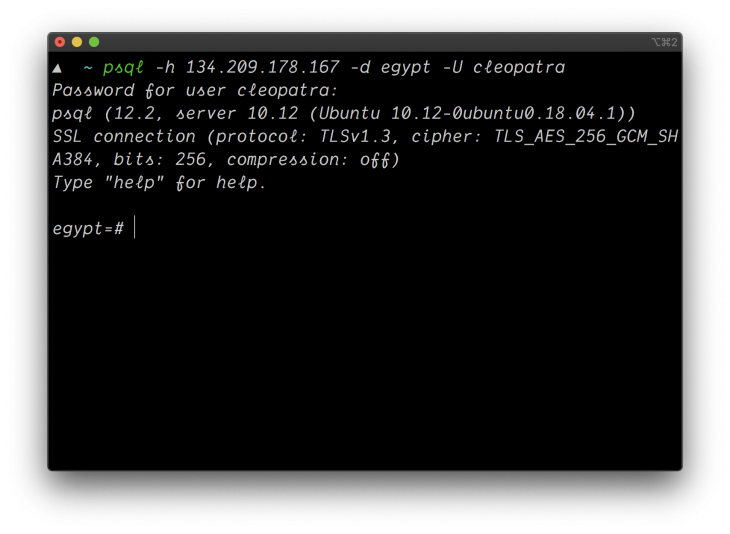
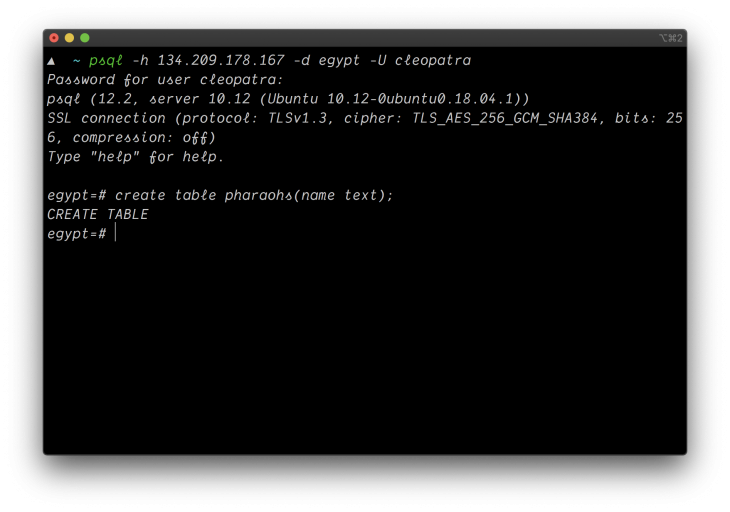
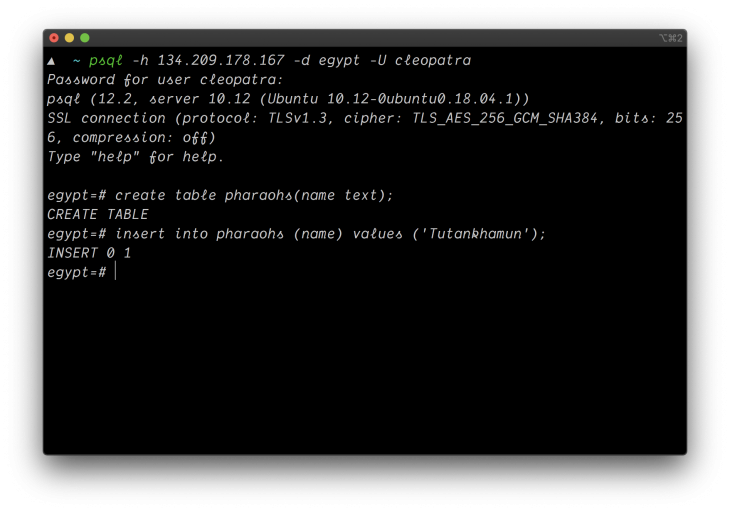
- Set
listen_addressesand add a rule inpg_hba.conf. - Allow port 5432 for your client IP only.
- Test with
psql -h.