

Steps
- Log in to HestiaCP. Use your VPS IP address and port 8083, for example
https://203.0.113.10:8083/.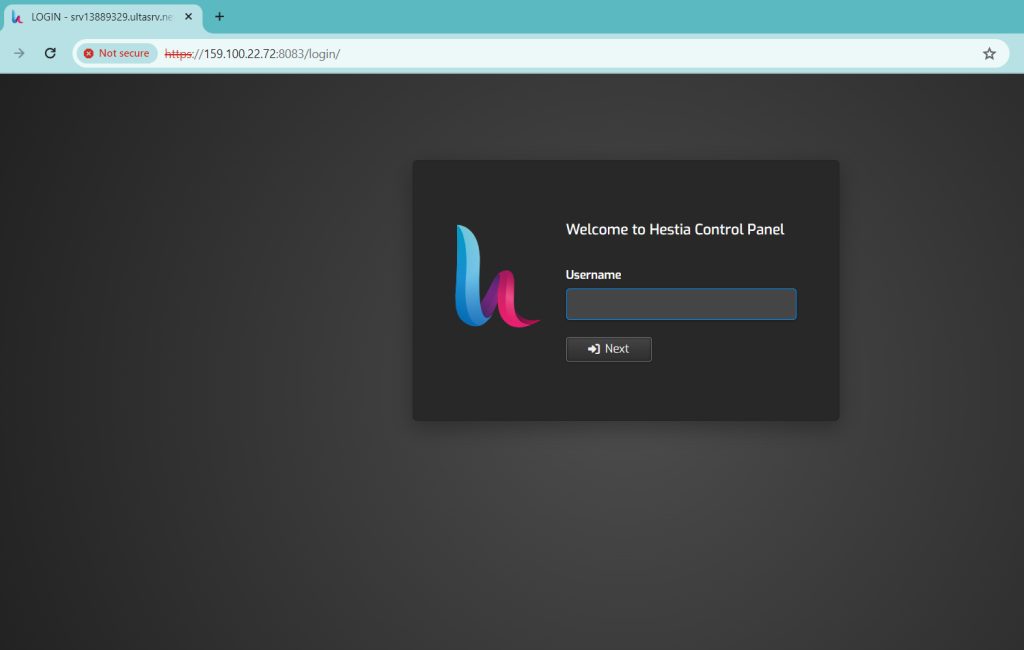
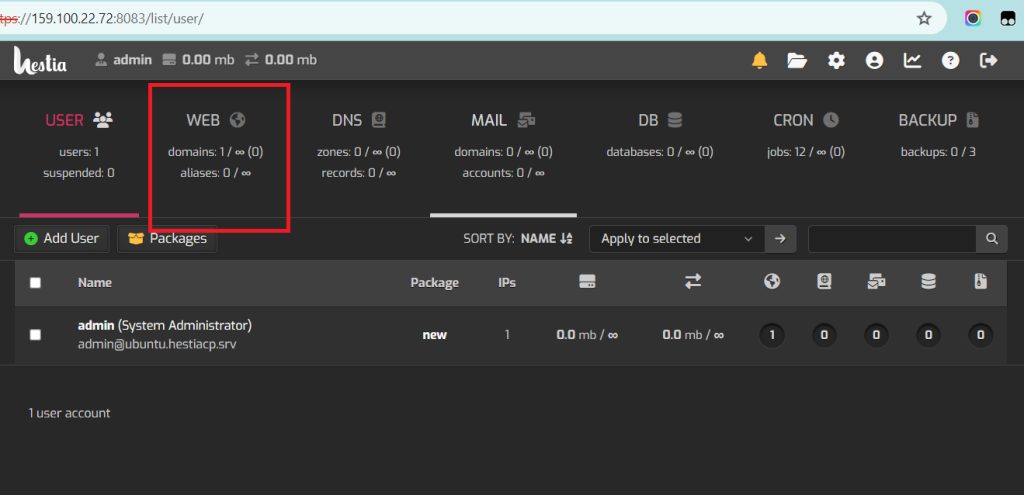
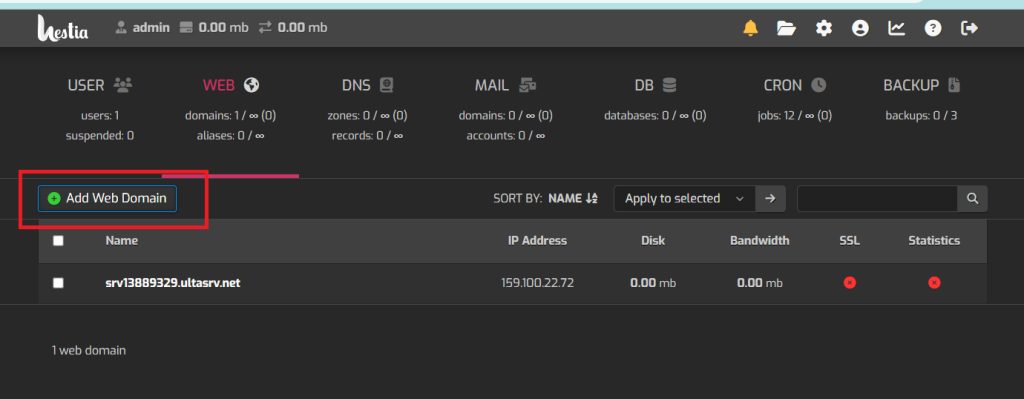
- Open the Web section and click Add Web Domain.
- In the Domain field, type the full subdomain. To make
blogunderexample.com, enterblog.example.com.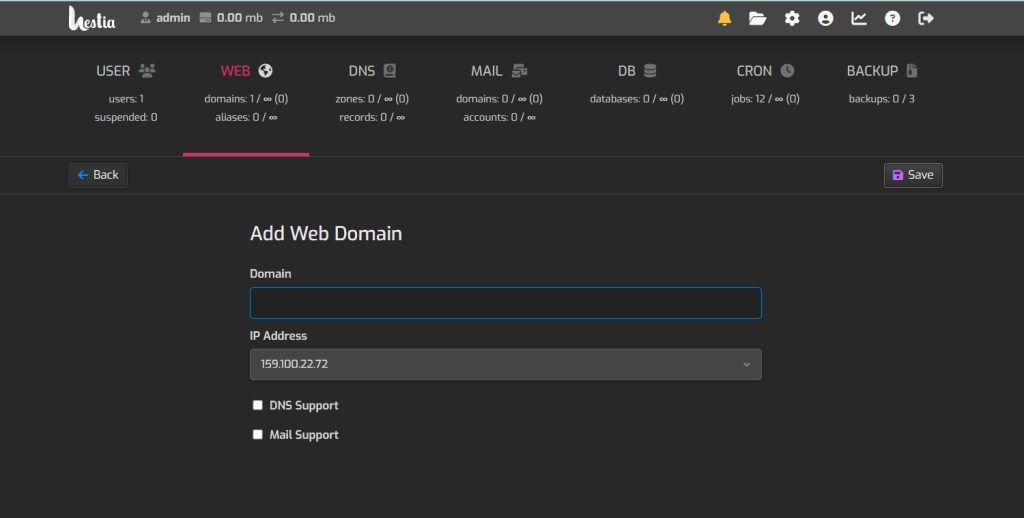
- Click Save.
Point the DNS to your VPS
If DNS for the domain is not managed by HestiaCP, go to your domain registrar or DNS provider. Add an A record for the subdomain (blog) that points to the IP address of your VPS.
Wait and test
DNS changes need time. It often takes a few hours and can take up to 48 hours. When it is done, open the subdomain in your browser to test it.
Quick recap
- Web, then Add Web Domain, then type the full subdomain.
- Add an A record at your DNS provider.
- Wait for DNS to update, then test.