

What Fail2ban does
- Protects from unauthorized access. It bans addresses with many failed logins (SSH and more).
- Finds and blocks malicious activity that shows in the logs.
- Improves security. It cuts down on brute-force attacks and the load they cause.
Install
Step 1: Update the system
sudo apt update && sudo apt upgrade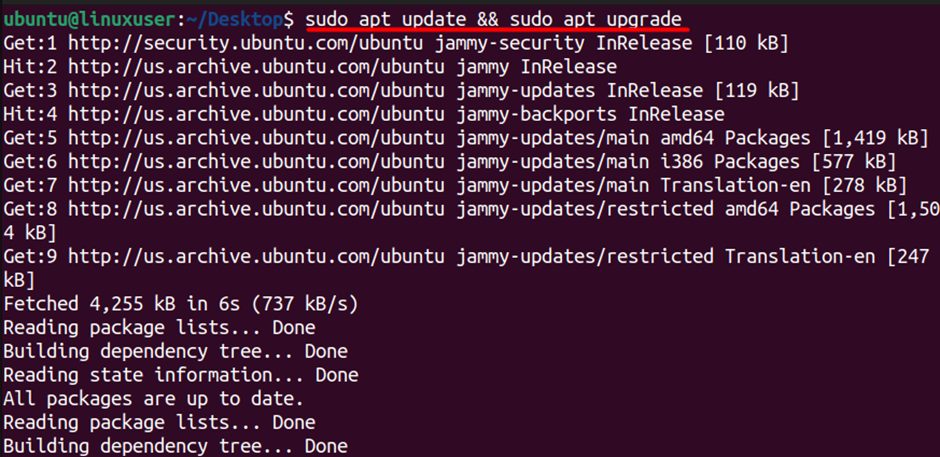
Step 2: Install Fail2ban
sudo apt install fail2ban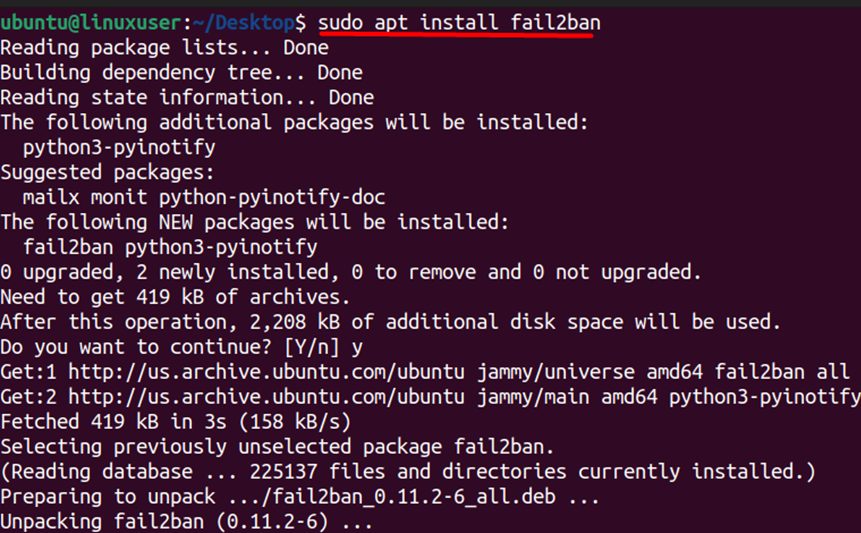
Step 3: Start the service
sudo systemctl start fail2ban
Step 4: Start it at boot
sudo systemctl enable fail2ban
Step 5: Check the status
sudo systemctl status fail2ban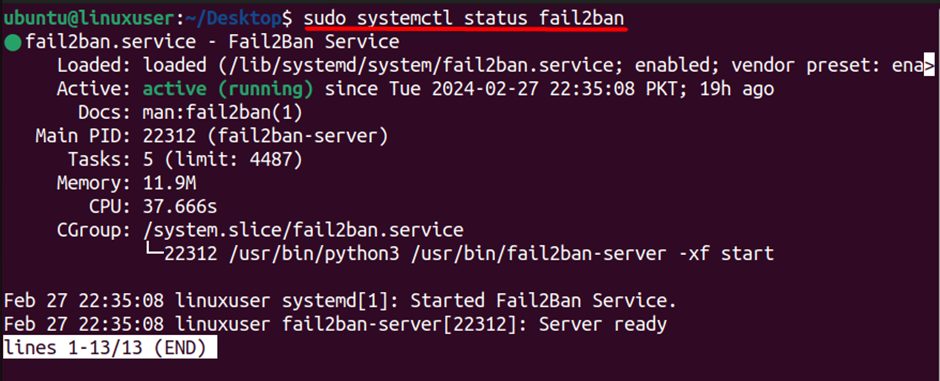
Step 6: Restart (after changes)
sudo systemctl restart fail2ban
Configure Fail2ban
Do not edit jail.conf, because updates replace it. Make a local copy:
sudo cp /etc/fail2ban/jail.conf /etc/fail2ban/jail.local
sudo nano /etc/fail2ban/jail.local
Important settings in the [DEFAULT] section:
bantime  = 1h
findtime = 10m
maxretry = 5
ignoreip = 127.0.0.1/8 ::1 YOUR_IP_ADDRESSbantimeis how long an address stays blocked.findtimeis the period in which the failures are counted.maxretryis the number of failures that cause a ban.ignoreiplists addresses that are never banned. Add your own IP.
Turn on the SSH jail:
[sshd]
enabled = true
port    = ssh
Restart the service after you edit the file.
Useful commands
sudo fail2ban-client status
sudo fail2ban-client status sshd
sudo fail2ban-client set sshd unbanip 203.0.113.5
Advantages
- Better security.
- Less brute-force traffic.
- Saves server resources.
- Easy to extend to other services (Apache, Nginx, mail) with more jails.
Quick recap
sudo apt install fail2ban, then enable and start it.- Edit
jail.local, notjail.conf. - Add your own IP to
ignoreip.