

What GUFW is
UFW (Uncomplicated Firewall) is the default firewall tool of Ubuntu. GUFW is its graphical front end. It lets you turn the firewall on and off, choose profiles and add rules in a window.
Method 1: Install from the terminal
Enable the universe repository:
sudo add-apt-repository universe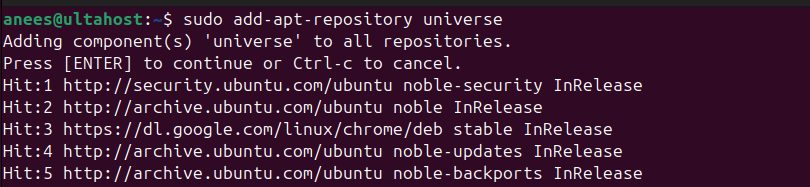
Update the system:
sudo apt update && sudo apt upgrade -y
Install GUFW:
sudo apt install gufw -y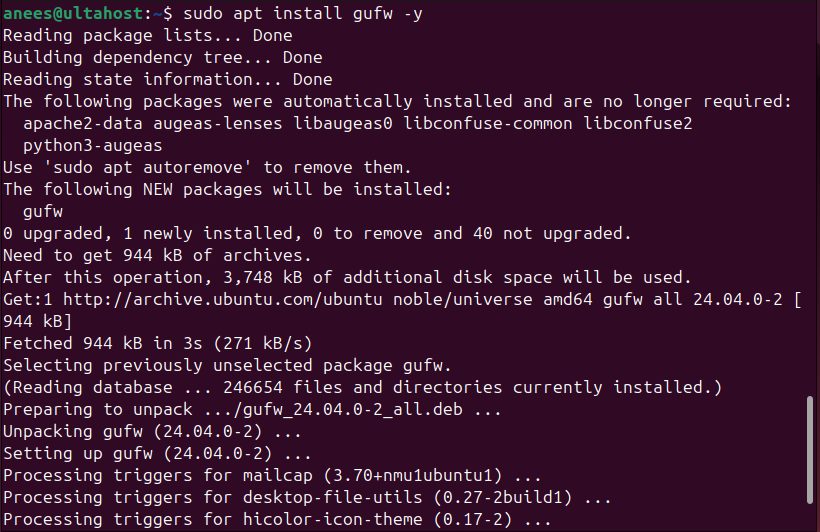
Method 2: Install from the Ubuntu Software app
- Open Ubuntu Software and search for
gufw.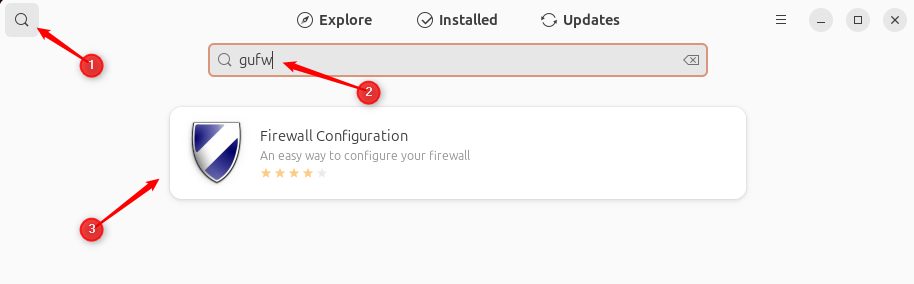
- Click Install.

Use GUFW
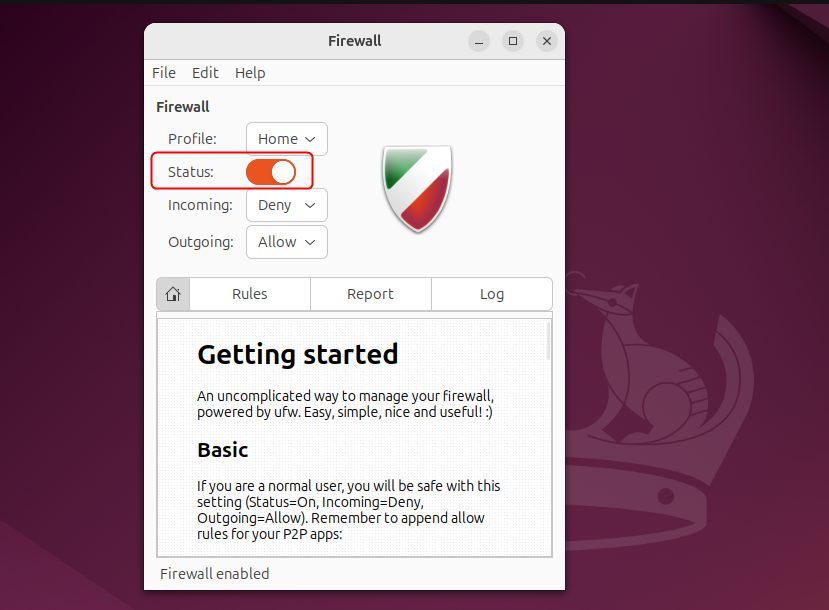
Step 1: Open it and turn the firewall on
Open GUFW from the applications menu, or run sudo gufw.
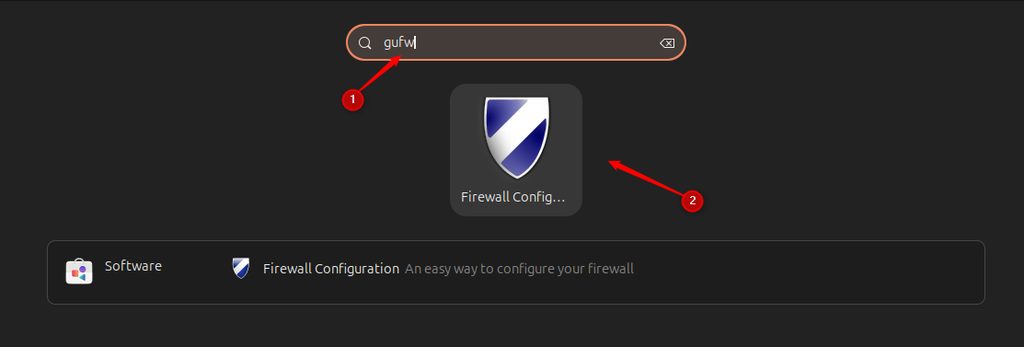
Switch Status to on.
Step 2: Choose a profile
- Home. Blocks incoming connections, allows outgoing, and permits some local services.
- Office. Like Home, with more control over incoming connections.
- Public. The most strict. Blocks all incoming connections and allows outgoing.
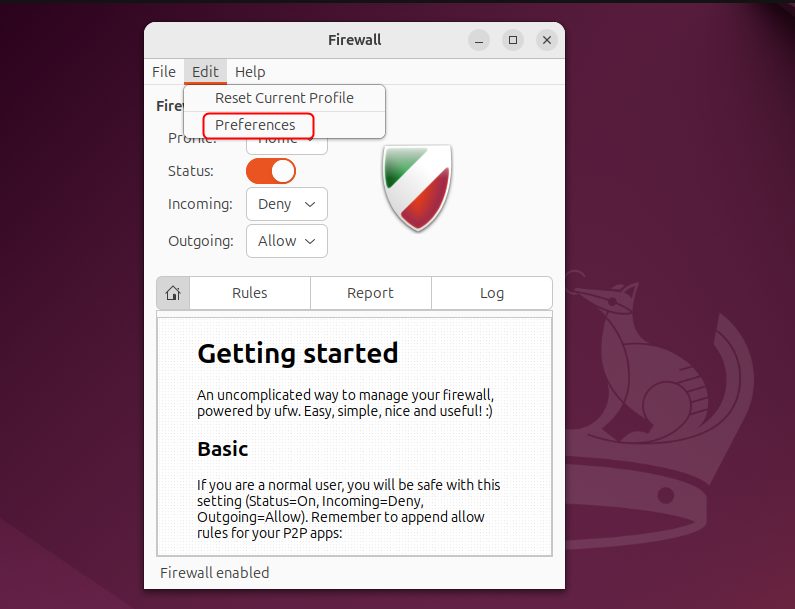
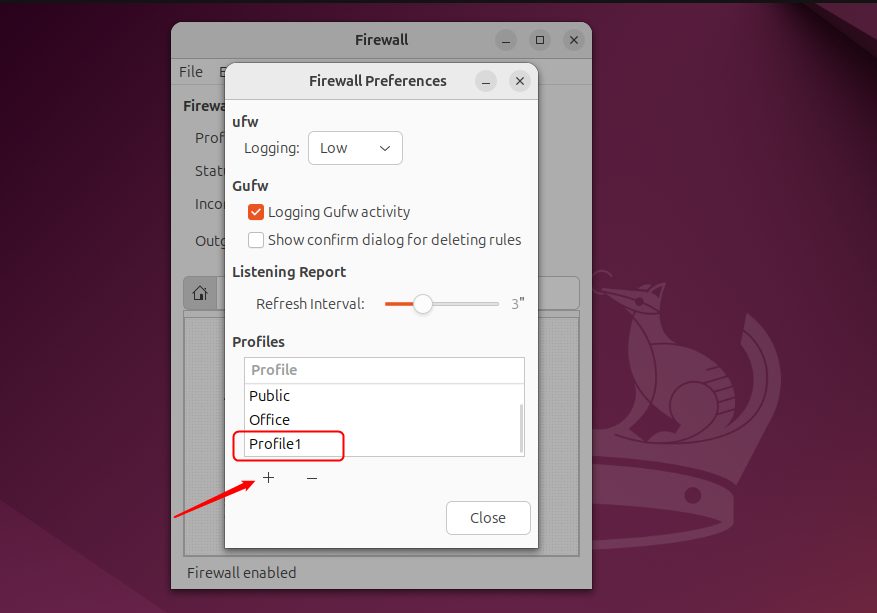
You can add your own profile.
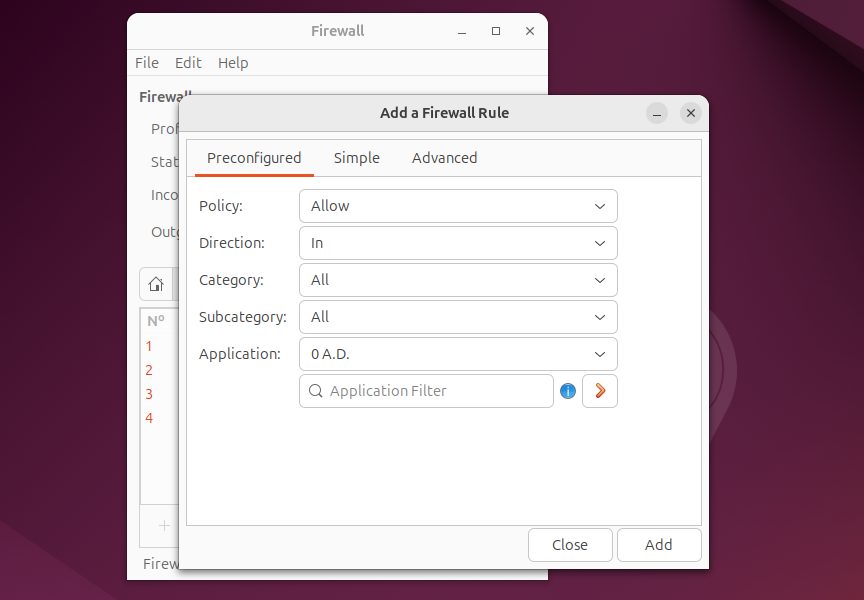
Step 3: Add rules
- Click the Rules tab, then the + button.
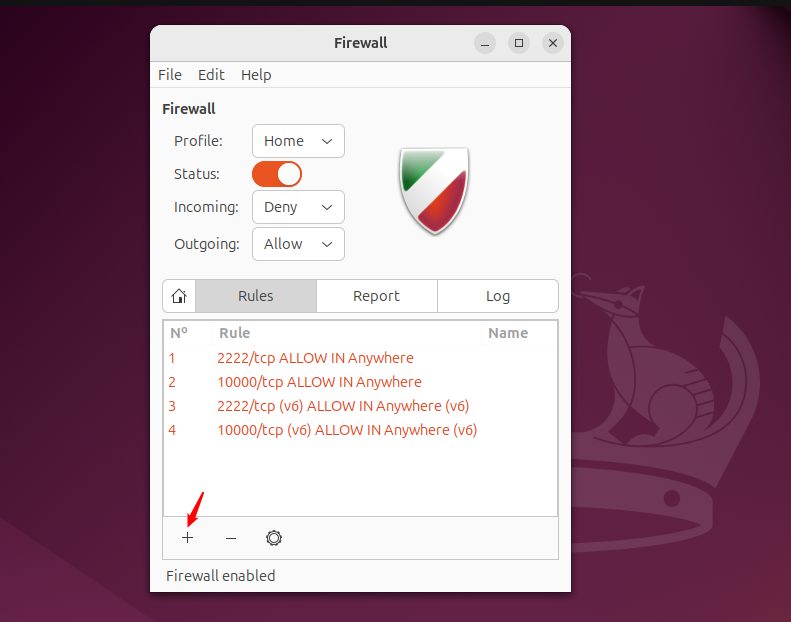
- Choose Simple for common services (for example SSH or HTTP), or Advanced to set the direction, the protocol (TCP or UDP), the source and destination and the port.
- Click Add.
Remember to allow SSH (port 22) before you turn on the firewall on a remote server, or you will lock yourself out.
Same thing in the terminal
sudo ufw allow OpenSSH
sudo ufw allow 80/tcp
sudo ufw enable
sudo ufw status
Note: GUFW needs a desktop. On a server without a desktop use the
ufw commands.Quick recap
sudo apt install gufw.- Turn the firewall on, choose a profile and add rules.
- Allow SSH first on a remote machine.