

What is wp-config.php?
WordPress is software for building websites. The file wp-config.php is its main settings file. It tells WordPress how to connect to its database. A database is the place where your posts, pages and users are stored.
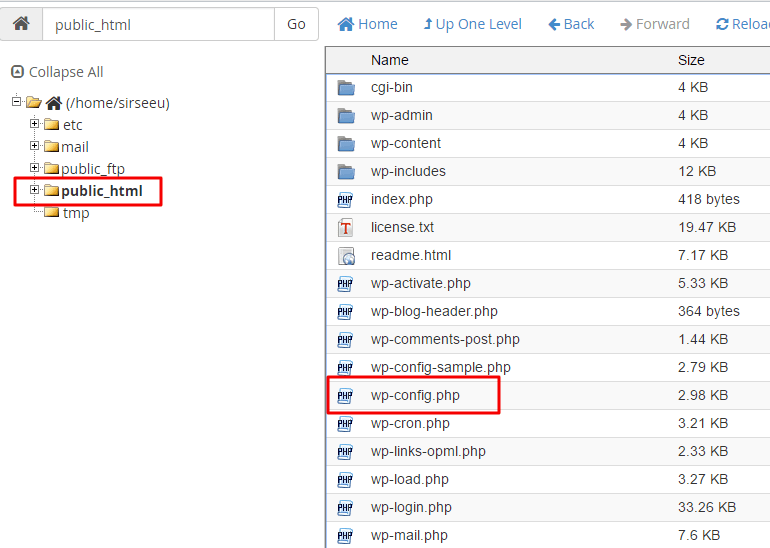
It lives in the main folder of your WordPress site, often called public_html.
Warning: A mistake in this file can break your whole site. Always download a copy first as a backup.
What is inside
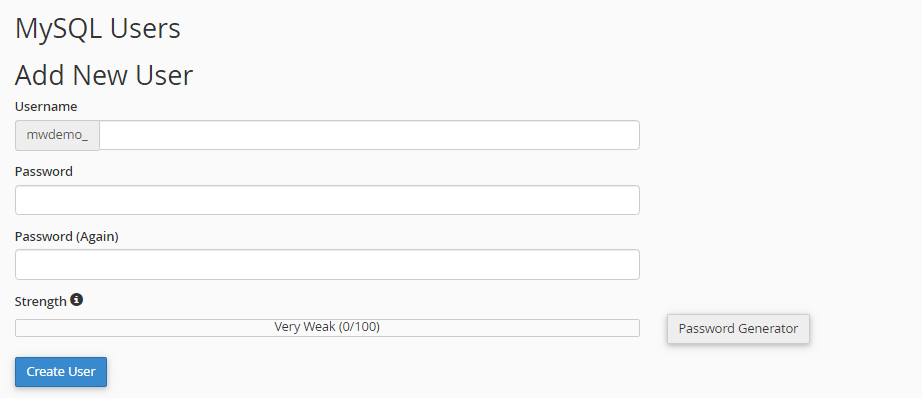
DB_NAME: the name of your database.DB_USER: the database username.DB_PASSWORD: the database password.DB_HOST: where the database lives. Often it islocalhost, which means the same server.- Security keys: long random text that helps protect logins.
$table_prefix: the start of each table name in the database.WP_DEBUG: a switch that shows errors when set to true.
Steps to edit it
- Log in to your control panel.
- Open File Manager.
- Go to your site's main folder, such as
public_html. - Right-click
wp-config.phpand choose Download to save a backup copy. - Right-click it again and choose Edit.
- Make your change above the line that says "That's all, stop editing!".
- Click Save Changes.
- Open your site and check that it still loads.
Useful settings
Turn on error messages while you fix a problem:
define( 'WP_DEBUG', true );Set it back to false when you are done.
Give WordPress more memory:
define( 'WP_MEMORY_LIMIT', '256M' );Stop the built-in file editor in the dashboard:
define( 'DISALLOW_FILE_EDIT', true );Keep it safe
- Never share this file. It holds your database password.
- Do not paste its contents in public forums.
- If you change the database password in your control panel, update
DB_PASSWORDhere too.
Need help? Open a support ticket.
Quick recap
wp-config.phpholds your WordPress database details and key settings.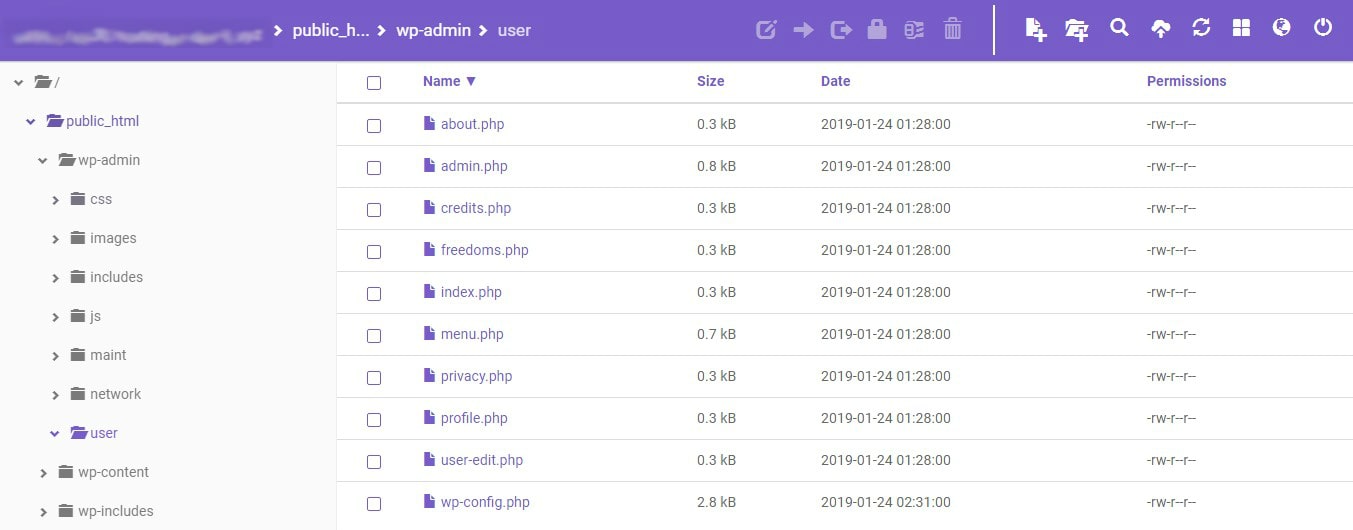
- It sits in your site's main folder.
- Download a backup before editing.
- Edit above the "stop editing" line.
- Keep the file private.