

Why check
- Libraries and frameworks need certain Python versions.
- Syntax changes between versions. For example Python 2 used
print "x"and Python 3 usesprint("x"). - Old features get removed. The version tells you what is safe to use.
On Linux
With the command line
python3 --version
The short form gives the same result:
python3 -V
If you see "command not found", Python is not installed. Install it with your package manager.
With the interpreter
python3Then type:
import sys
print(sys.version)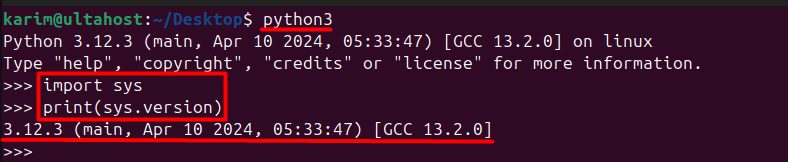
This prints the full version with build details. Leave the interpreter with exit().
On Windows
With Command Prompt
Open cmd.exe and run:
python --version
If it does not work, try py --version.
With the interpreter
pythonThen type:
import sys
print(sys.version)
Quick recap
python3 --versionon Linux,python --versionon Windows.sys.versionshows the full detail.