

Check your Git version
Open a terminal (or Git Bash on Windows) and run:
git --versionThe answer looks like git version 2.45.1.
Update Git
Linux (Debian and Ubuntu)
sudo apt update
sudo apt install git
This installs the newest version that your distribution offers. For the latest release, add the Git PPA:
sudo add-apt-repository ppa:git-core/ppa
sudo apt update
sudo apt install git
Linux (CentOS, Rocky, Fedora)
sudo dnf update gitWindows
On Git for Windows 2.16.1 and later you can update from the command line:
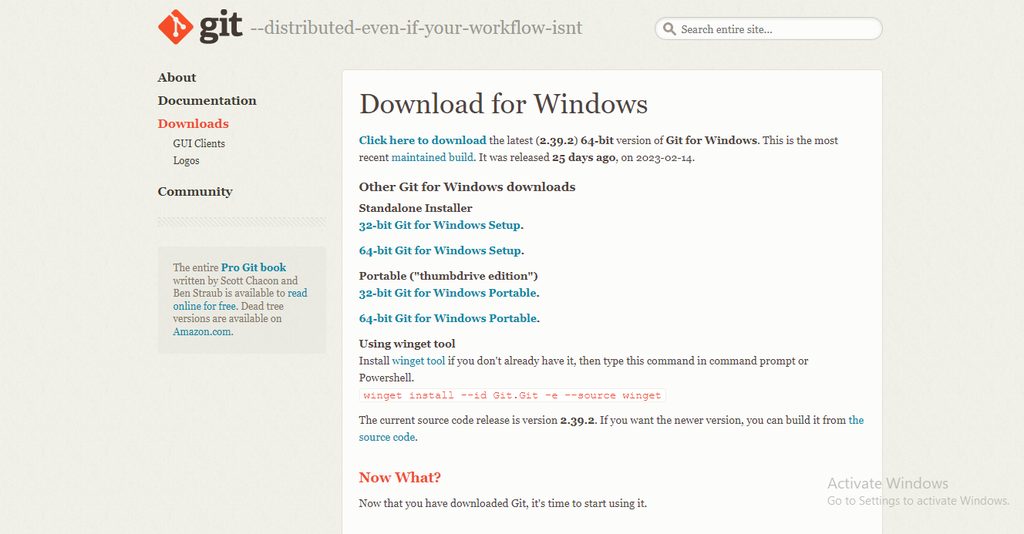
git update-git-for-windowsOr download the newest installer from the Git website and run it.
macOS
If you installed Git with Homebrew:
brew upgrade gitCheck again
git --versionQuick recap
git --versionshows the version.- Update with
apt,dnf,breworgit update-git-for-windows. - Check the version again after the update.