

The datetime module
Current date and time
import datetime

# Get the current date and time
now = datetime.datetime.now()
print("Current date and time:", now)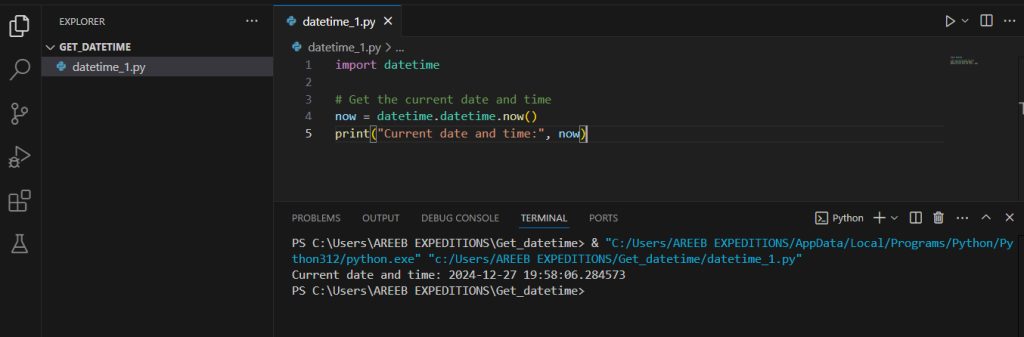
Format it
formatted_now = now.strftime("%Y-%m-%d %H:%M:%S")
print("Formatted date and time:", formatted_now)
Date only
today = datetime.date.today()
print("Current date:", today)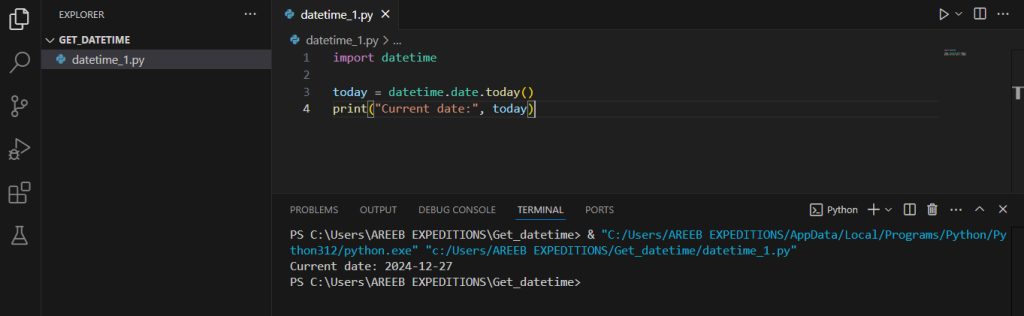
Time only
current_time = datetime.datetime.now().time()
print("Current time:", current_time)
The time module
Seconds since the Epoch (January 1, 1970)
import time
current_time_seconds = time.time()
print("Current time in seconds since the Epoch:", current_time_seconds)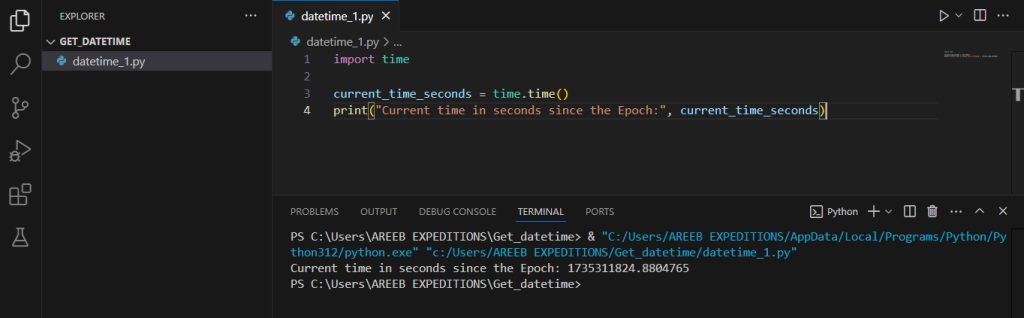
Make it readable
readable_time = time.ctime(current_time_seconds)
print("Readable current time:", readable_time)
UTC and local time
gmtime = time.gmtime(current_time_seconds)
localtime = time.localtime(current_time_seconds)
print("GMT time:", gmtime)
print("Local time:", localtime)
The calendar module
Get the year, month and day:
import datetime

now = datetime.datetime.now()
print("Current year:", now.year)
print("Current month:", now.month)
print("Current day:", now.day)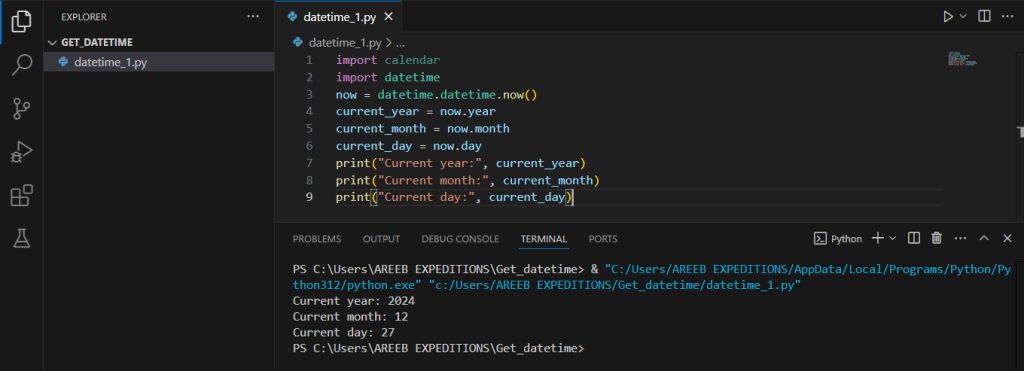
The calendar module can print a month:
import calendar
print(calendar.month(now.year, now.month))
Time zones with pytz
Install the library:
pip install pytzGet the time in a given zone:
import datetime
import pytz

tz = pytz.timezone("America/New_York")
print(datetime.datetime.now(tz))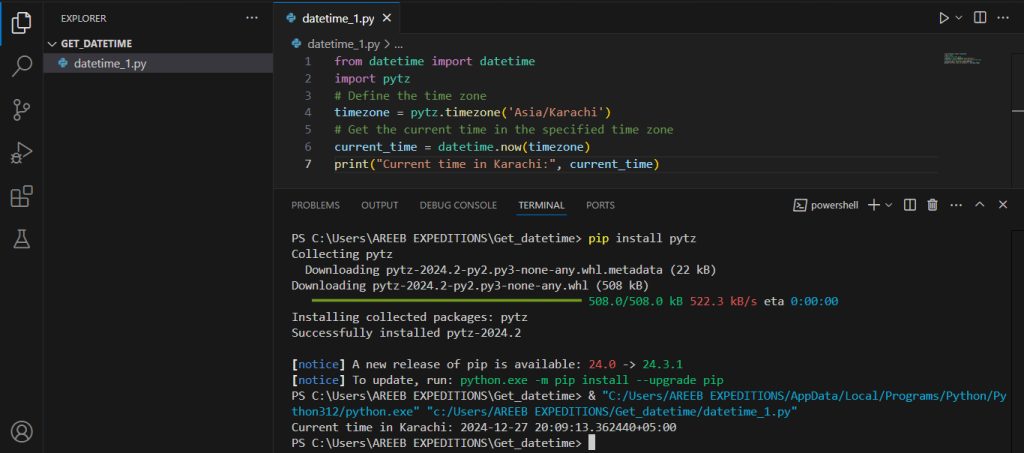
Python 3.9 and later also has the built-in zoneinfo module, which does the same without a package:
from zoneinfo import ZoneInfo
import datetime
print(datetime.datetime.now(ZoneInfo("Europe/London")))
Common format codes
| Code | Meaning |
|---|---|
%Y | Year with 4 digits |
%m | Month number |
%d | Day of the month |
%H | Hour (24-hour clock) |
%M | Minute |
%S | Second |
%A | Day name |
Quick recap
datetime.datetime.now()gives the current date and time.strftime()formats it.- Use
pytzorzoneinfofor time zones.