

What Maldet is
Linux Malware Detect (LMD, also called Maldet) is a malware scanner made for shared and web servers. It uses signatures of malware that is found in real attacks on web hosting, and it can scan new and changed files by itself.
Requirements
- A Linux server. The commands here are for Debian-based systems such as Ubuntu.
- Root or sudo access.
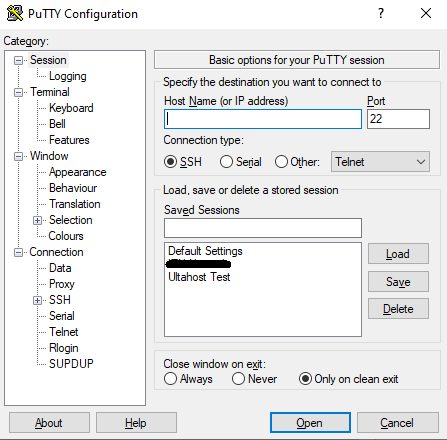
Step 1: Connect to the server
Connect with an SSH client such as PuTTY.
Step 2: Update the system
apt update && apt upgrade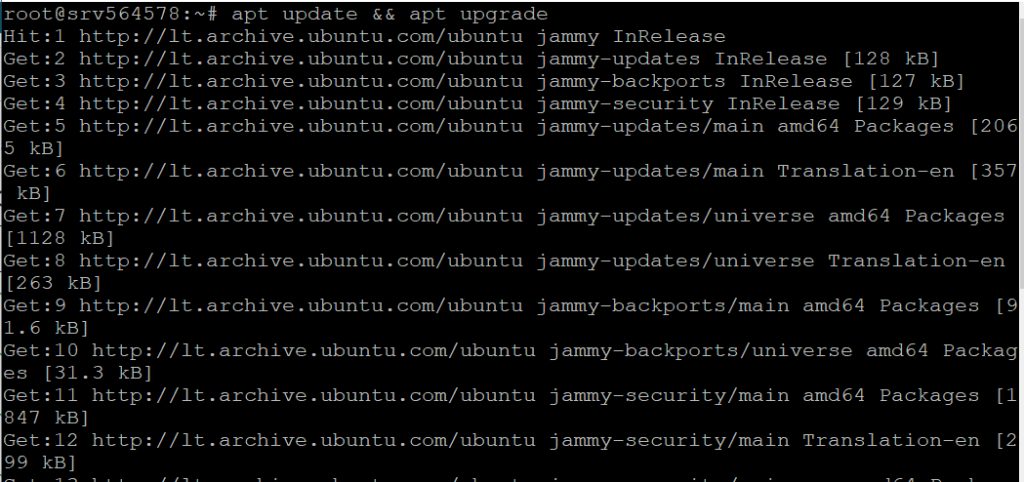
Step 3: Download Maldet
cd /usr/local/src
wget http://www.rfxn.com/downloads/maldetect-current.tar.gz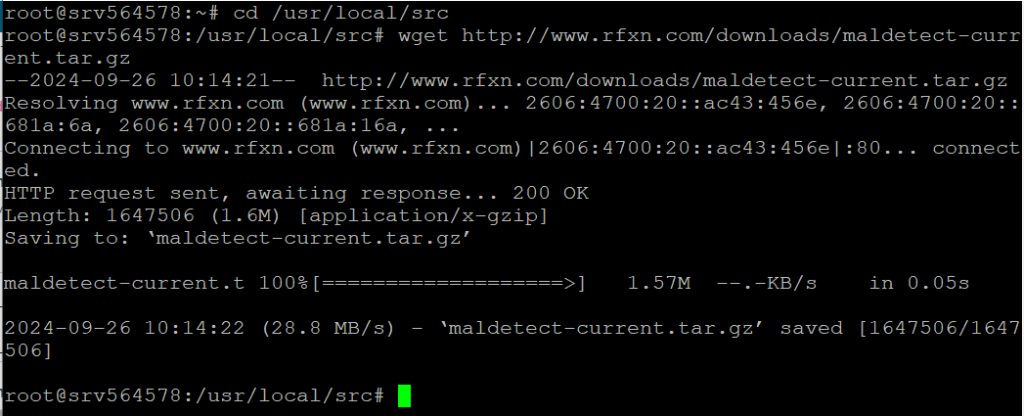
Step 4: Extract the archive
tar -xzf maldetect-current.tar.gzStep 5: Install it
cd maldetect-* && ./install.sh
Check the version:
maldet --versionStep 6: Configure it
nano /usr/local/maldetect/conf.maldet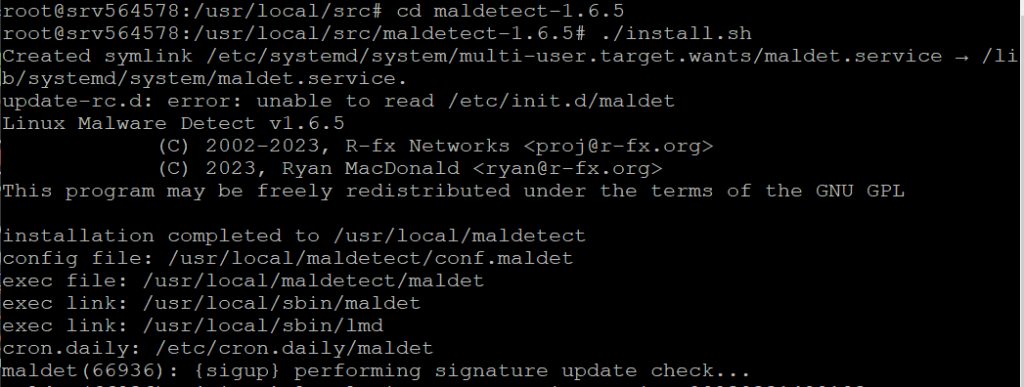
Important settings:
email_alert- set to1to get email alerts.email_subj- the subject line of the alert.email_addr- the address to send the alerts to.quar_hits- set to1to quarantine files with malware.quar_clean- set to1to try to clean infected files automatically.quar_susp- set to1to suspend the user whose files are infected (for hosting panels).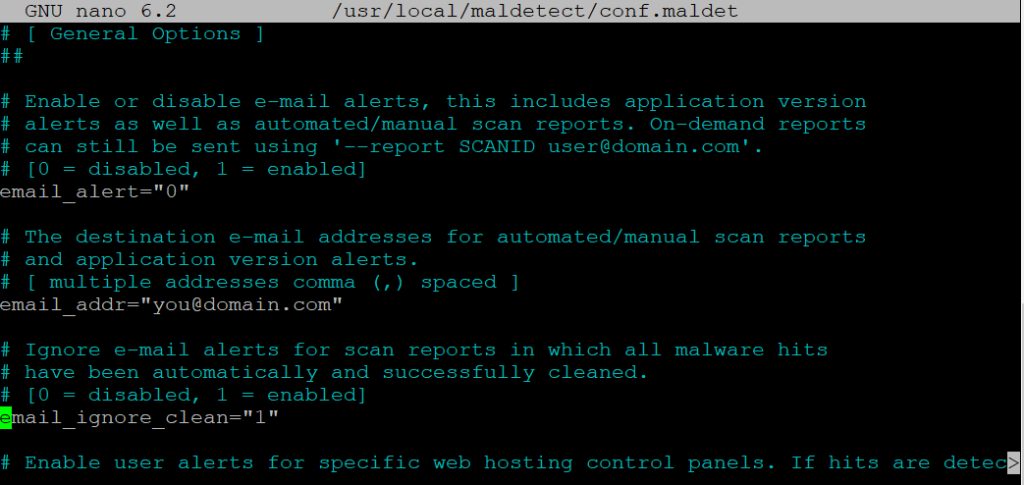
Also set scan_clamscan to 1 if ClamAV is installed, for a stronger scan.
Step 7: Update the signatures
maldet -u
Step 8: Run a scan
maldet -a /path/to/directory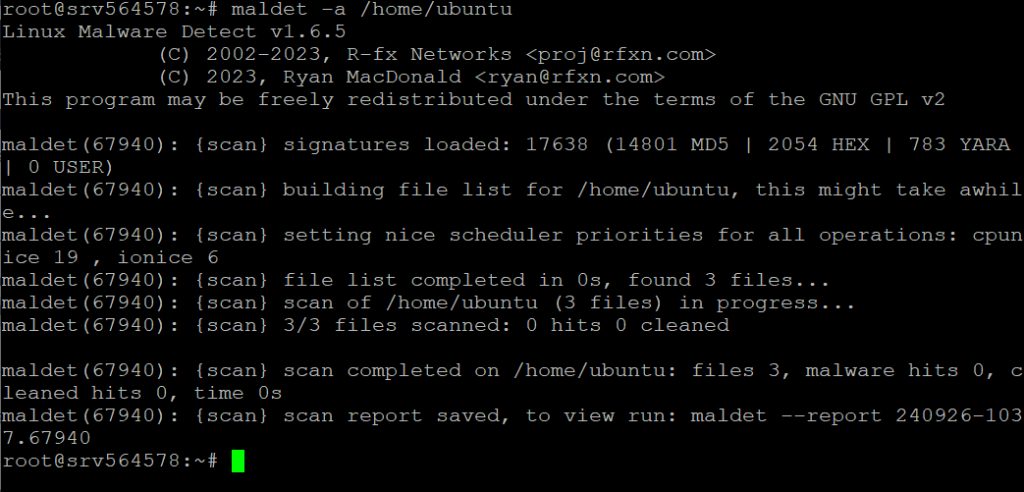
Examples:
maldet -a /var/www
maldet -r /var/www 2-ascans a path.-r path 2scans files changed in the last 2 days.
Read the report of a scan:
maldet --report SCANID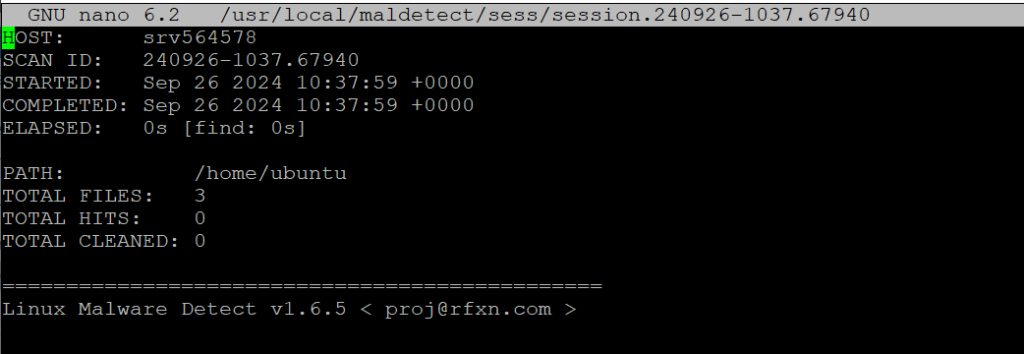
Maldet also runs a daily scan through a cron job that the installer adds.
Tips
- Check the quarantine before you restore a file.
- Combine Maldet with a firewall and updates. A scanner does not stop attacks, it finds files after the fact.
Quick recap
- Download and run
install.sh. - Set the email and quarantine options in
conf.maldet. - Update the signatures with
maldet -uand scan withmaldet -a.