

What Compose logs are
Docker Compose logs are the combined output (stdout and stderr) of all services in your docker-compose.yml. They help you watch what your containers do and find errors.
Install Docker Compose on Ubuntu
sudo apt install docker-composeOr install Docker and its plugins:
sudo apt install docker-ce docker-ce-cli containerd.io docker-buildx-plugin docker-compose-pluginCheck the installation:
docker compose version
Create a test project
- Create the folders and a page:
mkdir ~/compose-demo
cd ~/compose-demo
mkdir app
nano app/index.html
- Put this in
index.html:
<!doctype html>
<html lang="en">
<head>
    <meta charset="utf-8">
    <title>Docker Compose Demo</title>
</head>
<body>
    <h1>This is a Docker Compose Demo Page.</h1>
</body>
</html>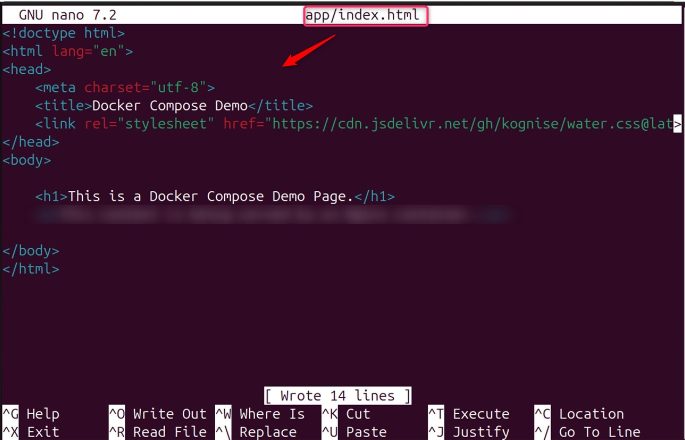
- Create the file
docker-compose.ymlin~/compose-demo:
services:
  web:
    image: nginx:alpine
    ports:
      - "8000:80"
    volumes:
      - ./app:/usr/share/nginx/html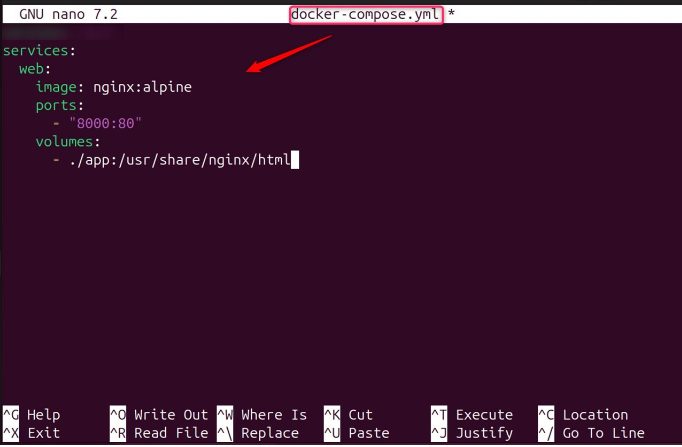
- Start the project in the background:
sudo docker compose up -d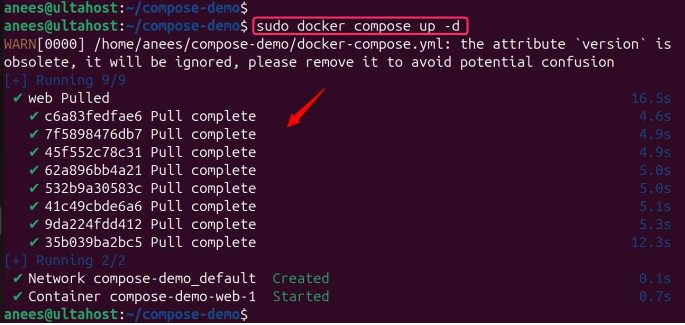
- Check that it runs:
sudo docker compose ps
Read the logs
All services:
sudo docker compose logs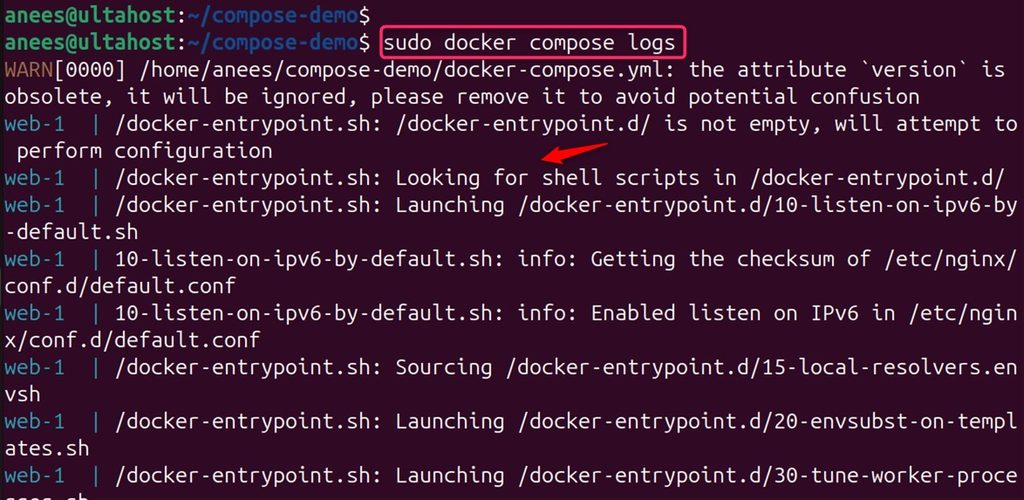
One service:
sudo docker compose logs web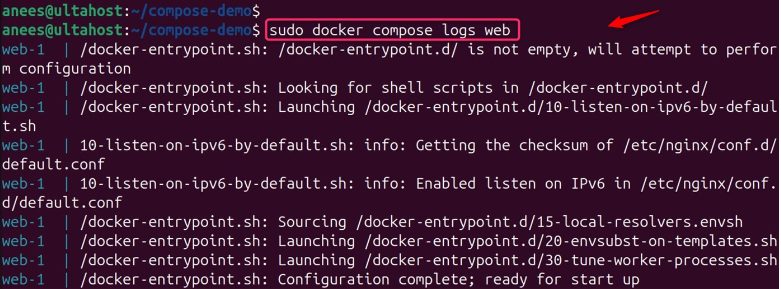
Follow in real time (press Ctrl + C to stop):
sudo docker compose logs -f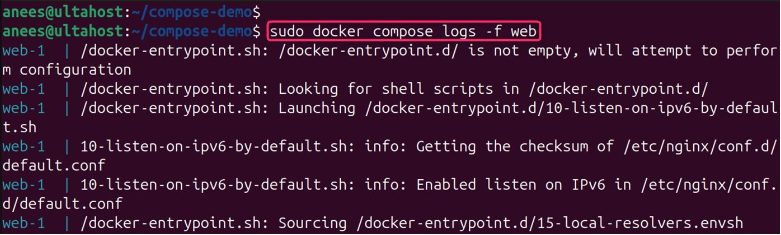
Only the last lines:
sudo docker compose logs --tail=10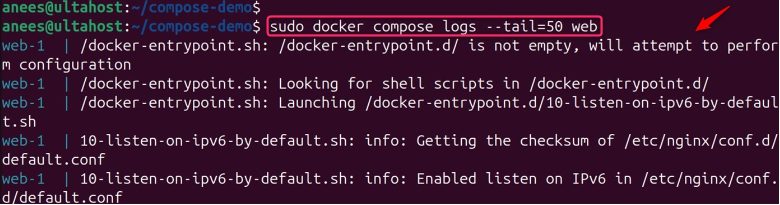
Add time stamps:
sudo docker compose logs -tFilter the output with grep:
sudo docker compose logs | grep error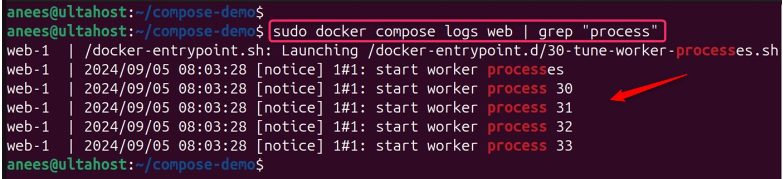
Save the logs to a file:
sudo docker compose logs > logs.txt
Clean up
Stop and remove the test project:
sudo docker compose down
Tip: Logs can grow big. In the service definition, set a log limit, for example
logging: { driver: json-file, options: { max-size: "10m", max-file: "3" } }.Quick recap
docker compose logsshows all logs, add a service name for one service.-ffollows,--taillimits,-tadds time.- Pipe to
grepor save to a file.