

The error
You run add-apt-repository and the shell says the command is not found.

The command comes with the package software-properties-common, which Debian does not always install.
Solution 1: Install the package
- Open a terminal (
Ctrl + Alt + T), or connect by SSH. - Update the package list:
sudo apt update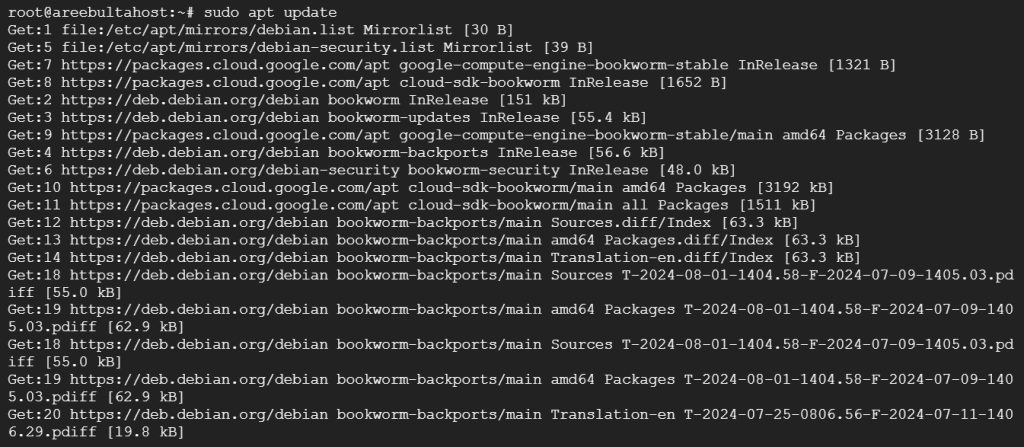
Optionally upgrade the system:
sudo apt upgrade -y- Install the package:
sudo apt install software-properties-common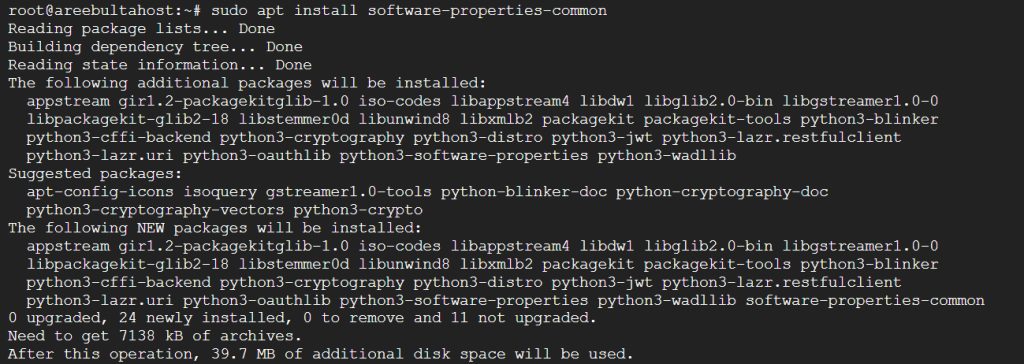
- Check that the command now works:
add-apt-repository --help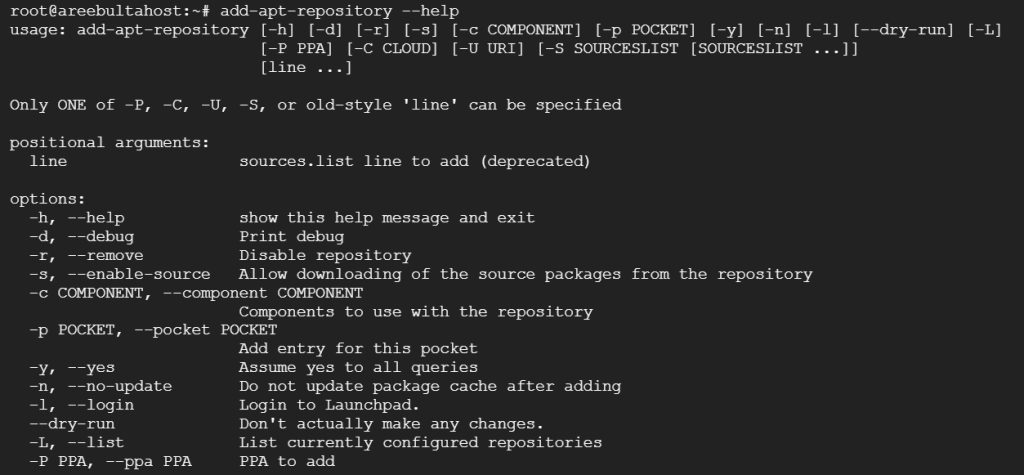
Solution 2: Manual install
If the first solution does not help:
- Install the Python package:
sudo apt install python3-software-properties
- Create a link so the command is found. Check first that the file path exists on your system:
sudo ln -s /usr/lib/python3/dist-packages/softwareproperties/ppa.py /usr/bin/add-apt-repository- Add a repository. For example, the WineHQ repository:
sudo add-apt-repository "deb https://dl.winehq.org/wine-builds/debian $(lsb_release -cs) main"To remove a PPA again, use ppa-purge (install it with sudo apt install ppa-purge):
sudo ppa-purge ppa:<ppa_name>If you still have problems
- Check the spelling of the commands.
- You need a working internet connection to add repositories.
- Debian does not use Ubuntu PPAs in most cases. For Debian, add a repository line or a signed source file instead, as the project of the software advises.
- Read the documentation of the repository you add.
Quick recap
- Install
software-properties-common. - Run
add-apt-repository --helpto test. - Use the manual link only if the package does not help.