

Why Docker on Debian
- Simple app management. Containers hold an app and its needs.
- Same behavior everywhere.
- Isolation. Apps are kept apart, which helps security.
- Stable base. Debian is known for its reliability.
- Better workflows for developers and admins.
Step 1: Remove conflicting packages
for pkg in docker.io docker-doc docker-compose podman-docker containerd runc; do sudo apt-get remove $pkg; done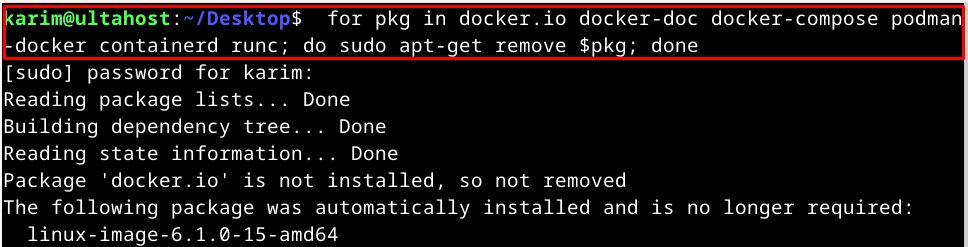
It is fine if apt says that none are installed.
Step 2: Update the package list
sudo apt update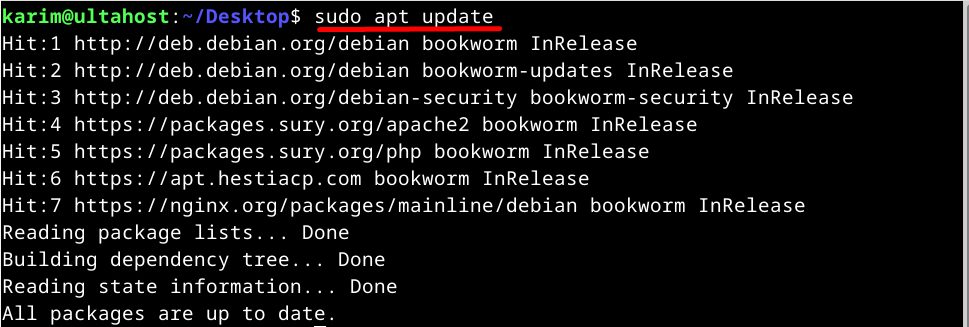
Step 3: Install certificates and curl
sudo apt-get install ca-certificates curl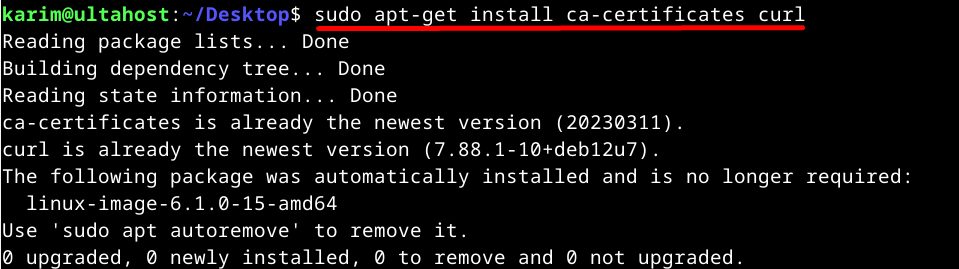
Step 4: Create a folder for the key
sudo install -m 0755 -d /etc/apt/keyrings
Step 5: Download the Docker key
sudo curl -fsSL https://download.docker.com/linux/debian/gpg -o /etc/apt/keyrings/docker.asc
Step 6: Make the key readable
sudo chmod a+r /etc/apt/keyrings/docker.asc
Step 7: Add the Docker repository
echo \
  "deb [arch=$(dpkg --print-architecture) signed-by=/etc/apt/keyrings/docker.asc] https://download.docker.com/linux/debian \
  $(. /etc/os-release && echo "$VERSION_CODENAME") stable" | \
  sudo tee /etc/apt/sources.list.d/docker.list > /dev/null
sudo apt-get update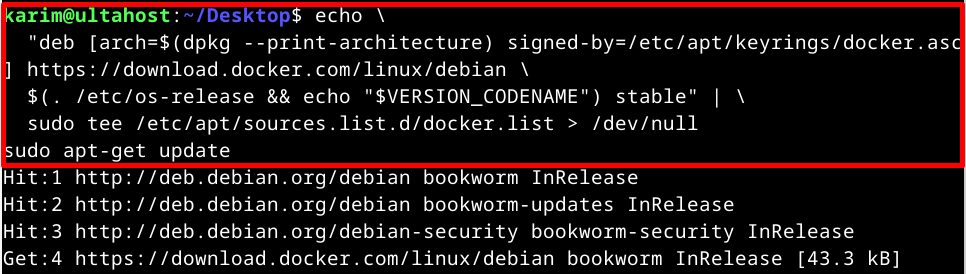
Step 8: Install Docker
sudo apt-get install docker-ce docker-ce-cli containerd.io docker-buildx-plugin docker-compose-plugin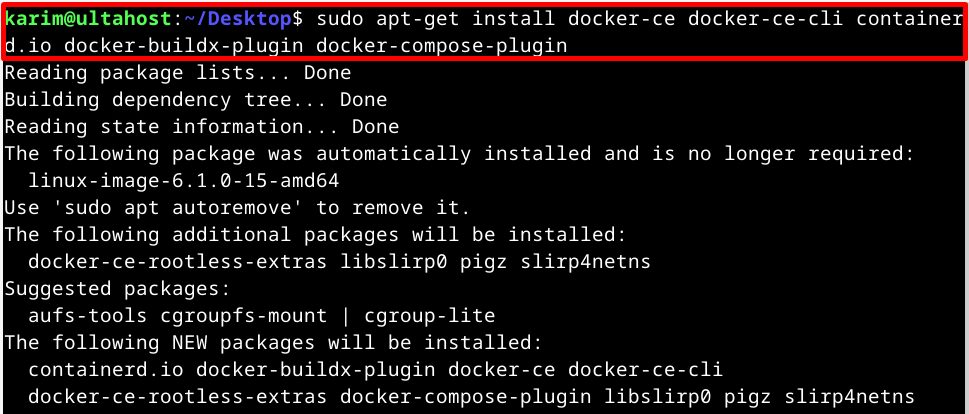
docker-ceis Docker Community Edition, the main engine.docker-ce-cliis the command-line tool.containerd.iois the container runtime.docker-buildx-pluginadds extra build features.docker-compose-pluginadds Docker Compose.
Step 9: Test it
sudo docker run hello-world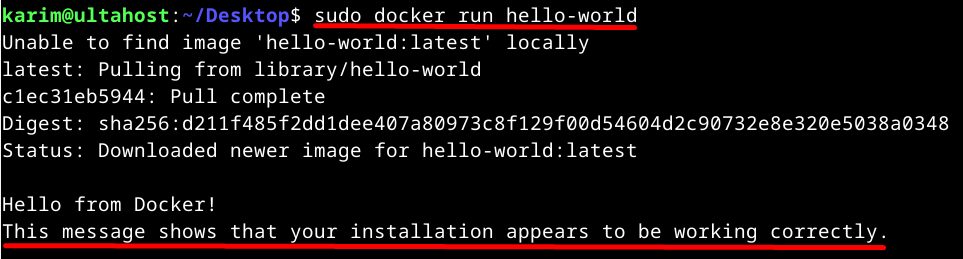
If you see a welcome message, Docker works.
Use Docker without sudo (optional)
sudo usermod -aG docker $USERLog out and in again. Remember that users in the docker group have rights like root.
Features of Docker
- Lightweight containers. They use few resources.
- Portability. The same image runs on many platforms.
- Versions. Images have tags, so rollbacks are easy.
- Docker Compose for multi-container apps.
- A large image library.
- Isolation between apps.
Quick recap
- Remove old packages, add the official repository and key.
- Install
docker-ceand the plugins. - Test with
hello-world.