

Method 1: Install with APT
Step 1: Update the package list
sudo apt update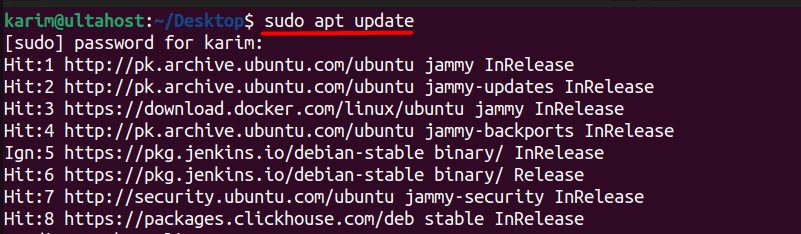
Step 2: Install FFmpeg
sudo apt install ffmpeg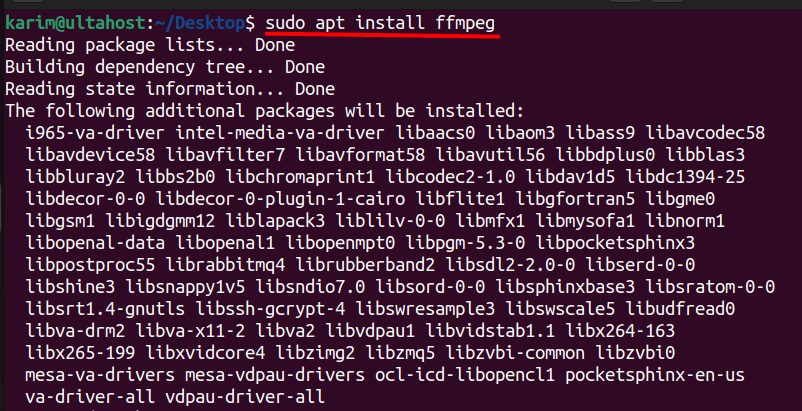
Step 3: Check the install
ffmpeg -version
Method 2: Install from source
Use this if you need a newer version than the one in Ubuntu, or special build options.
Step 1: Install the build tools and libraries
sudo apt install build-essential libtool autoconf automake pkg-config yasm nasm libx264-dev libx265-dev libvpx-dev libfdk-aac-dev libmp3lame-dev libopus-dev libass-dev zlib1g-dev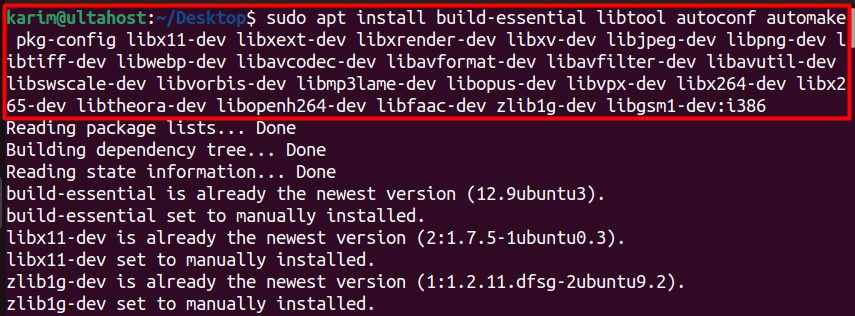
Step 2: Download the source code
Get the current version number from the FFmpeg website:
wget https://ffmpeg.org/releases/ffmpeg-7.0.1.tar.xz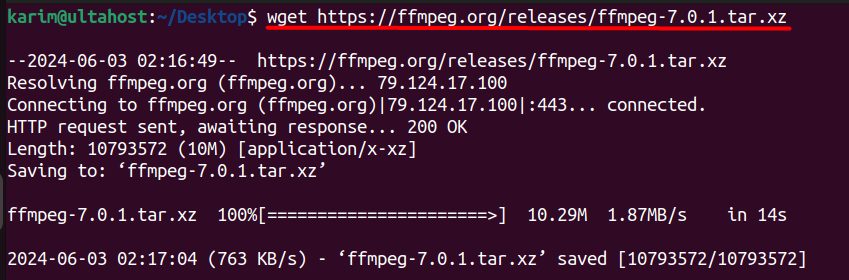
Step 3: Extract it
tar -xvf ffmpeg-7.0.1.tar.xz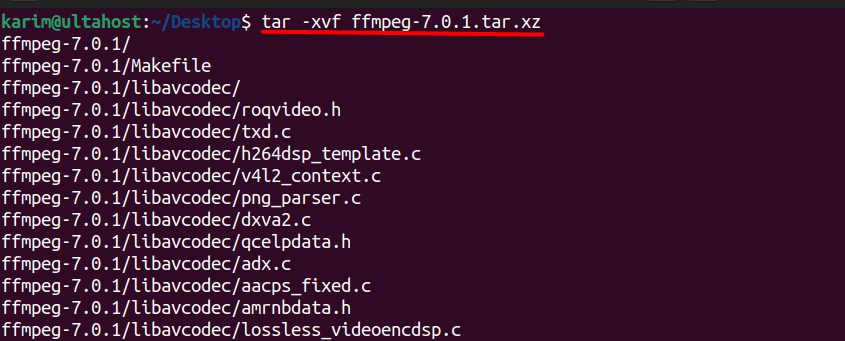
Step 4: Configure the build
cd ffmpeg-7.0.1
./configure --enable-gpl --enable-libx264 --enable-libx265 --enable-libvpx --enable-libmp3lame --enable-libopus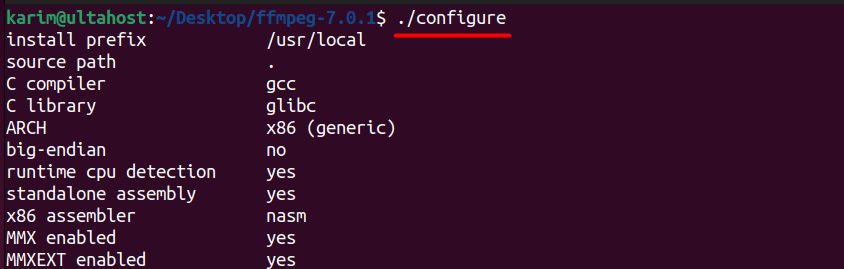
Step 5: Compile
make -j$(nproc)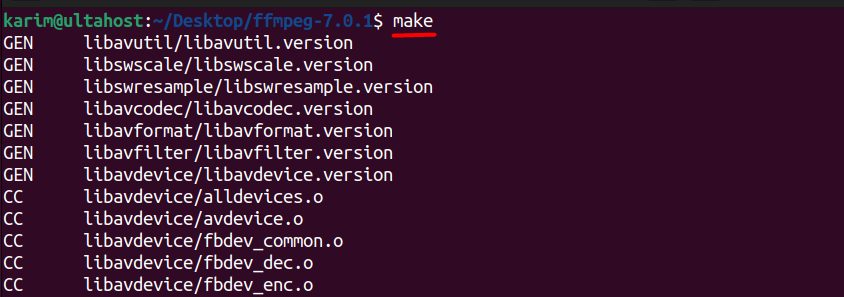
This can take a while.
Step 6: Install
sudo make install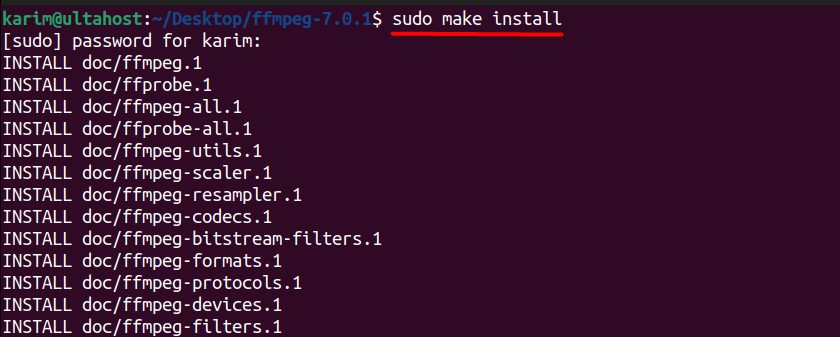
Step 7: Check the install
ffmpeg -version
First commands
Convert a video to MP4:
ffmpeg -i input.avi output.mp4Extract the audio:
ffmpeg -i video.mp4 -vn -acodec copy audio.aacChange the size:
ffmpeg -i input.mp4 -vf scale=1280:720 output.mp4Quick recap
sudo apt install ffmpegis the easy way.- Compile from source only if you need a newer version.
- Check with
ffmpeg -version.