

Requirements
- Ubuntu 22.04.
- PHP. Check if it is installed:
php --version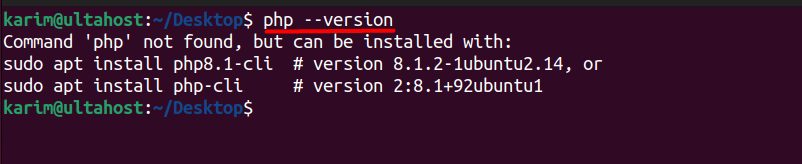
If it is not, install PHP and the extensions Composer needs:
sudo apt update
sudo apt install php php-cli php-mbstring php-xml php-curl unzip -y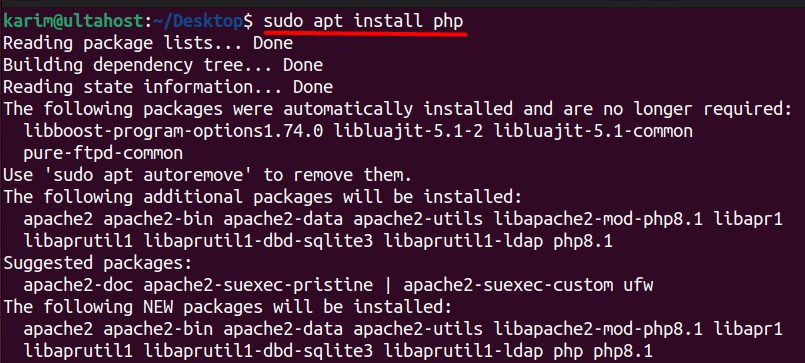
Check again:
php --version
Step 1: Download the installer
curl -sS https://getcomposer.org/installer -o composer-setup.php
For a secure install, check the hash of the file against the one published on the Composer website before you run it.
Step 2: Run the installer
php composer-setup.php
This creates the file composer.phar in the current folder.
Step 3: Move Composer to a global location
sudo mv composer.phar /usr/local/bin/composer
Remove the installer file:
rm composer-setup.phpStep 4: Check the installation
composer --version
Use Composer
Create a project or add a package:
composer init
composer require monolog/monolog
Install the packages of an existing project:
composer installUpdate Composer itself:
sudo composer self-updateBenefits
- Manages the libraries of your PHP project and their versions.
- Autoloads classes, so you do not need many
requirelines. - Makes projects easy to share and repeat.
Projects that use Composer
- Laravel, a popular PHP framework.
- Symfony, a high-performance framework.
- CodeIgniter 4, a light and friendly framework.
- WordPress tools, such as WP-CLI and Bedrock.
Tip: Do not run Composer as root for your projects. Use your normal user.
Quick recap
- Install PHP, download the installer and run it.
- Move
composer.pharto/usr/local/bin/composer. - Check with
composer --version.