

What is a Docker registry
A registry stores and serves Docker images. Docker Hub is the public one. A private registry is one you run yourself.
Benefits of a private registry
- Full control over access and security rules.
- Your images stay in your own network, which helps with company policy.
- Less bandwidth, because pulls stay inside your network.
- Custom settings and integrations.
What you need
- A machine with Docker installed, local or in the cloud.
- Enough storage and network capacity.
- Basic knowledge of Docker (and Docker Compose for the secure setup).
Step 1: Install Docker
On Ubuntu or Debian:
sudo apt install docker.io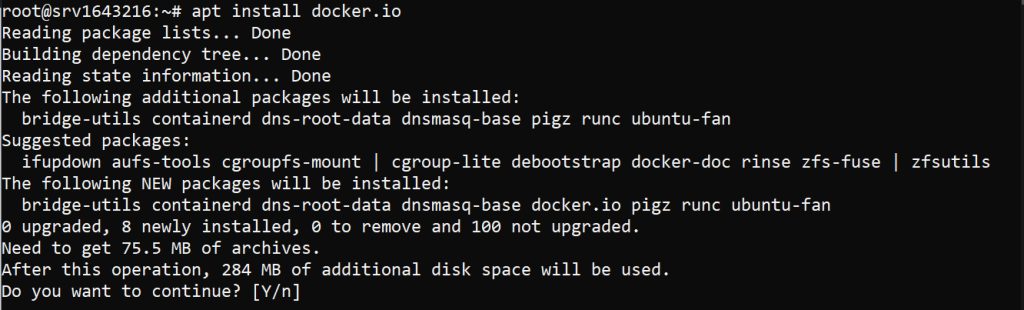
Step 2: Start the registry container
Docker provides an official registry image:
docker run -d -p 5000:5000 --restart=always --name registry registry:2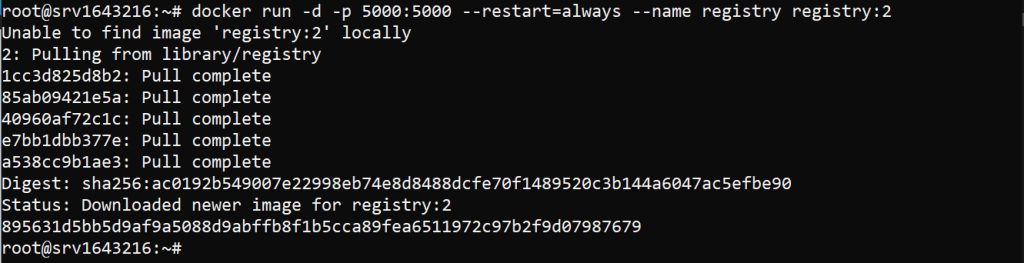
-druns the container in the background.-p 5000:5000maps port 5000 of the host to port 5000 of the container.--restart=alwaysrestarts it after a crash or a reboot.--name registrynames the container.
Step 3: Push an image
Tag the image with the registry address:
docker tag your-image localhost:5000/your-imagePush it:
docker push localhost:5000/your-imageStep 4: Pull an image
docker pull localhost:5000/your-imageList the images in the registry:
curl http://localhost:5000/v2/_catalogStep 5: Secure the registry
An open registry on the internet is not safe. Add encryption and a login.
Use TLS
Get a domain name pointed to the registry server and a TLS certificate (from a CA such as Let's Encrypt, or a self-signed one for testing). Put domain.crt and domain.key in a certs folder. Create docker-compose.yml:
services:
  registry:
    image: registry:2
    restart: always
    ports:
      - "443:443"
    environment:
      REGISTRY_HTTP_ADDR: 0.0.0.0:443
      REGISTRY_HTTP_TLS_CERTIFICATE: /certs/domain.crt
      REGISTRY_HTTP_TLS_KEY: /certs/domain.key
    volumes:
      - ./certs:/certs
      - ./data:/var/lib/registry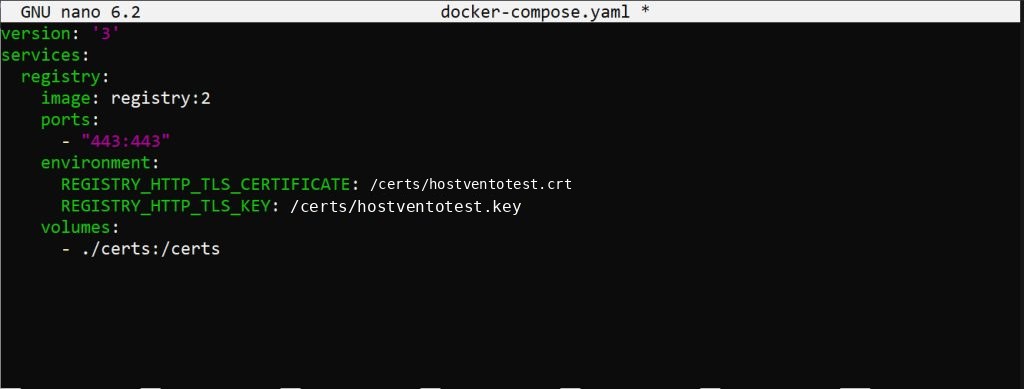
Start it:
docker compose up -dTurn on authentication
Create a password file with the htpasswd tool:
mkdir auth
docker run --rm --entrypoint htpasswd httpd:2 -Bbn your-username your-password > auth/htpasswd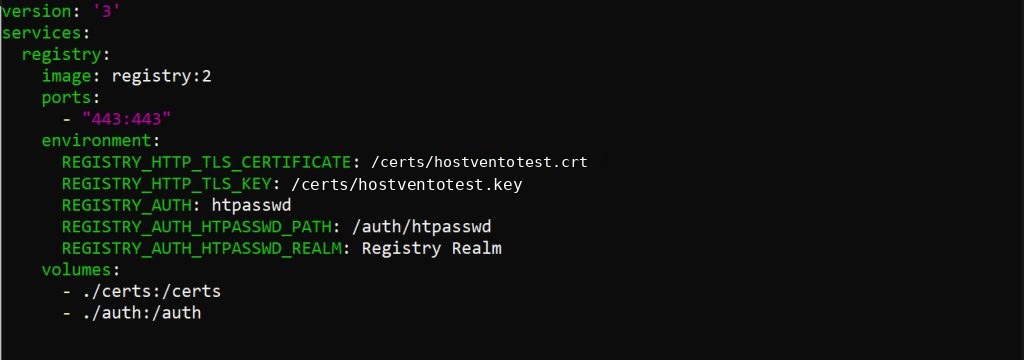
Add these lines to the environment and volumes of the registry service:
    environment:
      REGISTRY_AUTH: htpasswd
      REGISTRY_AUTH_HTPASSWD_REALM: Registry Realm
      REGISTRY_AUTH_HTPASSWD_PATH: /auth/htpasswd
    volumes:
      - ./auth:/auth
Restart with docker compose up -d, then log in from a client:
docker login registry.example.comThen tag, push and pull with the full name, for example registry.example.com/your-image.
Good practices
- Keep the registry data on a volume and back it up.
- Limit access with a firewall.
- Clean old images with the registry garbage collector.
Quick recap
docker run -d -p 5000:5000 registry:2starts a registry.- Add TLS and a password before you use it outside localhost.