

SNMP (Simple Network Management Protocol) lets monitoring tools read data from a server: CPU load, memory, disk and network traffic. The program on the server is the SNMP agent (snmpd, from the net-snmp package).
Step 1: Update the system
CentOS and compatible systems:
sudo yum update -yUbuntu and Debian:
sudo apt update && sudo apt upgrade -yStep 2: Install the SNMP packages
CentOS and compatible systems:
sudo yum install net-snmp net-snmp-utils -yUbuntu and Debian:
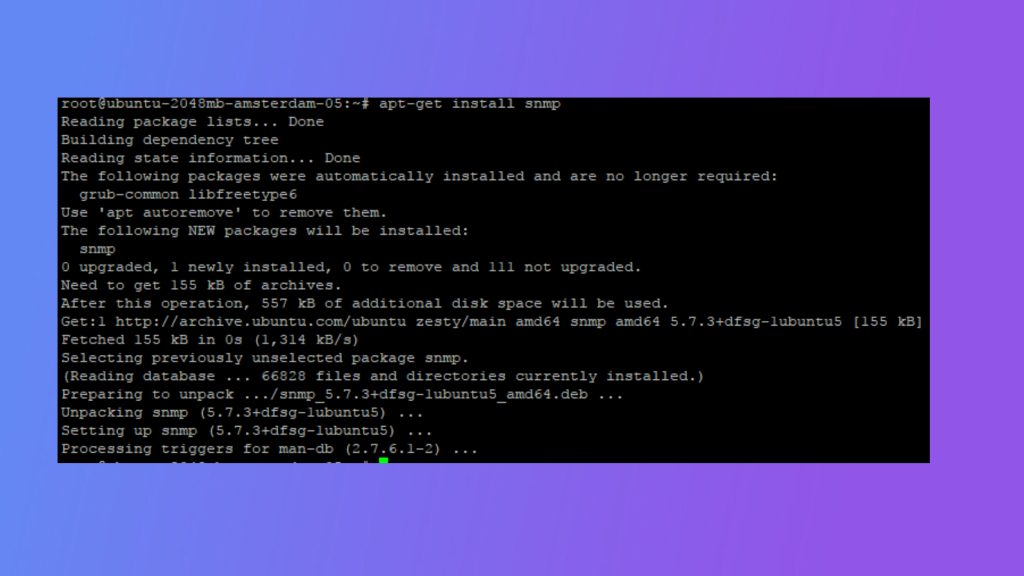
sudo apt install snmpd snmp -yStep 3: Configure the agent
Back up the configuration, then edit it:
sudo cp /etc/snmp/snmpd.conf /etc/snmp/snmpd.conf.bak
sudo nano /etc/snmp/snmpd.conf
A simple, safe configuration:
# Listen on all interfaces, UDP port 161
agentaddress udp:161

# Read-only community, only from your monitoring server
rocommunity MyStrongCommunity 203.0.113.10

# System information
sysLocation  Data Center 1
sysContact   admin@example.com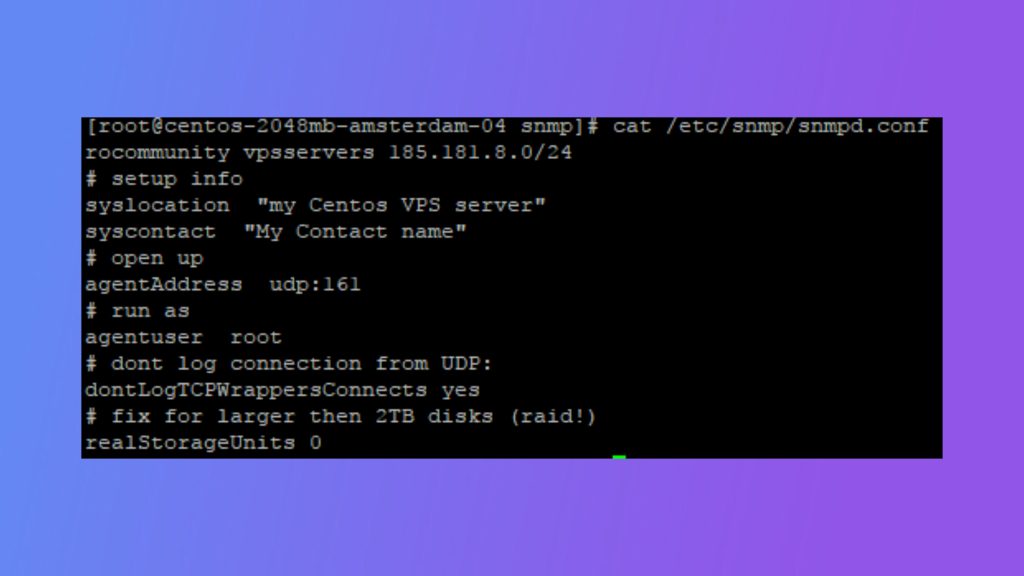
- Replace
MyStrongCommunitywith a long random string. The defaultpublicis well known and unsafe. - Replace
203.0.113.10with the IP of your monitoring server.localhostlimits it to the server itself. - On Ubuntu,
agentaddressmay be set in/etc/default/snmpdor the config file. If it only listens on localhost, change it.
SNMP v1 and v2c send the community string in clear text. For better security use SNMP v3 with a user and encryption: run sudo net-snmp-create-v3-user -ro -A AuthPassword -a SHA -X PrivPassword -x AES monitoruser (stop snmpd first).
Step 4: Start the service
sudo systemctl enable snmpd
sudo systemctl restart snmpd
sudo systemctl status snmpd
Step 5: Open the firewall
firewalld (CentOS family):
sudo firewall-cmd --permanent --add-rich-rule='rule family="ipv4" source address="203.0.113.10" port protocol="udp" port="161" accept'
sudo firewall-cmd --reload
UFW (Ubuntu):
sudo ufw allow from 203.0.113.10 to any port 161 proto udpStep 6: Test
On the server:
snmpwalk -v2c -c MyStrongCommunity localhost systemYou should see the system description and uptime. From the monitoring server, use the server IP instead of localhost.
Get one value:
snmpget -v2c -c MyStrongCommunity localhost 1.3.6.1.2.1.1.1.0Troubleshooting
- Timeout: the firewall blocks UDP 161, or the agent listens only on localhost.
- No such object: the community string or the allowed source IP is wrong.
- Look at the logs with
journalctl -u snmpd.
Quick recap
- Install
net-snmp(orsnmpd), set a strong community and a source IP. - Open UDP 161 only for the monitoring server and test with
snmpwalk.