

Why Ubuntu on a VPS
- Cost. A VPS costs less than a dedicated server.
- Scalability. You can add resources as you grow.
- Security. Ubuntu gets regular security updates.
- Control. You have root access and can customize the system.
- Community. Many guides and packages are available.
What is a custom kernel
The kernel is the core of the operating system. A custom kernel is one that you configure and compile yourself, or install from a special source. People use it for:
- Performance. Remove what you do not use and tune parameters.
- Hardware support. Add drivers that the standard kernel lacks.
- Security. Add patches and hardening options.
- Special uses. Real-time, high-performance or special network setups.
Before you start
Check that your VPS can boot its own kernel:
- KVM (full virtualization) VPS servers can usually run their own kernel.
- OpenVZ and LXC containers share the host kernel and cannot change it.
Check the type with systemd-detect-virt. If the answer is kvm, you can continue.
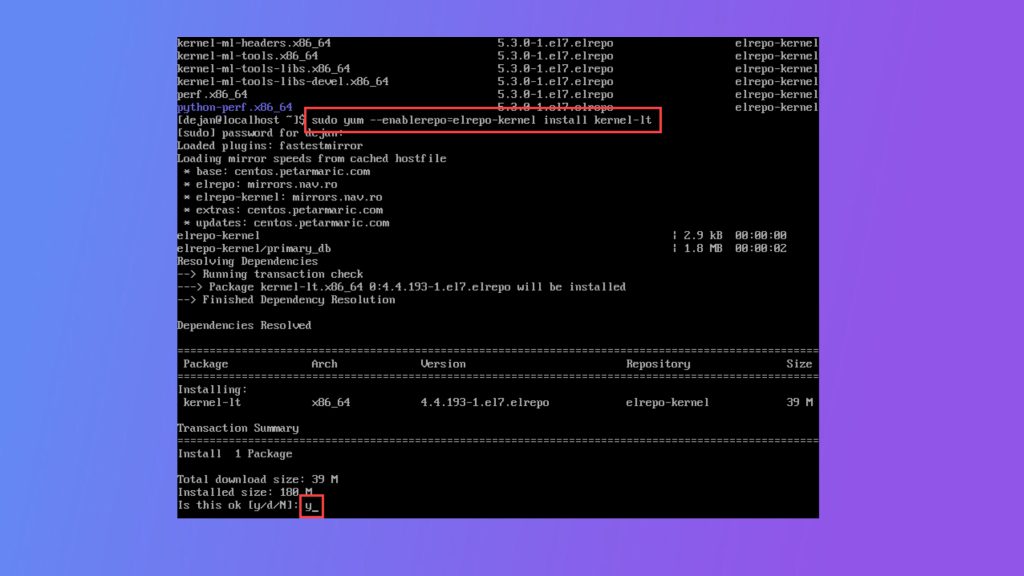
The easy way: install a ready-made kernel
Before you compile anything, check the kernels from Ubuntu:
apt search linux-image | grep -E "generic|hwe|lowlatency"
sudo apt install linux-generic-hwe-22.04
The lowlatency and hwe kernels cover many needs. Reboot and select the kernel in GRUB.
Build your own kernel
1. Install the build tools
sudo apt update
sudo apt install build-essential libncurses-dev bison flex libssl-dev libelf-dev bc dwarves wget
2. Download the source
Get the version you want from kernel.org and extract it:
wget https://cdn.kernel.org/pub/linux/kernel/v6.x/linux-6.8.tar.xz
tar -xf linux-6.8.tar.xz
cd linux-6.8
3. Start from your current configuration
cp /boot/config-$(uname -r) .config
make olddefconfig
4. Customize it
make menuconfigChoose the options to enable, build as modules or remove. Save and exit.
5. Compile
make -j$(nproc)It can take from several minutes to hours, depending on the VPS.
6. Install the modules and the kernel
sudo make modules_install
sudo make install
make install copies the kernel to /boot and usually updates the initramfs and GRUB.
7. Update the initramfs and GRUB if needed
sudo update-initramfs -c -k 6.8.0
sudo update-grub
Use your real kernel version.
8. Reboot and check
sudo reboot
uname -r
The output should show the new version.
If the server does not boot
Use the console of your control panel. In the GRUB menu choose Advanced options for Ubuntu and boot the old kernel. Keep the old kernel installed until you are sure the new one works.
Quick recap
- Check that the VPS is KVM and take a backup.
- Prefer a ready-made kernel; build your own only when you must.